
模拟 · Minimal Organization · Public authorities
Tax office
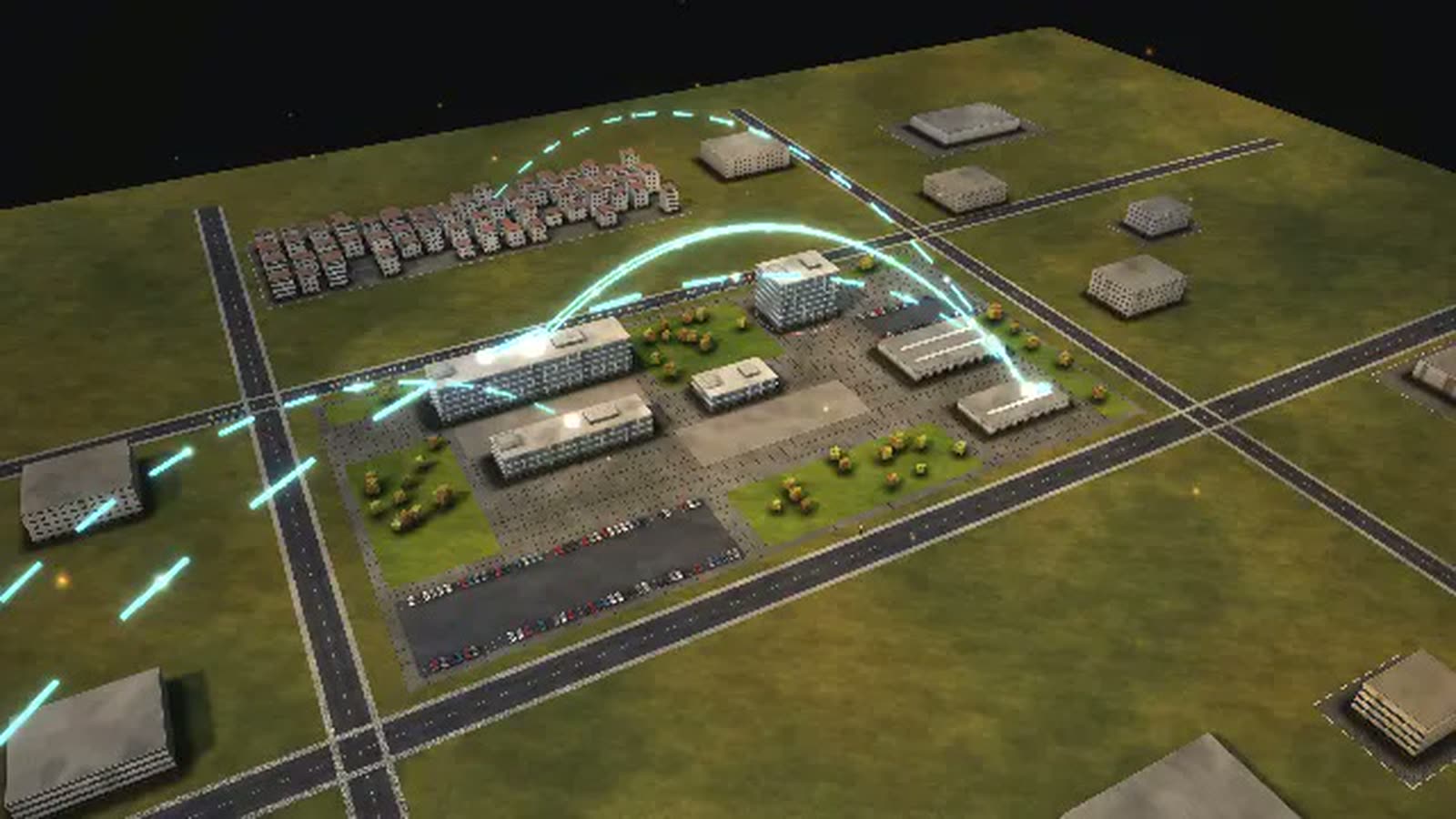
A tax office as a walkable model: how an income tax return travels from receipt to notice, where it waits and what speeds up processing.
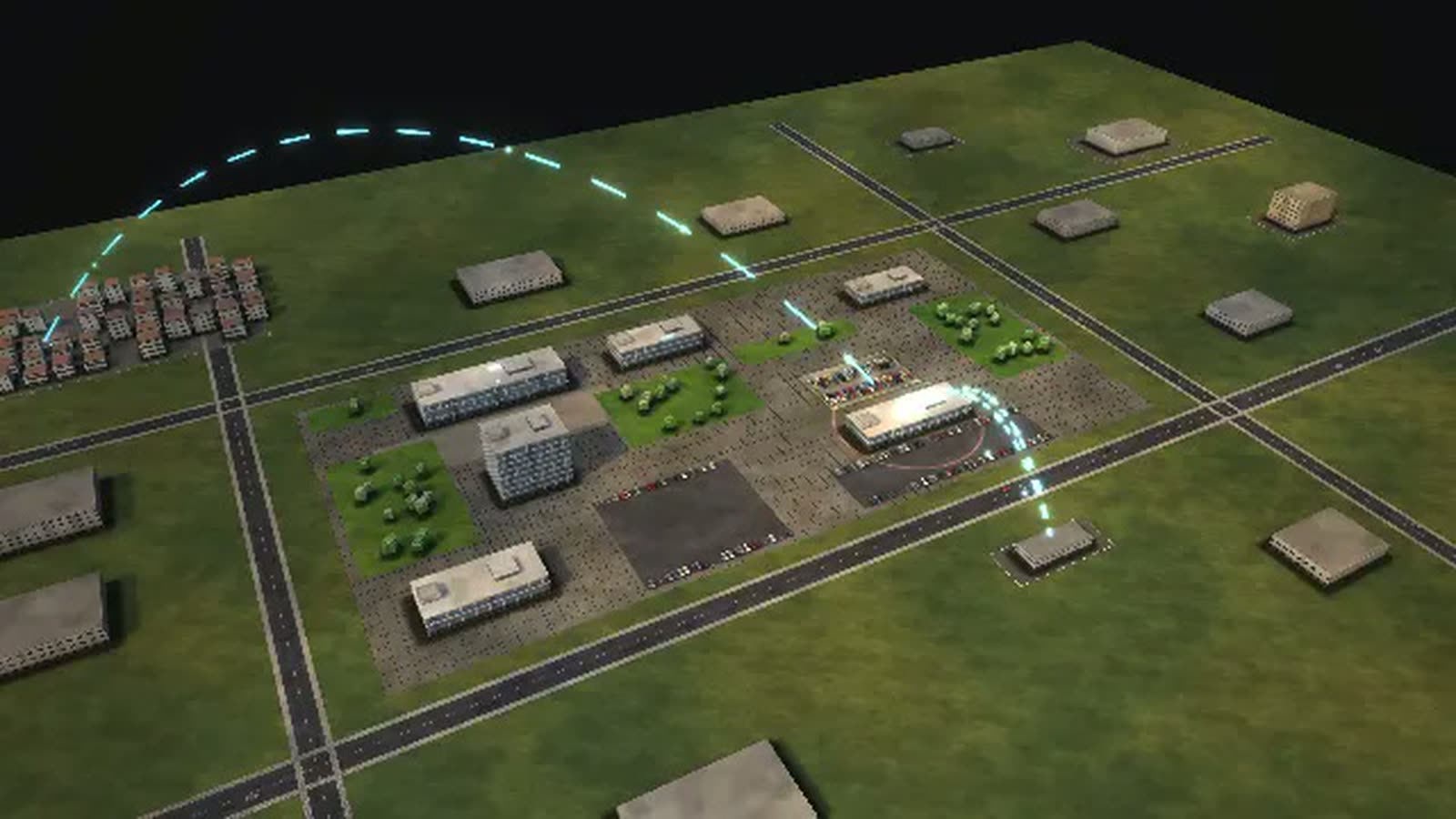
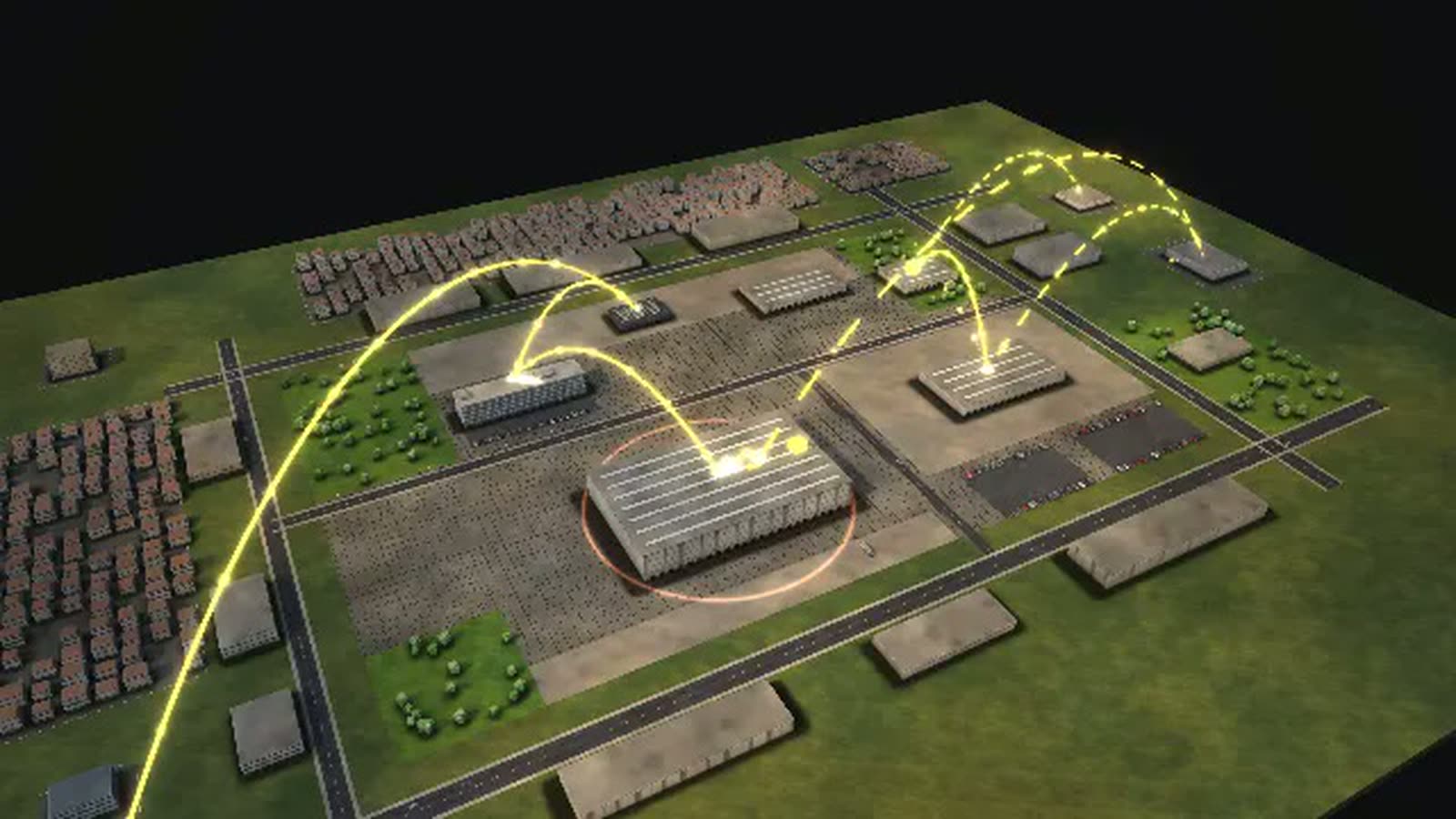
All data are fictional. The model can be adapted to your office's real data and filled with information that is not visible anywhere today – for example actual backlogs per district, or upcoming retirements per unit as a future gap.
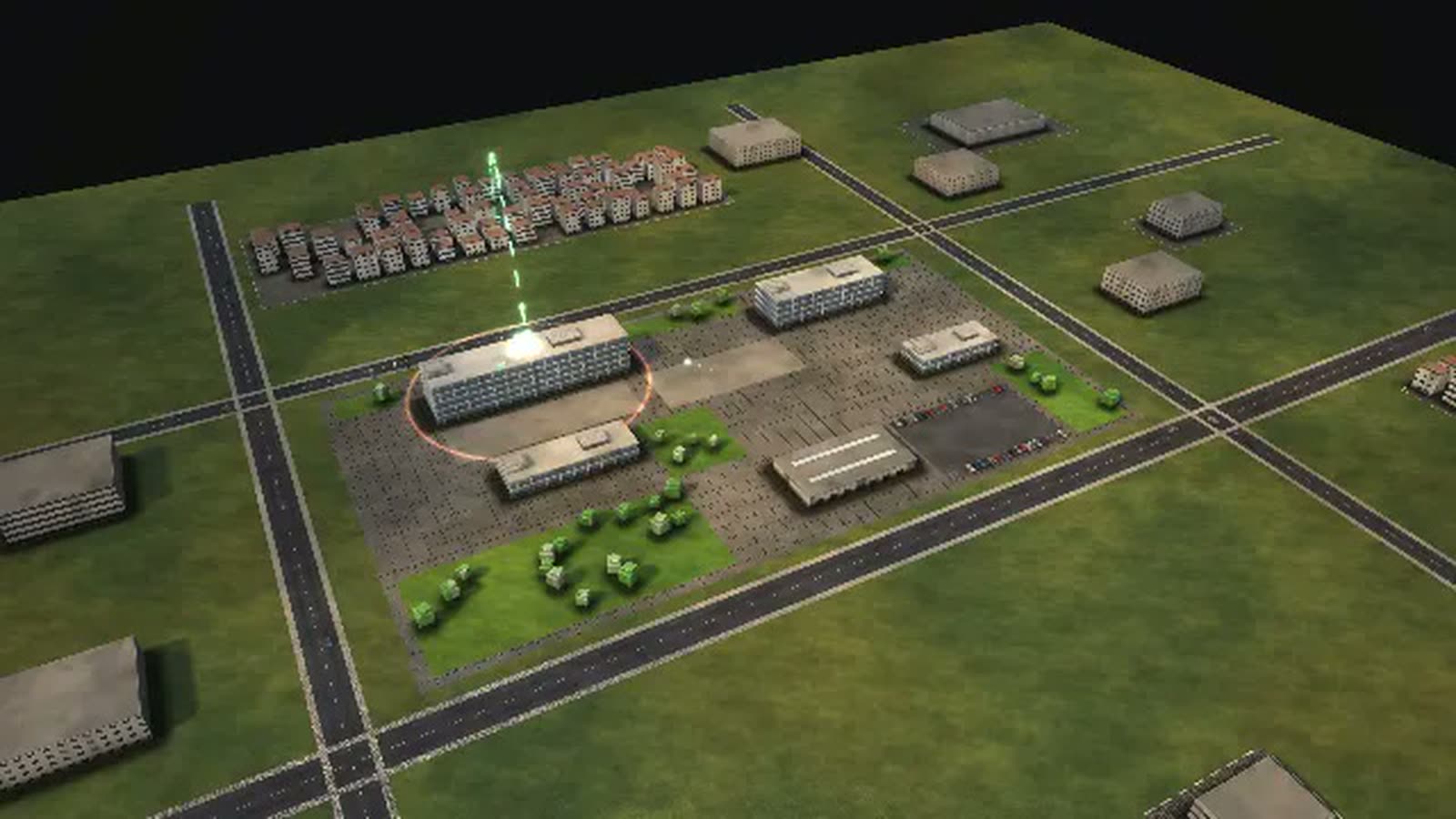
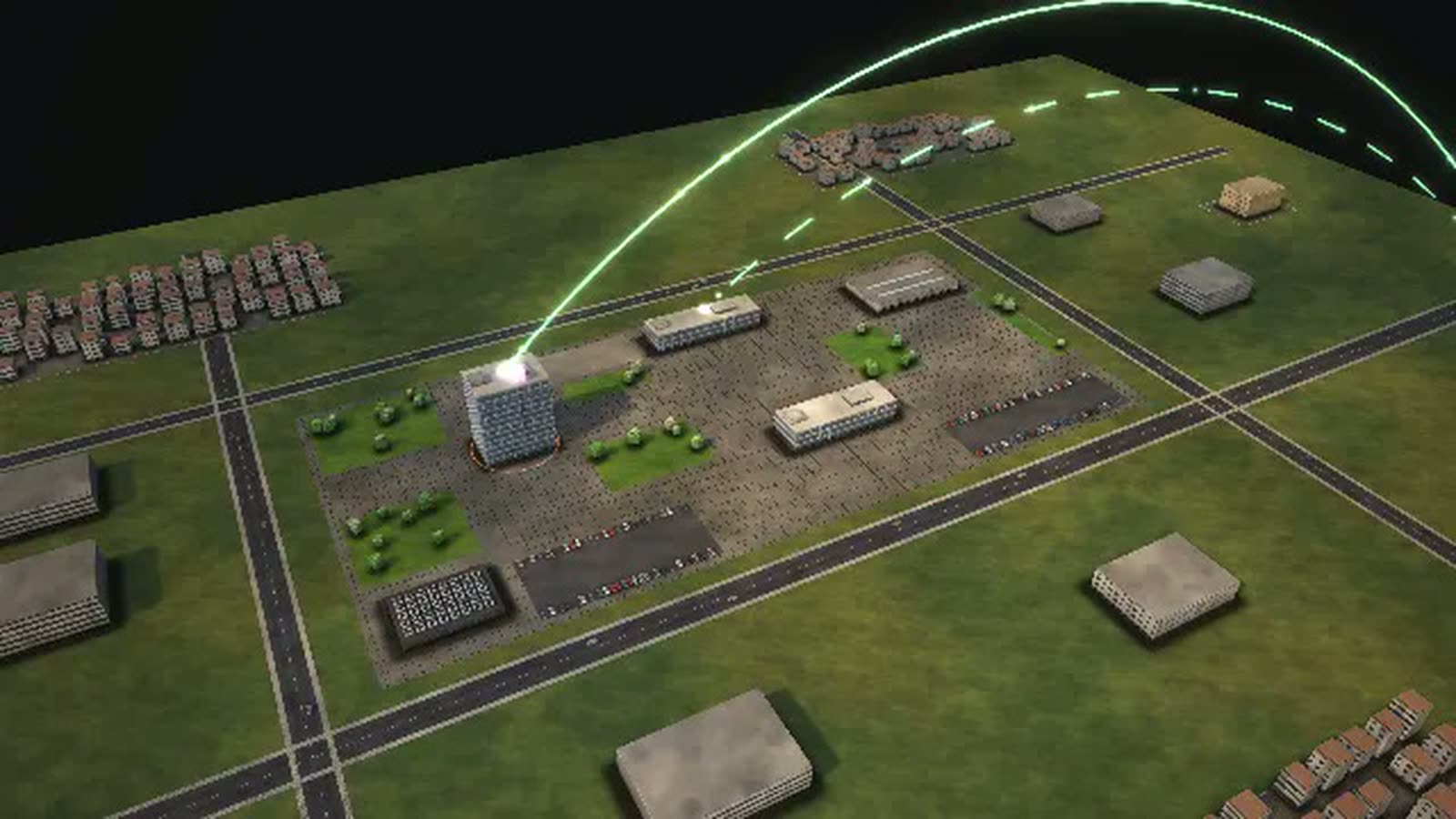
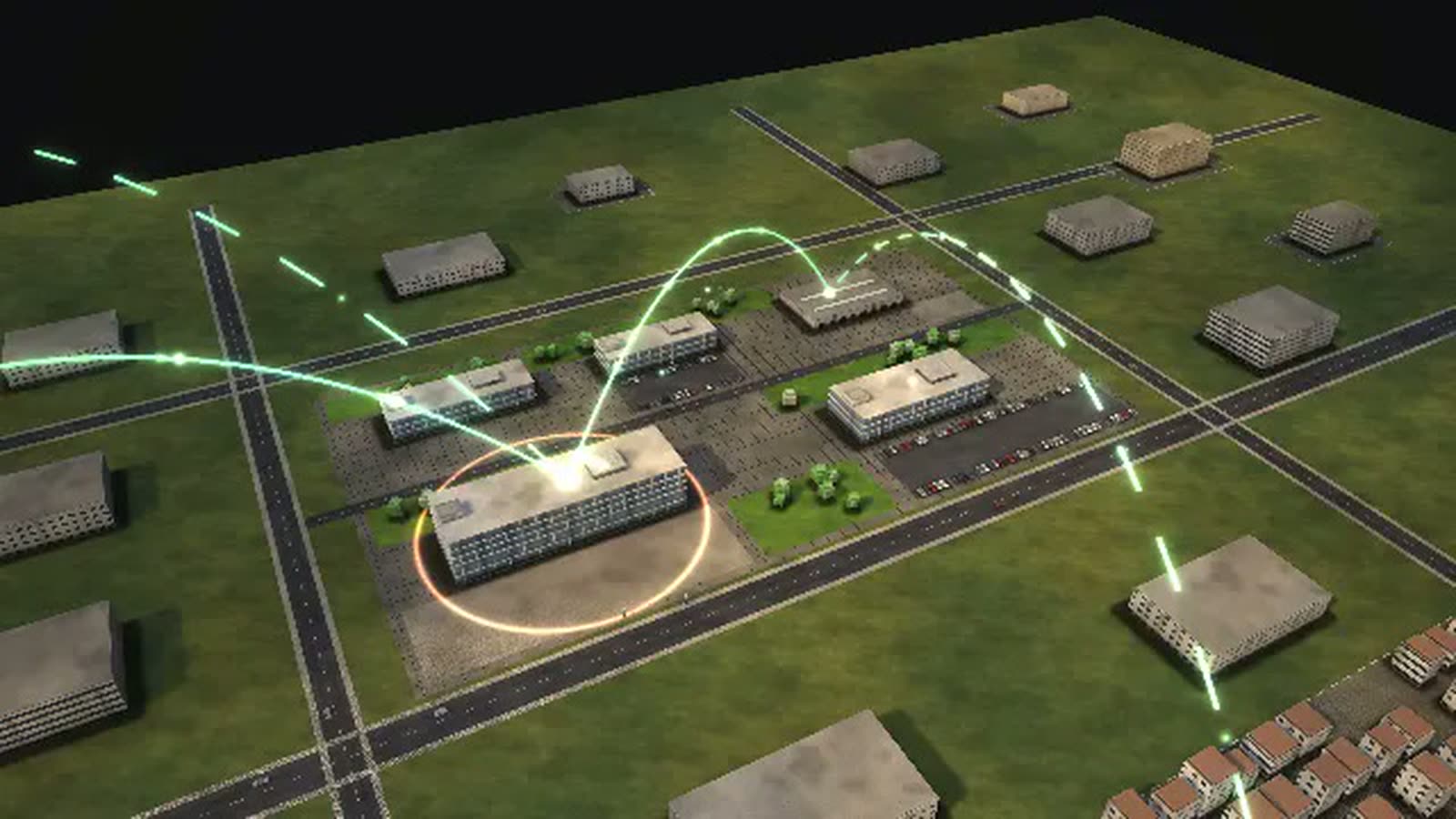
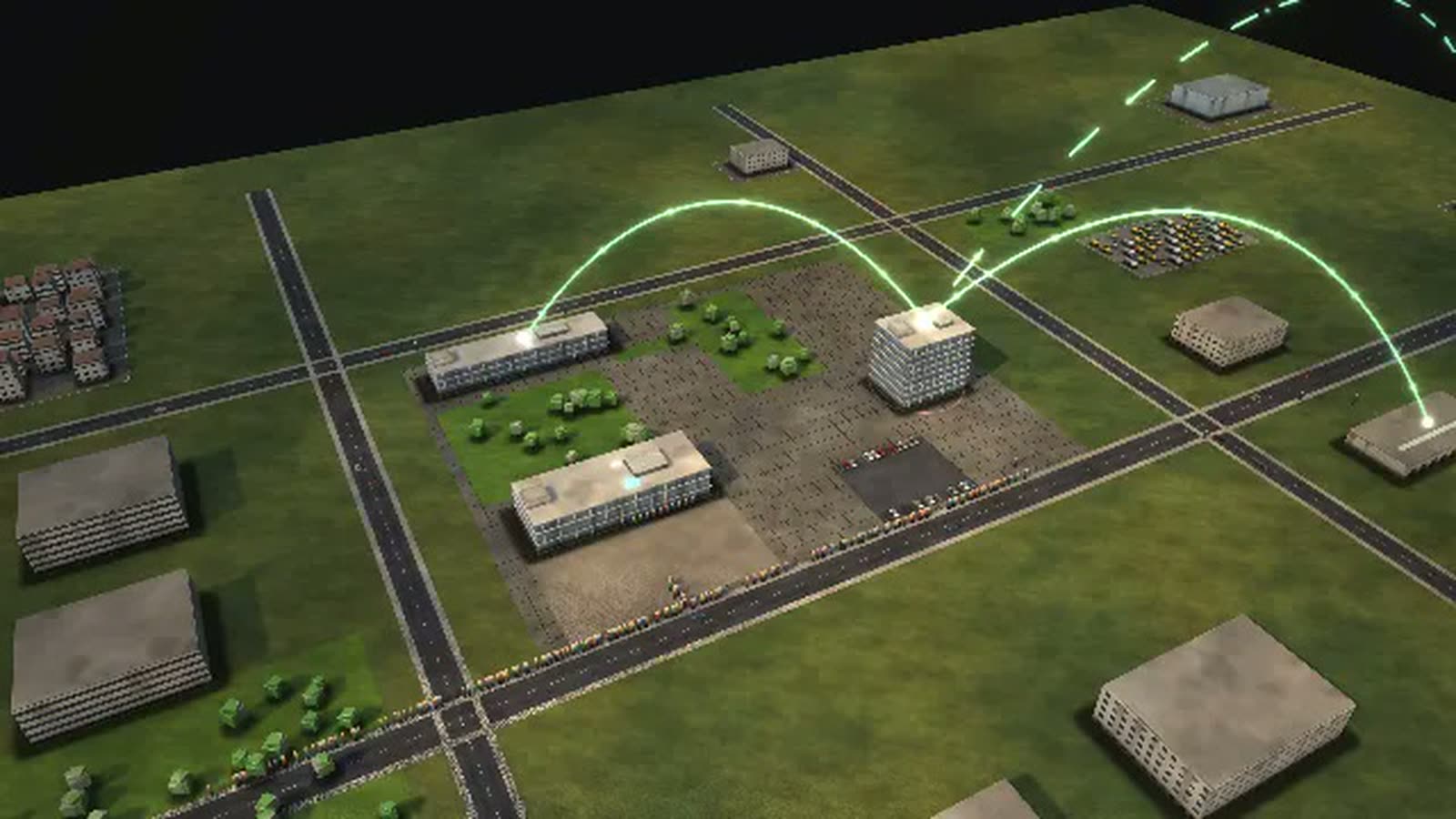
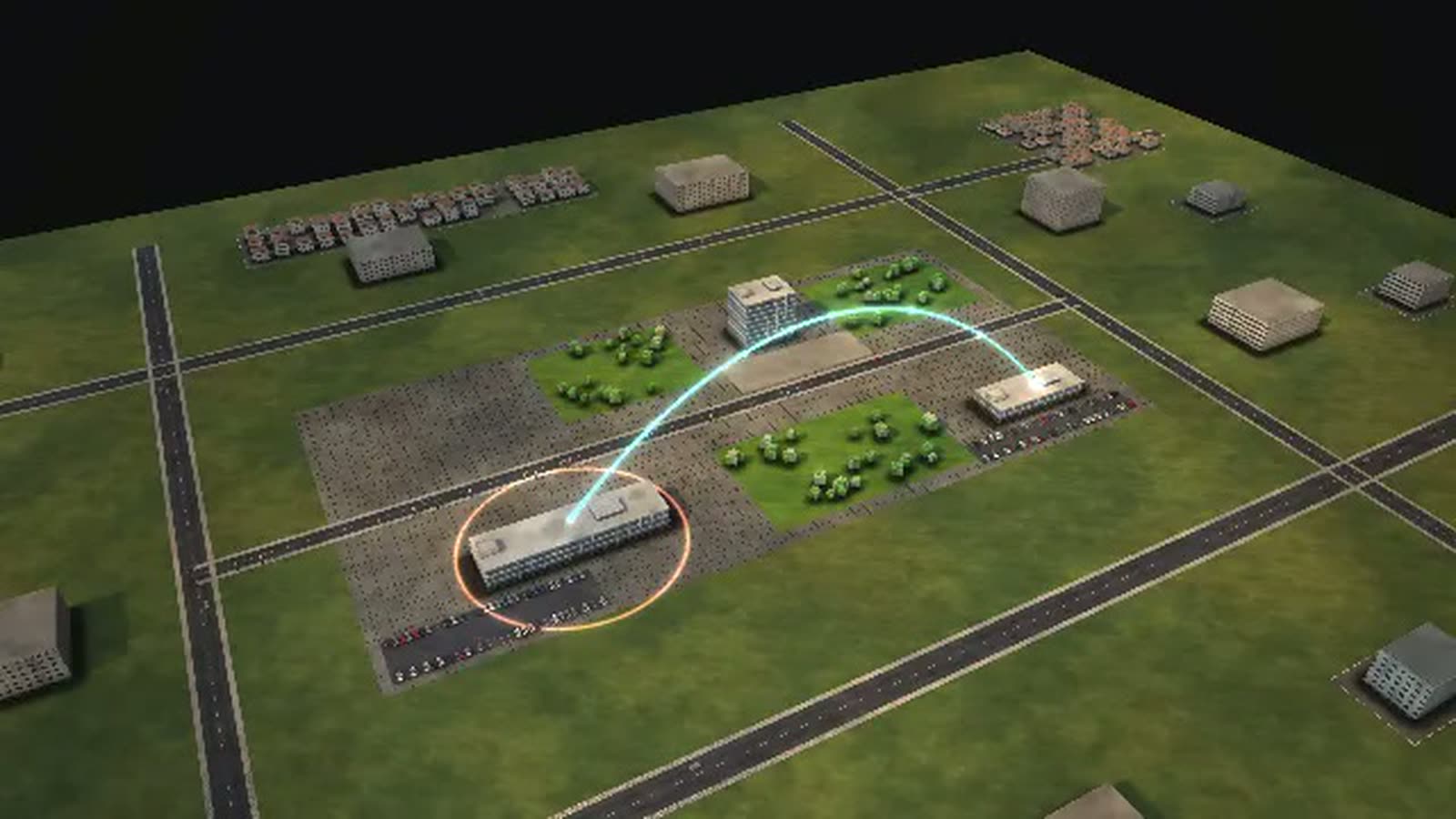
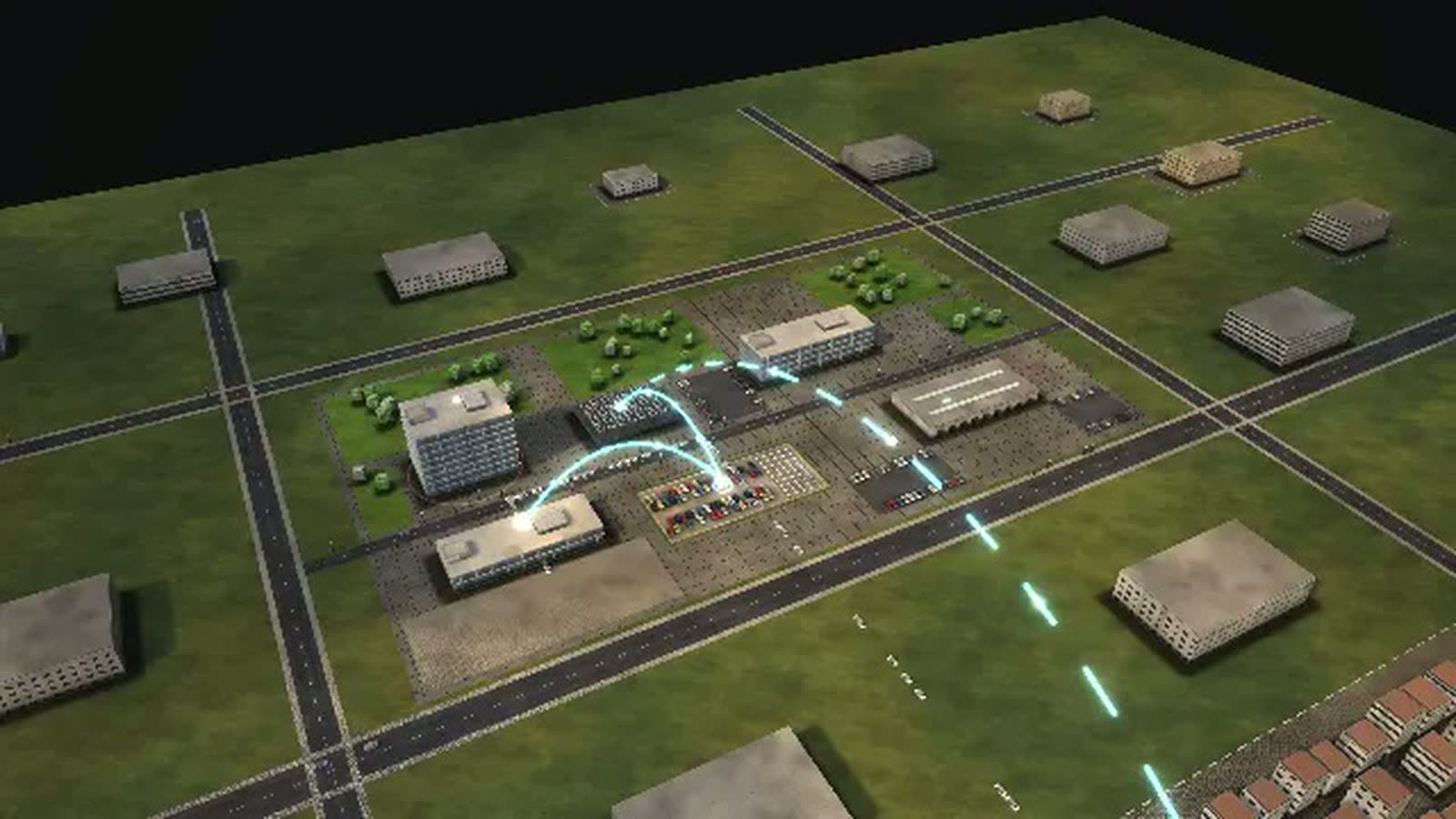
This tax office process simulation shows how an assessment office works, using the fictional FINANZAMT WESTERBRÜCK with six buildings and 18 departments. Machines sort the returns at night, people resolve the doubtful cases – and every notice can be challenged.
The main process follows an income tax return. It arrives through ELSTER, Germany's online filing system, or on paper via the scanning line, is checked automatically in the night run and is then either assessed without human input or placed in a district's work queue. There, caseworkers resolve risk flags, request receipts or release the case. Time is measured up to the notice; the eight-week target is a model setting, not a statutory deadline.
Objections, a tax audit at a trade business and visits to the service centre run alongside. This page is written for heads of tax offices, unit managers and everyone who plans staffing or training in tax administration: what the model shows, how you can use it and what it would reveal if it modelled your own office.
An income tax return is processed
- 01
File the return: A married couple sends its income tax return via ELSTER – or drops it into the letterbox on paper.
- 02
Scanning line: The mail room opens, sorts and scans the paper return.
- 03
Night run: automatic risk check: In the night run, risk management compares the figures with electronic data: wage tax certificate, pension, insurance contributions.
- 04
Assessment in the procedure: Automatic case: the procedure assesses the tax fully automatically.
- 05
Districts' work queue: The return waits in the work queue of its district – worked through in order of receipt.
- 06
Caseworker employee district: A caseworker in the employee district resolves the risk flags: commuting costs, home office, tradesmen's invoices.
- 07
Caseworker general district: The general district handles business, professions and letting.
- 08
Taxpayers send receipts: Query: the taxpayers are asked to send receipts.
- 09
Again: Taxpayers send receipts: Query to the self-employed: cash book, logbook, leases.
- 10
Quality assurance sample: Quality assurance checks the case again under the four-eyes principle.
- 11
Again: Assessment in the procedure: The district releases; the procedure assesses the tax and creates the notice.
- 12
Printing, mailing and ELSTER inbox: The data centre prints and mails the notice; digitally it lands in the ELSTER inbox. Time is measured up to here.
- 13
Cash office pays out: The cash office transfers the refund.
- 14
Taxpayers pay: Additional payment: the taxpayers have one month.
- 15
Enforcement: Enforcement sends reminders, agrees instalments or garnishes the account.
- 16
Refunded.
- 17
Paid.
- 18
Assessed, nothing to pay.
- 19
Collected.
How a tax office can use the model
-
Internal communication
From the mail and scanning centre to the appeals unit, the whole office fits in one picture. The collaboration view draws arcs between the units that work together most closely.
适用对象Head of office, administration office, staff council
-
Onboarding
New staff follow one return through the building – from the letterbox through the night run into their own district – and see where their work starts and where it goes next.
适用对象New staff in assessment, service and collection
-
Training
Trainees change controls such as district staffing or trigger a flu wave and watch the work queue grow. The ‘Who leads whom’ diagram explains how an office is organised.
适用对象Training managers, tax trainees and students
-
Explaining to taxpayers
Why does the notice take time? The model shows how returns bunch up before 31 July, what a query costs in time and what an objection sets in motion – as a picture rather than a leaflet.
适用对象Service centre, public relations, taxpayers
-
Strategic overview
More automatic cases, more filled posts, digital audits: the ‘What each control does’ diagram puts the levers for processing time side by side. Deadline peaks and objection waves show when capacity runs out.
适用对象Office management, regional directorate, ministry
What is shown – why – for whom
| 展示内容 | 为什么 | 适用对象 |
|---|---|---|
| Backlog per assessment district (resources view) | 为什么Shows in which district deadlines are missed. | 适用对象Head of office, unit managers |
| ‘How a case flows’ diagram: automatic case or district | 为什么Shows the share of returns assessed without human input. | 适用对象Head of office, regional directorate |
| ‘What each control does’ diagram: risk management, staffing, service counters, digital audit | 为什么Ranks the levers for processing time. | 适用对象Head of office, ministry |
| ‘Year, week, day’ diagram: the 31 July deadline and the night run | 为什么Explains the peaks in the tax year. | 适用对象Workforce planning, citizens |
| ‘Where it gets tight’ diagram: the appeals unit during a wave of objections | 为什么Shows what follows when a court ruling makes headlines. | 适用对象Appeals unit |
| ‘Where the time goes’ diagram: waiting time in the work queue | 为什么Shows how much time goes into waiting rather than working. | 适用对象Unit managers, organisation team |
| ‘Who leads whom’ diagram: head of office, units, districts | 为什么Shows how an office is structured. | 适用对象Training, tax trainees |
Departments in the model
-
Head of office
Heads the tax office and answers for uniform and lawful taxation.
-
Administration office
Staff, budget, training, building and archive.
-
IT unit
Workstations, specialist procedures, link to the data centre.
-
Quality assurance and internal audit
Samples cases from all districts – independent of the units, reporting to the head.
-
Staff council
Elected staff representation; no reporting line to the head.
-
Information and service centre
Accepts returns, answers questions, helps with ELSTER.
-
New registrations
Issues tax numbers for newcomers and start-ups.
-
Mail room and scanning centre
Opens, sorts and scans all paper into the e-file.
-
Assessment: employee districts
Income tax of employees and pensioners: resolve risk flags, assess.
-
Assessment: general districts
Business, professions, letting: income tax, trade tax base.
-
Valuation and property tax
Property tax values and assessment notices for the city.
-
Corporations and partnerships
Limited companies, associations, partnerships: corporate tax and determinations.
-
VAT
Advance returns, input tax, VAT special audits.
-
Wage tax employer unit
Employers' wage tax returns and wage tax audits.
-
Tax cash office
Books payments, pays out refunds, grants deferrals.
-
Enforcement
Sends reminders, garnishes accounts, sends bailiffs.
-
Appeals unit
Decides objections the district cannot grant; represents the office in court.
-
Tax audit
Audits businesses on site: records, cash, data – over weeks and months.
All processes in the model
An income tax return is processed
- 01File the return: A married couple sends its income tax return via ELSTER – or drops it into the letterbox on paper.
- 02Scanning line: The mail room opens, sorts and scans the paper return.
- 03Night run: automatic risk check: In the night run, risk management compares the figures with electronic data: wage tax certificate, pension, insurance contributions.
- 04Assessment in the procedure: Automatic case: the procedure assesses the tax fully automatically.
- 05Districts' work queue: The return waits in the work queue of its district – worked through in order of receipt.
- 06Caseworker employee district: A caseworker in the employee district resolves the risk flags: commuting costs, home office, tradesmen's invoices.
- 07Caseworker general district: The general district handles business, professions and letting.
- 08Taxpayers send receipts: Query: the taxpayers are asked to send receipts.
- 09Again: Taxpayers send receipts: Query to the self-employed: cash book, logbook, leases.
- 10Quality assurance sample: Quality assurance checks the case again under the four-eyes principle.
- 11Again: Assessment in the procedure: The district releases; the procedure assesses the tax and creates the notice.
- 12Printing, mailing and ELSTER inbox: The data centre prints and mails the notice; digitally it lands in the ELSTER inbox. Time is measured up to here.
- 13Cash office pays out: The cash office transfers the refund.
- 14Taxpayers pay: Additional payment: the taxpayers have one month.
- 15Enforcement: Enforcement sends reminders, agrees instalments or garnishes the account.
- 16Refunded.
- 17Paid.
- 18Assessed, nothing to pay.
- 19Collected.
An objection to a tax notice
- 01Lodge an objection: A tax adviser lodges an objection for her client – within one month of the notice.
- 02Register the objection: The objection is registered in the e-file and passed to the district.
- 03District checks whether to grant: The district checks: can it grant the objection?
- 04Send reasons and receipts: The firm sends reasons and receipts.
- 05Assessment in the procedure: Granted: an amended notice replaces the old one.
- 06Notice: withdraw the objection?: The district explains why the objection has little prospect; the firm withdraws it.
- 07Appeals unit decides: The appeals unit re-examines the case legally – independent of the district.
- 08Hearing: Hearing with the taxpayer and the firm in the meeting room.
- 09Printing, mailing and ELSTER inbox: The objection decision is served.
- 10Lawsuit at the fiscal court: Lawsuit at the fiscal court; the appeals unit represents the tax office.
- 11Granted.
- 12Withdrawn.
- 13Final.
- 14Judgment.
A tax audit at a trade business
- 01Selection and audit order: The audit unit selects a trade business and sends the audit order.
- 02Business prepares records: The business prepares receipts, cash data and accounts.
- 03Audit at the business: An auditor works at the business and in the office: sales, cash, materials, wages.
- 04Business answers audit questions: The business answers audit questions and shows contracts.
- 05Closing meeting: Closing meeting with owner and tax adviser: the findings are on the table.
- 06Audit report: The audit report sums up the findings.
- 07General district and VAT evaluate the report at the same time.
- 08Evaluation: income and trade tax: Income and trade tax are recalculated.
- 09Evaluation: VAT: VAT for the audited years is amended.
- 10Both evaluations are in.
- 11Assessment in the procedure: Amended notices for all audited years.
- 12Printing, mailing and ELSTER inbox: The notices go to the business.
- 13Tax investigation: Suspected tax evasion: the audit is interrupted, tax investigation takes over.
- 14No change.
- 15Closed.
- 16Handed to investigation.
A visit to the service centre
- 01Take a number: A pensioner takes a number: he wants to hand in his return and has a question about his notice.
- 02Counter at the service centre: At the counter: forms, information, help with ELSTER, accepting documents.
- 03Call-back from the district: The district calls back and answers the question.
- 04Done.
What you can change
Controls
- Incoming returns: Before 31 July a particularly large number of returns arrive at once.
- Staffing of the districts: More filled posts: more cases at once and shorter waiting in the work queue (model assumption).
- Risk management: automatic cases: How many returns are assessed without a human. More automatic cases relieve the districts; errors are only caught in samples.
- Counters at the service centre: How many counters are staffed in the morning.
- Digital tax audit: With direct access to the accounting data the audit is faster (model assumption).
Disruptions
- Assessment procedure outage: For four hours nothing is assessed; the counter can only accept documents.
- Flu wave in the districts: For two weeks a quarter of the caseworkers are missing.
- Wave of objections after a ruling: A court ruling makes headlines: for three weeks three times as many objections.
- Scanning line and e-file down: For six hours no paper is scanned and no objection registered.
What a tax office gains
-
01
An office you can walk through
Instead of org charts and slides: six buildings that open up floor by floor, with departments, rooms and people. Where returns wait, they pile up on the roofs.
-
02
Queues you can see
An event simulation runs tax returns, objections, tax audits and service centre visits at the same time. When the work queue backs up, the model shows it at once.
-
03
Test levers without risk
Five controls and four disruptions, from the filing deadline to an outage of the assessment system. At a bottleneck, a tip names the control that relieves it.
-
04
Diagrams calculated live
14 diagrams in four groups update while the simulation runs – from the flow of a return to the office's organisation chart.
-
05
In the browser and on the big screen
A browser is enough at the desk, and the model also holds up on large projections at management meetings. A guided tour in eight steps shows where everything is on the first visit.
-
06
Five more authorities next door
Job centre, local court, police, district administration and health insurer are part of the same model, and an overview shows all 36 organisations in eight groups. Designed by an artist and developer.
Basis and limits
Fictional tax office · model based on researched administrative structures · no statement about real authorities
1 case = 2 tax returns, 1 objection, 1 tax audit or 1 visit · 1 figure ≈ 12 employees
All volumes, durations, rates and capacities are model assumptions, not values of a real tax office.
The eight-week target is a model setting; there is no statutory deadline for the notice. Waiting in the work queue is shown as a separate step without a capacity limit.
Documented: electronic filing and risk management with fully automated assessment, objection within one month with review by the district, field audit with closing meeting and report.
Tax investigation is shown as a separate office outside; in some states it belongs to a tax office.
Public sources the model is based on:
- Abgabenordnung (AO)
- Finanzgerichtsordnung (FGO)
- Finanzverwaltungsgesetz (FVG)
- Finanzverwaltung NRW: Aufbau
- BMF-Monatsbericht 09/2025: Einspruchsbearbeitung
- Bund der Steuerzahler: Bearbeitungscheck 2025
- Baden-Württemberg: Bilanz der Steuerverwaltung 2025
- Betriebsprüfungsordnung (2026 neu gefasst als Außenprüfungsordnung)
Your tax office as a model
Would you like to see your own office this way, with your districts, backlogs and deadlines? Write to us or give us a call, and we will discuss which data the model needs. If you would like to explore the simulation first, we will send you the password on request.
cube4tec.de/spiele/minimal-organization/
就此咨询
Minimal Organization: Finanzamt
Similar business models
-
Job centre
A job centre as a walkable model: how a benefit claim moves from reception to payment, where missing documents hold it up and how job placement runs alongside.
-
Health insurer
A statutory health insurer as a walkable model: how a wheelchair application moves from quote to decision, when the medical service steps in and where deadlines get tight.
-
District administration
A rural district administration as a walkable model: why the morning queue at vehicle registration grows, what shortens it and where the district office runs short of staff.
-
Local court
A local court as a walkable model: what happens between claim and judgment, where the months go and which levers shorten proceedings without touching judicial independence.
-
City administration
A large city's administration as a walkable model: see how a building application moves through the departments, how council and committees meet and where people queue at the counter.
-
Insurance company
An insurer as a walkable model: a motor claim runs straight through or via claims handler, loss adjuster and workshop to payment and recovery.
-
Police authority
A city police authority as a walkable model: what happens after an emergency call, how many patrols it takes and what shortens the time to arrival.
-
Online retail
An order from click to doorstep as a walkable model: payment check, warehouse, packing, trucks, sortation and delivery in a running simulation.
All data are fictional. The model can be adapted to your office's real data and filled with information that is not visible anywhere today – for example actual backlogs per district, or upcoming retirements per unit as a future gap.