
Simulazione · Minimal Organization · Public authorities
District administration
A rural district administration as a walkable model: why the morning queue at vehicle registration grows, what shortens it and where the district office runs short of staff.
Trailer
All data are fictional. The model can be adapted to your district's real data and then also shows what is not visible anywhere today – for example actual waiting times per counter, or caseload and processing time at the immigration office.
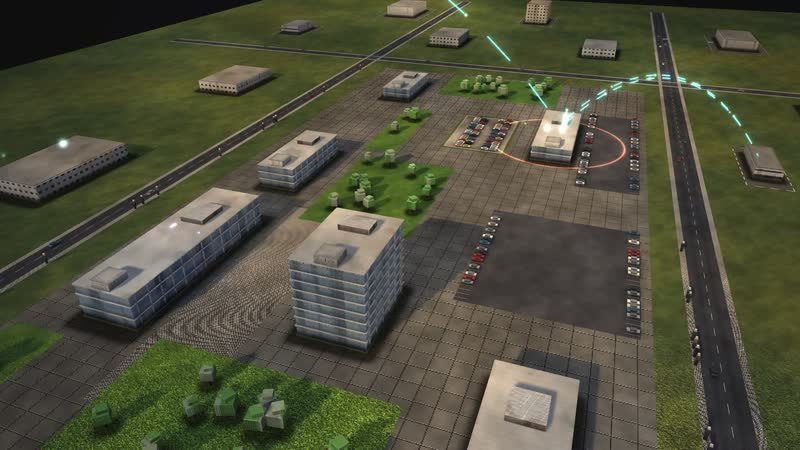
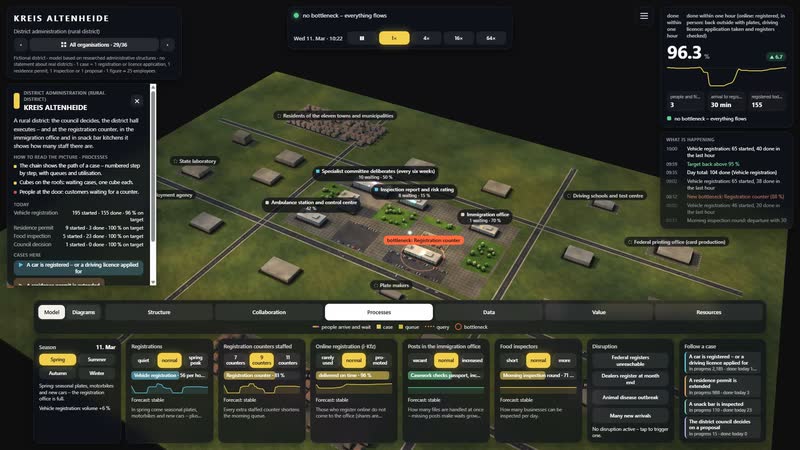
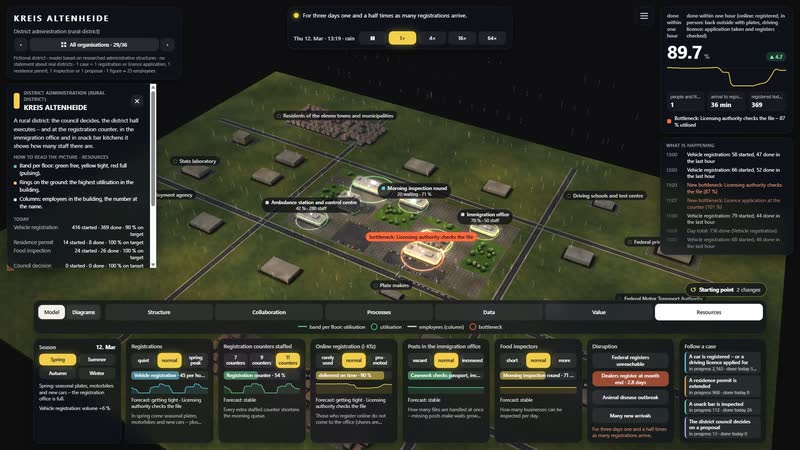
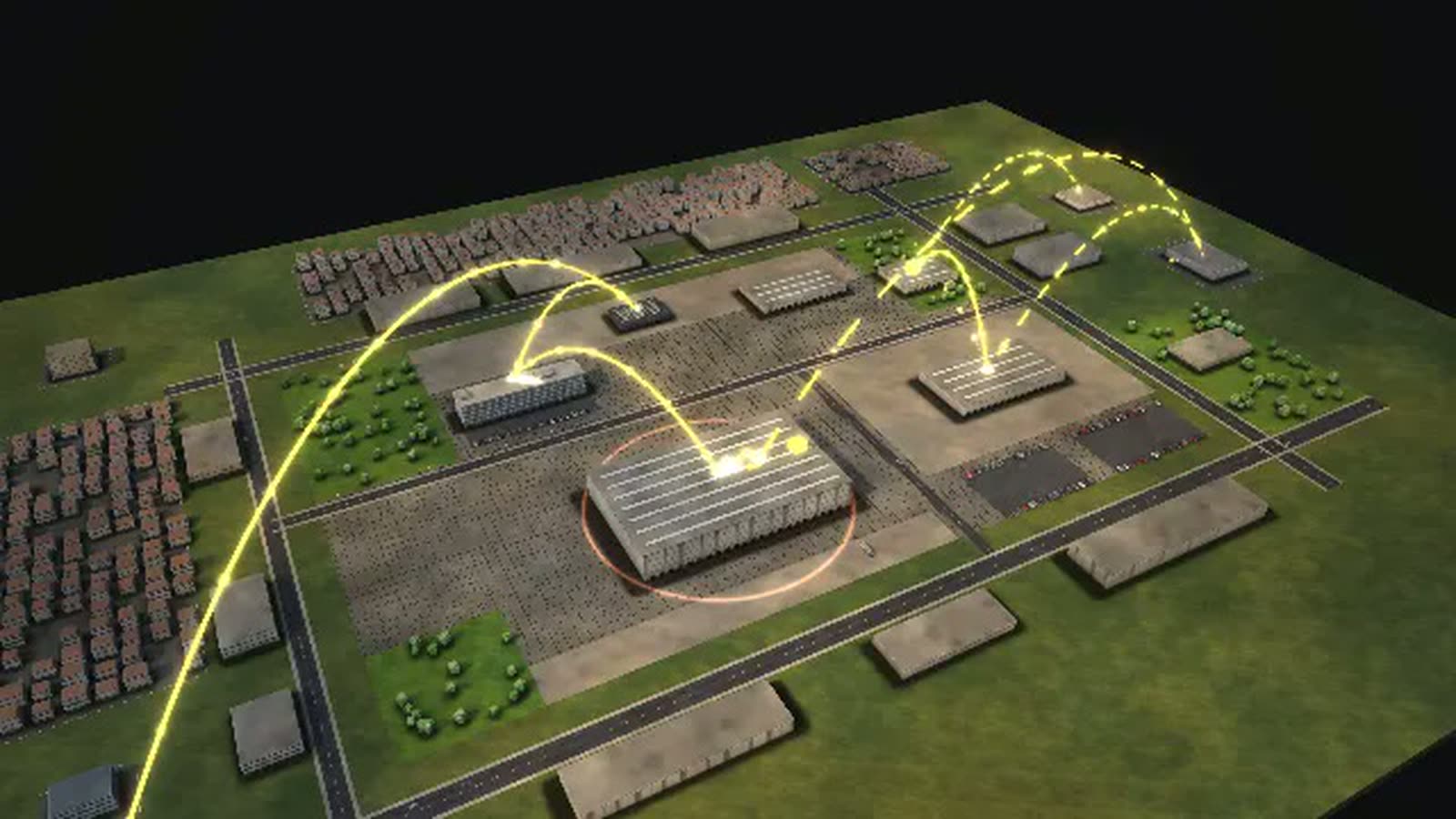
This vehicle registration queue simulation shows the fictional KREIS ALTENHEIDE, a German rural district: why the morning queue grows and what shortens it. The council decides, the district hall executes – and at the registration counter, in the immigration office and in snack bar kitchens it shows how many staff there are.
The main process starts with a man who wants to register a used car: online via i-Kfz, Germany's online vehicle registration, at the road traffic office or at the branch office North. In person, the path leads through info desk and ticket, counter, vehicle check in the yard, payment machine and plate embossing to the seals on the plates. Alongside, a student applies for her first driving licence, through to the finished card. The model target – registered or back outside with plates within one hour – is a set value, not a statutory deadline.
With residence permits, food inspections and council decisions, the model covers eight buildings and 18 departments. It is aimed at district administrators, executive boards, heads of offices, organisation teams and trainers.
A car is registered – or a driving licence applied for
- 01
Request: online or in person: A man has bought a used car and wants to register it: online, at the road traffic office or at the branch office.
- 02
i-Kfz: automatic check: With the ID app, insurance number and uncovered security codes the application runs online.
- 03
Online application checked by hand: A clerk checks the online application.
- 04
Papers and seals arrive by post: Registered – registration papers and seals arrive by post.
- 05
Registered online.
- 06
Info desk: documents and ticket: At the info desk: are insurance confirmation, inspection certificate and tax direct debit there? Then there is a ticket.
- 07
Registration counter: At the counter: the vehicle is transferred in the register, a plate number reserved.
- 08
The insurance confirmation is missing – the man has to come back another day.
- 09
Vehicle check in the yard: An imported car: the vehicle identification number is checked in the yard.
- 10
Fee at the payment machine: The fee is paid at the machine.
- 11
Plates embossed: Opposite, a private shop embosses the new plates.
- 12
Seals on the plates: Back at the counter: seals on the plates, papers handed over.
- 13
Registered.
- 14
Registration at the branch office: At the branch office North: two counters, short distances, bring your own plates.
- 15
Registered at the branch.
- 16
Licence application at the counter: A student applies for her first driving licence: eye test, first-aid course and photo attached.
- 17
Query of the federal registers: The application is taken; now the office queries the federal registers.
- 18
Licensing authority checks the file: The licensing authority checks fitness and registers.
- 19
Provide a medical report: The applicant provides a medical report.
- 20
The card is ordered, the test order goes to the test centre – at the same time.
01
A site at work
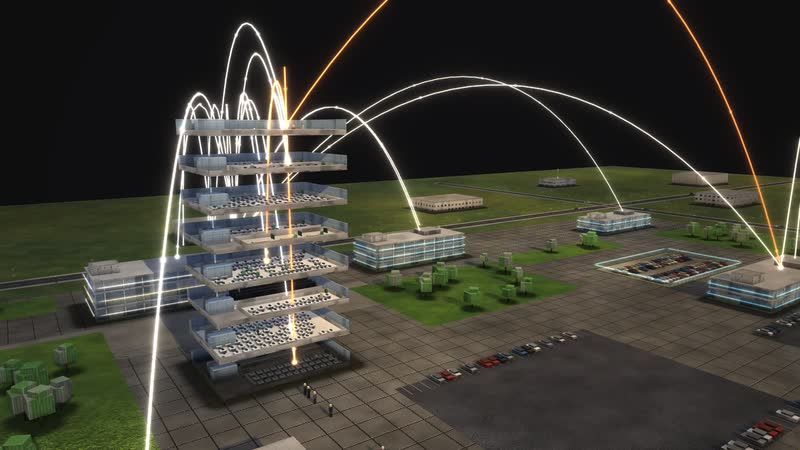
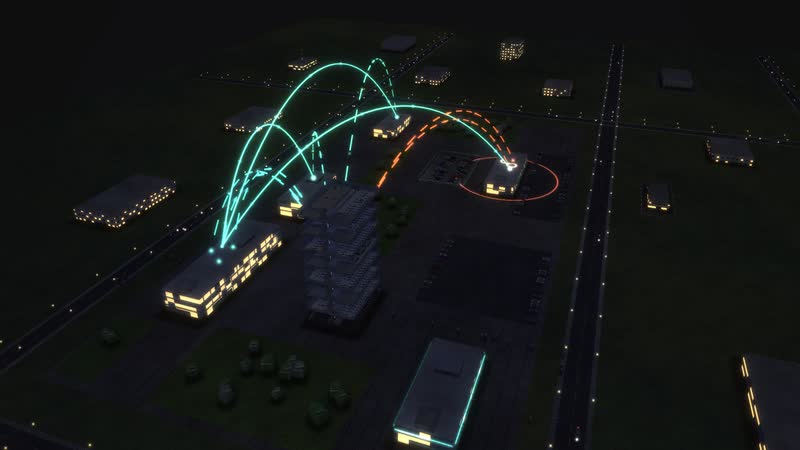
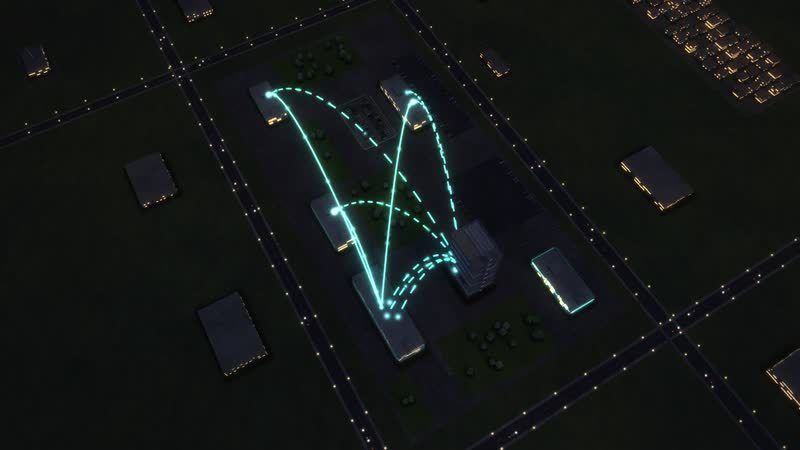
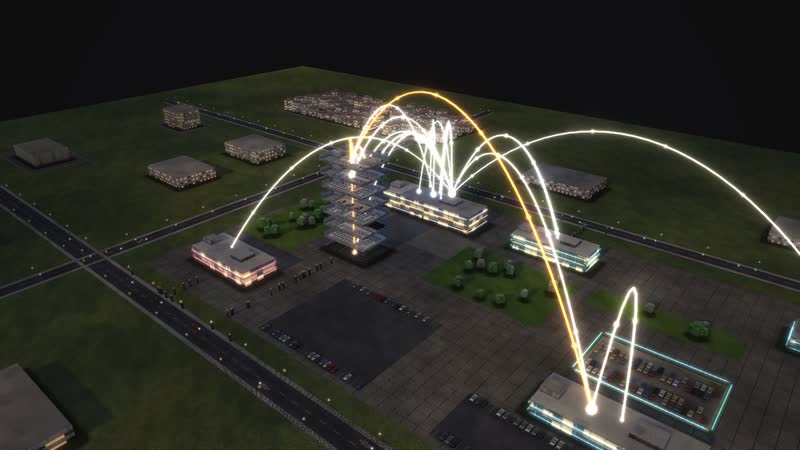
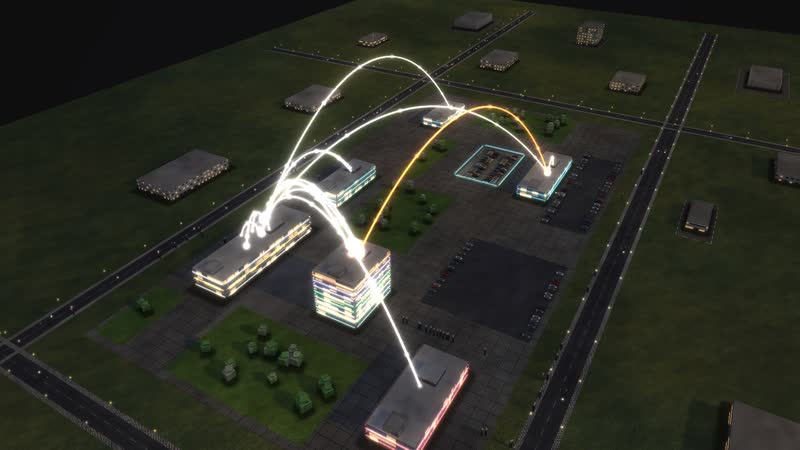
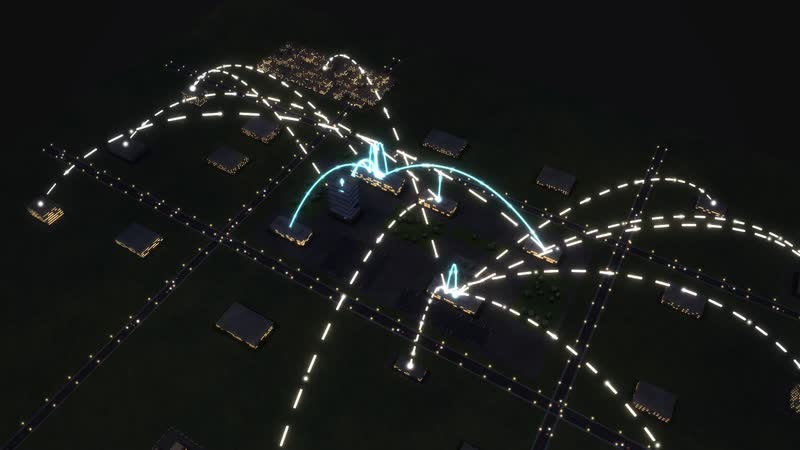
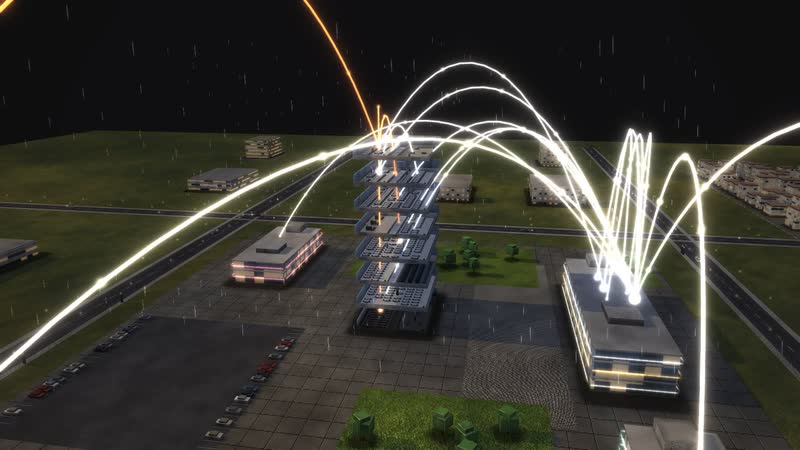
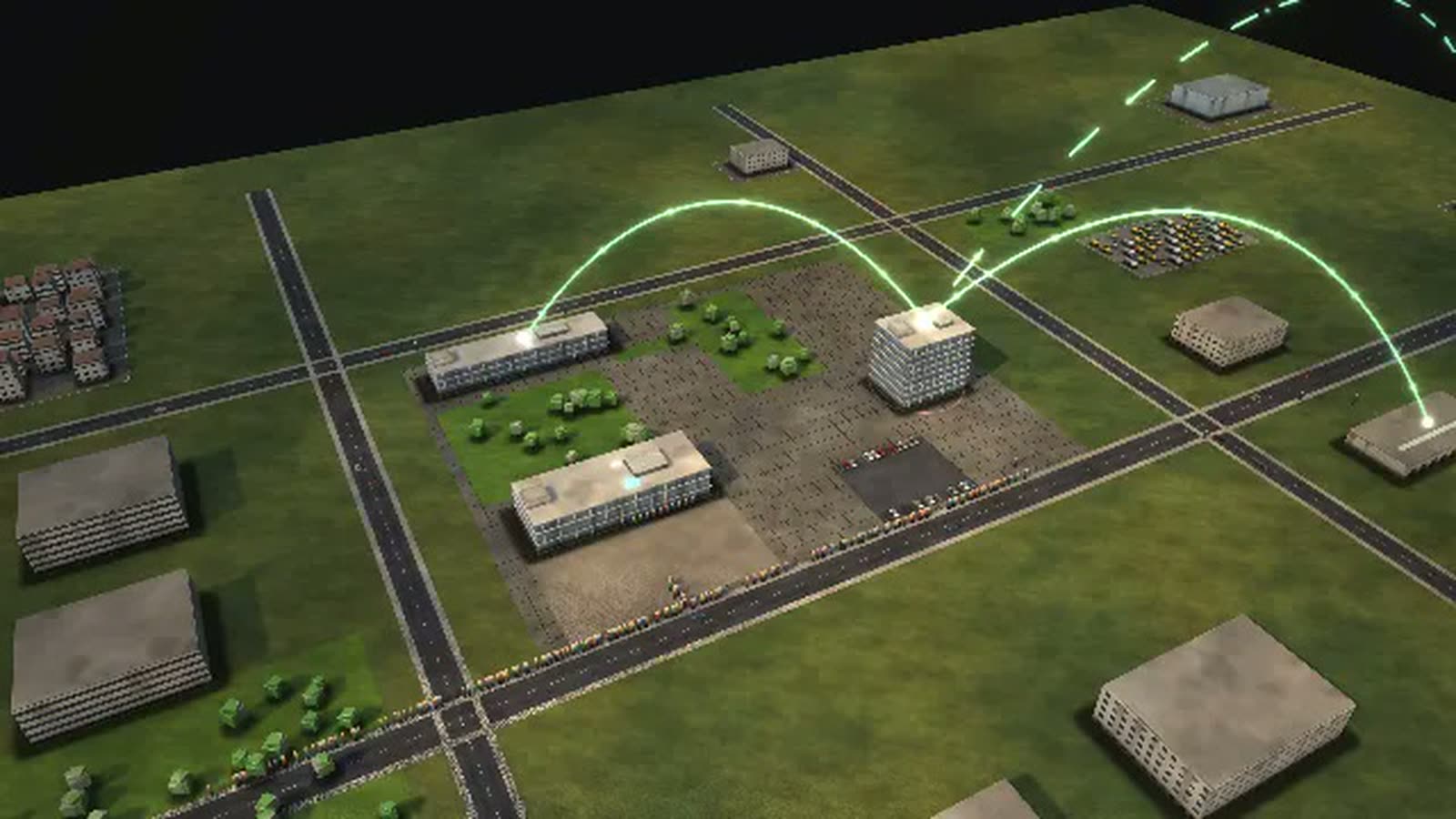
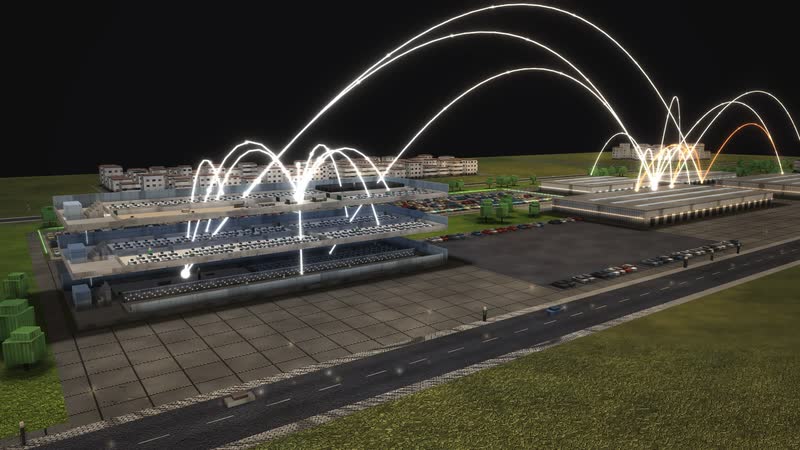
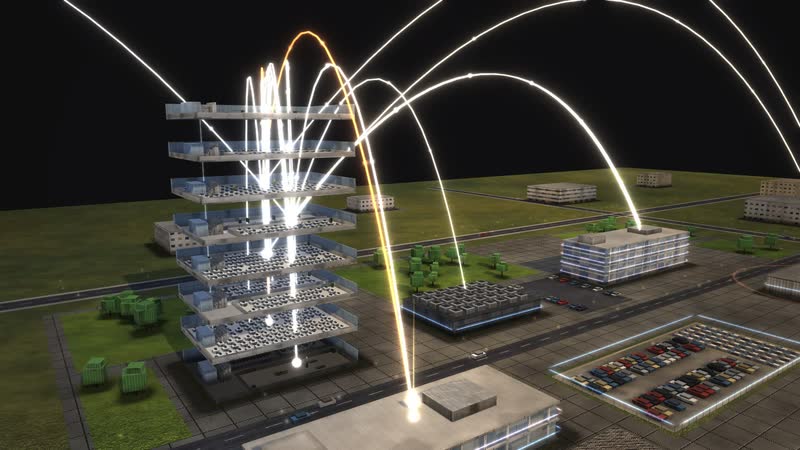
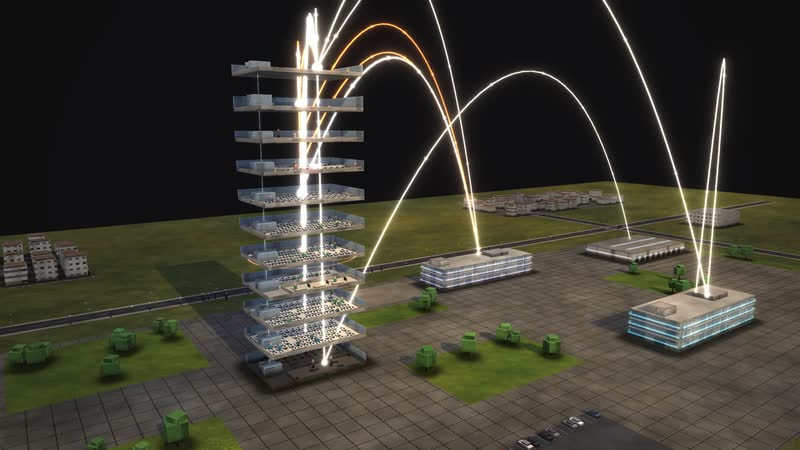
8 buildings, 18 departments, about 1,400 staff: in the evening light golden arcs show who reports to whom.
02
Every floor opened up
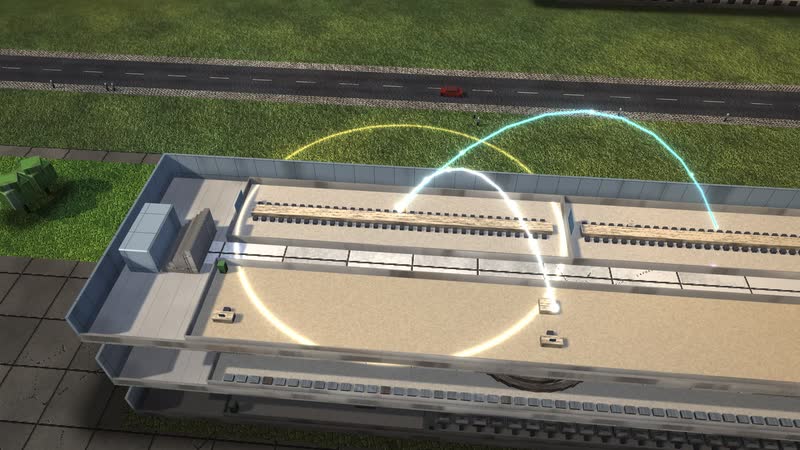
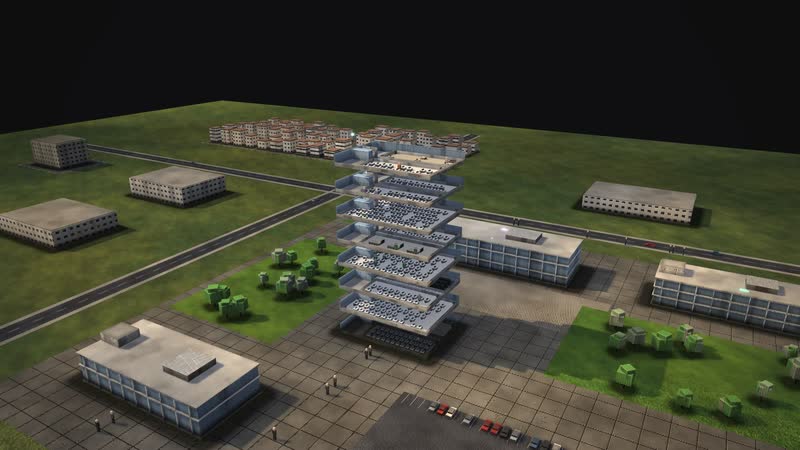
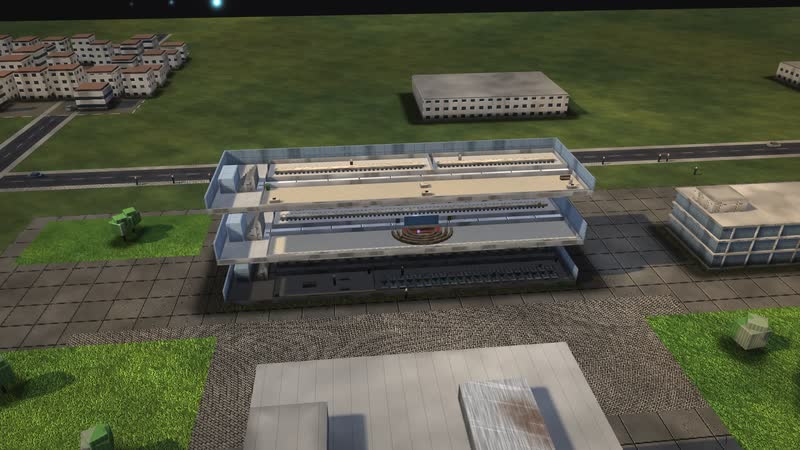
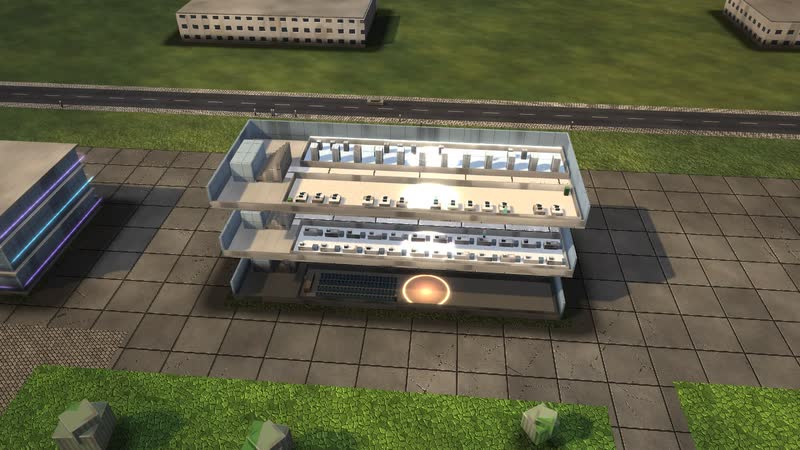
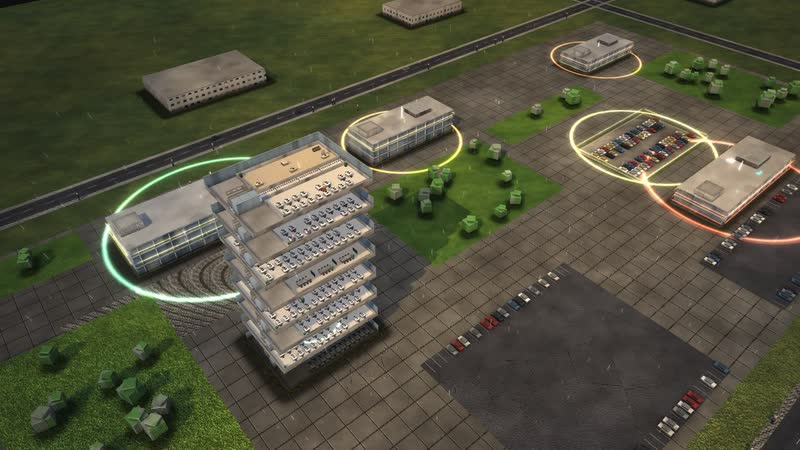
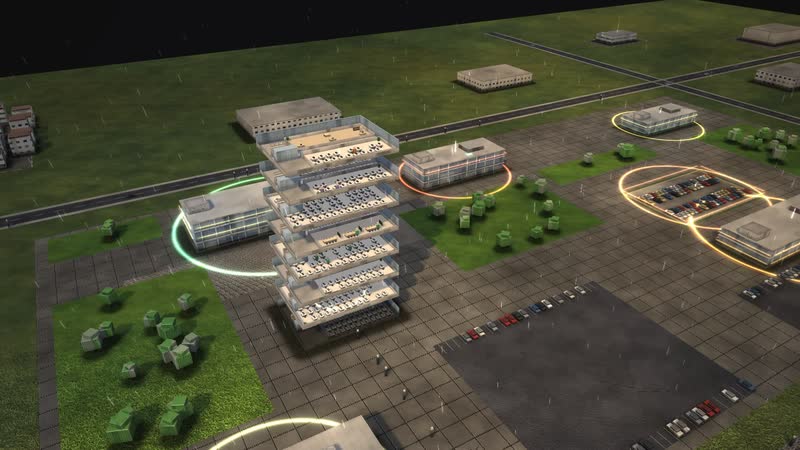
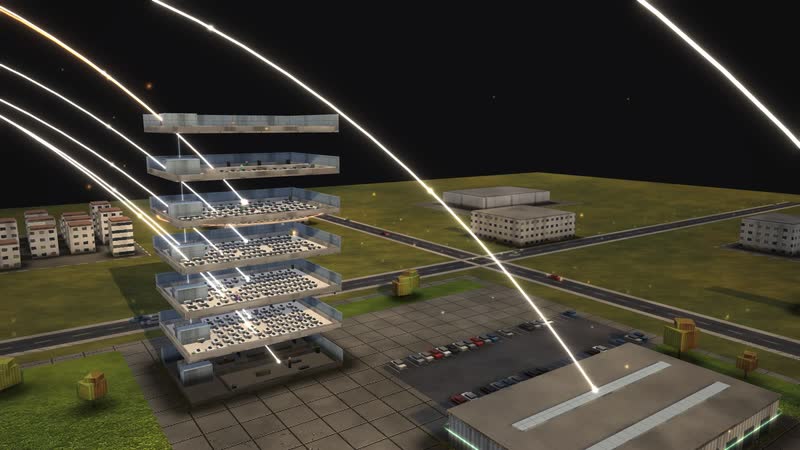
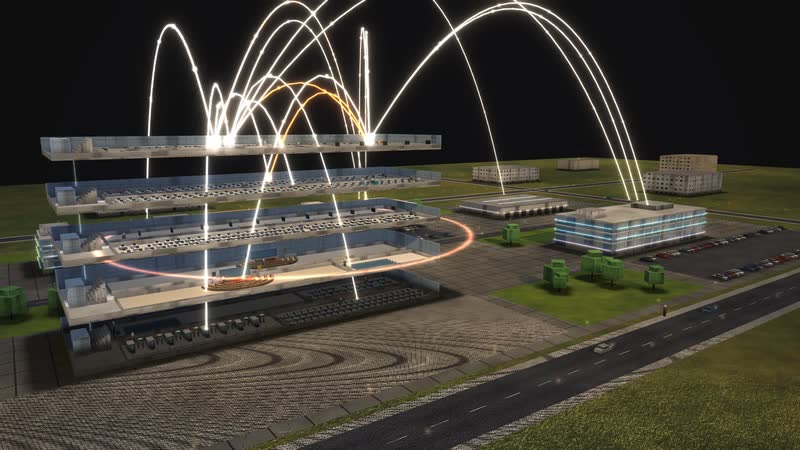
Every building can be opened, floor by floor – right into single rooms such as ‘District committee’, with workplaces and people at work.
What is shown – why – for whom
| Cosa viene mostrato | Perché | Per chi |
|---|---|---|
| ‘Where the site gets tight’ diagram: the registration office in the morning | PerchéShows the queue. | Per chiDistrict administrator, head of road traffic office |
| ‘What each control does’ diagram: counters, online registration, immigration office, food control | PerchéRanks the levers per office. | Per chiExecutive board, district council |
| ‘Year, week, day’ diagram: spring peak and month end | PerchéShows the registration peaks. | Per chiWorkforce planning |
| ‘Who leads whom’ diagram: council, district administrator, departments | PerchéShows politics and administration in the district. | Per chiTraining, residents |
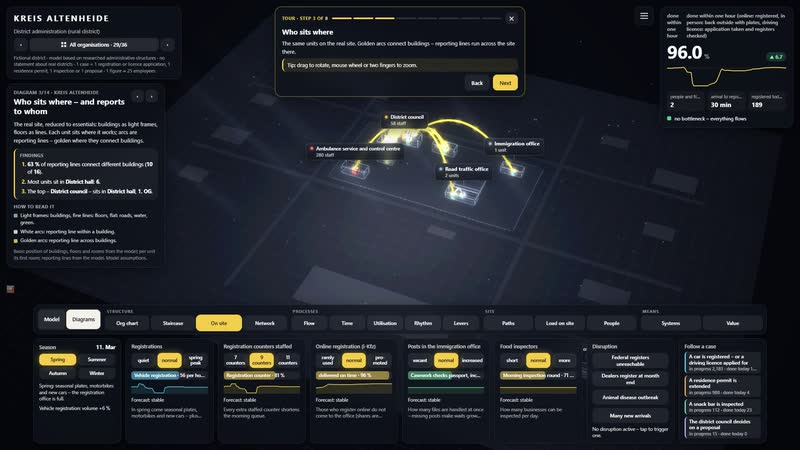
| ‘Who sits where – and reports to whom’ diagram: district hall, branch office, health office | PerchéShows locations and responsibilities. | Per chiResidents, onboarding |
| Process ‘A residence permit is extended’ | PerchéShows waits that last for months. | Per chiImmigration office, integration council |
| Process ‘A snack bar is inspected’ | PerchéShows food control at work. | Per chiVeterinary office, restaurants |
03
Who works with whom
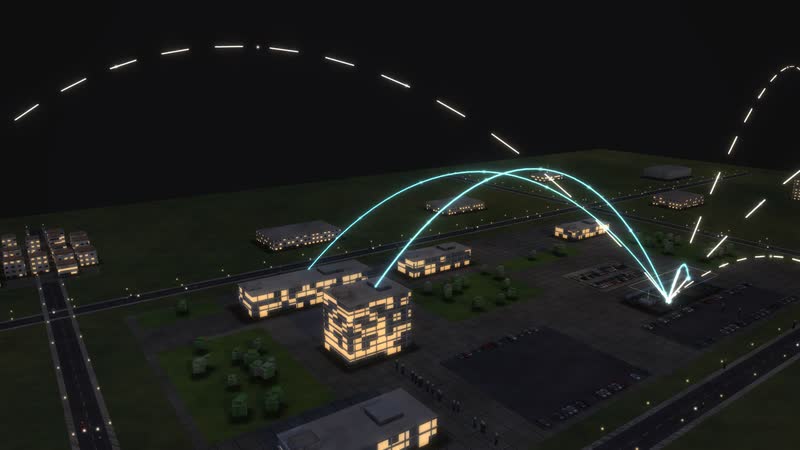
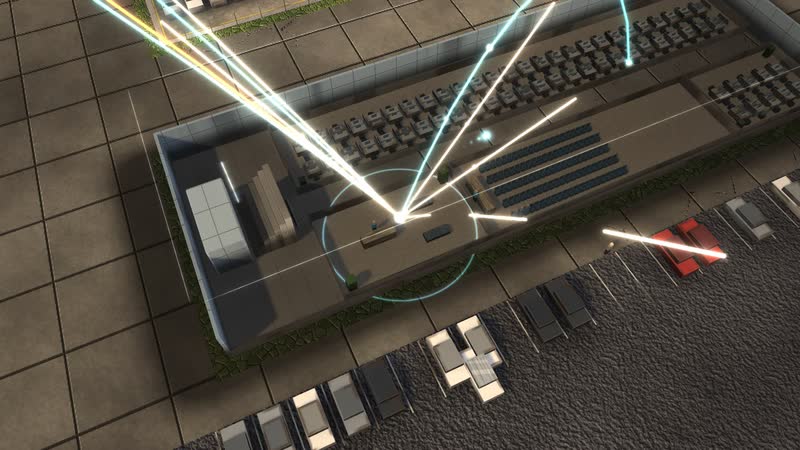
‘Road traffic office (registration)’ with all 7 relations: Driving licence office, Audit office and HR, organisation and IT – and outside Residents of the eleven towns and municipalities, Car dealers and registration services and Plate makers.
04
A car is registered – or a driving licence applied for
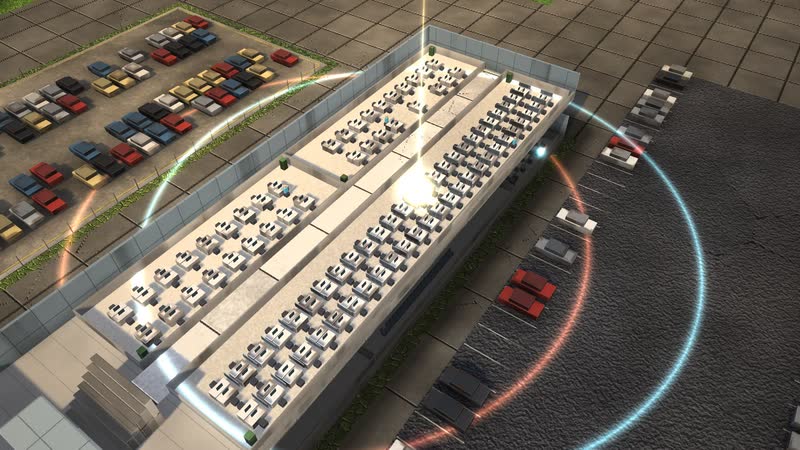
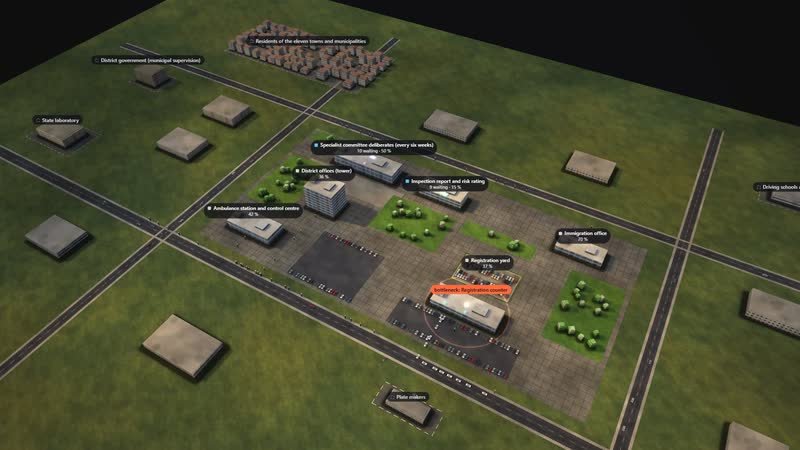
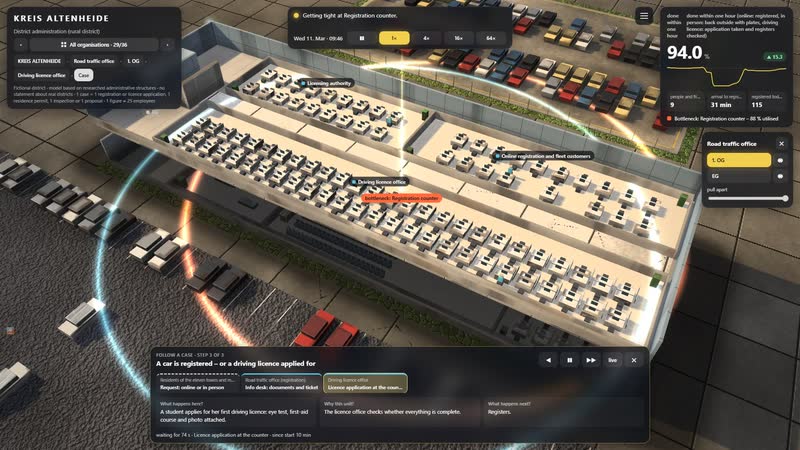
A single case can be followed – step by step, with the waiting time at every station. Target: done within one hour (online: registered, in person: back outside with plates, driving licence: application taken and registers checked).
Films from the model
-
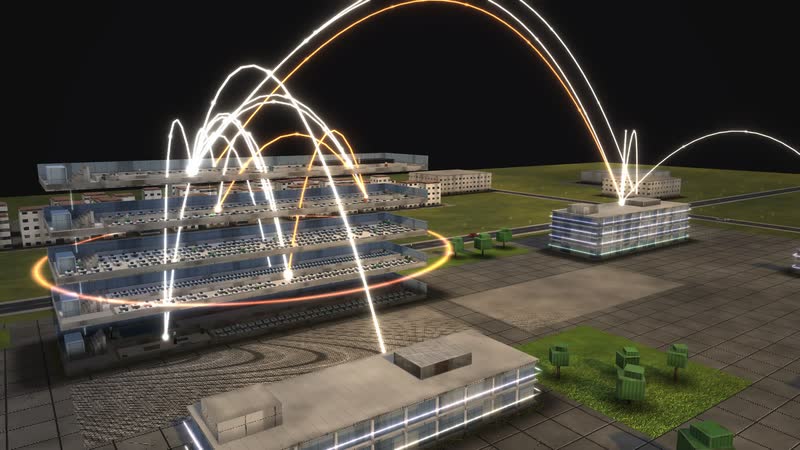
The tower opens up
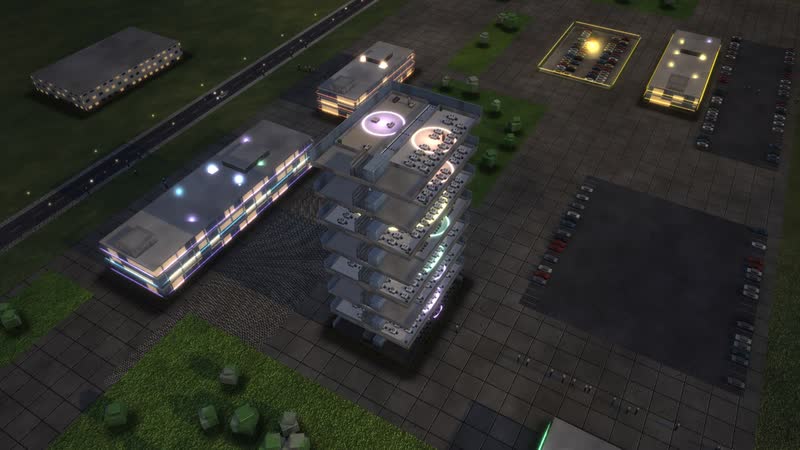
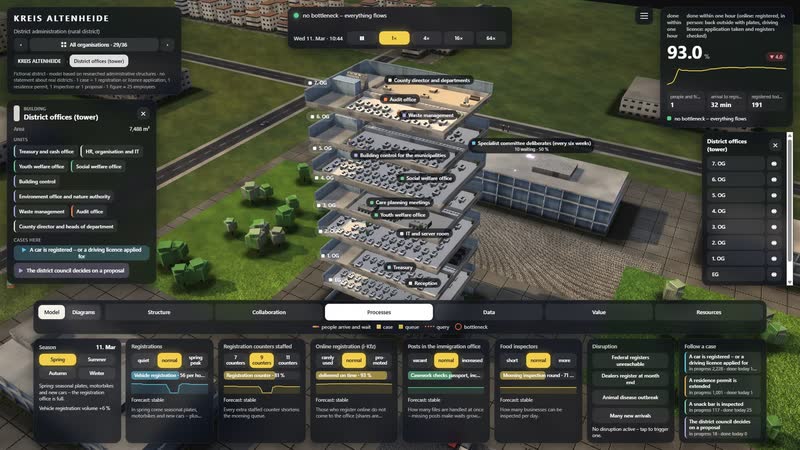
Just before sunset the floors drift apart – ‘District offices (tower)’ opens up as the camera rises and circles the building until night falls.
-
Who reports to whom, who works with whom
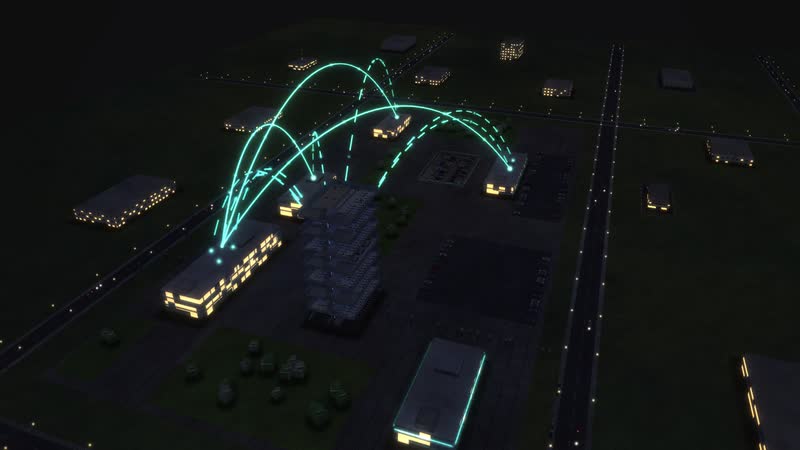
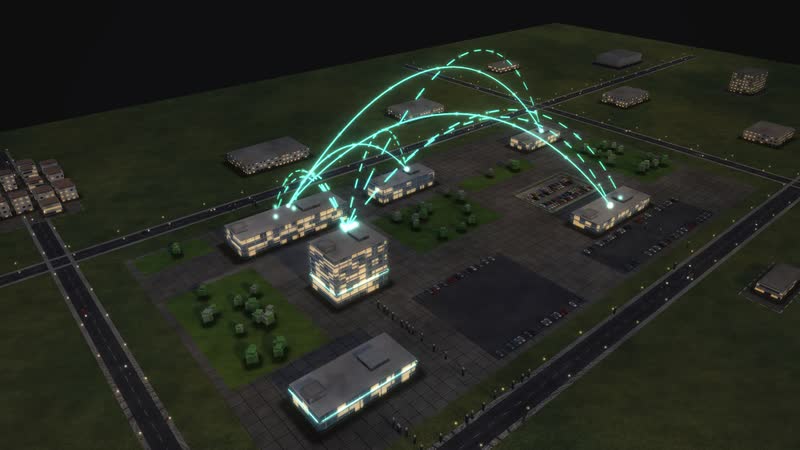
Blue hour above the site: first the golden arcs of the structure, then the collaboration of the most connected department, finally the whole building.
-
A day in time-lapse
From ten in the morning to midnight in 26 seconds: the sun moves, the windows light up, at night the data lines glow.
-
Surge and system outage
In time-lapse: ‘Dealers register at month end’ brings more work, then ‘Federal registers unreachable’ – the data arcs turn red. The control ‘Registration counters staffed’ set to ‘11 counters’ brings recovery.
-
Seven diagrams
Calculated live from the model: ‘Who works with whom’, ‘Year, week, day’, ‘Management levels as a staircase’, ‘How a case flows’, ‘What each control does’, ‘What the work depends on’, ‘Where it gets tight’.
-
Using the software
With the full interface: open a building, a department’s relations, ‘Dealers register at month end’, a control, diagrams with their panel, one case.
Departments in the model
-
District council
Elected representation of the district: decides budget, district levy, bylaws and major projects.
-
District committee
Prepares the council's decisions and decides between sessions.
-
District administrator's office
Directly elected; heads the administration, chairs the council and is also the lower state authority.
-
County director and heads of department
Elected by the council; lead the departments.
-
Audit office
Directly accountable to the council and independent in its audits.
-
Treasury and cash office
Budget, district levy, fees; co-signs every proposal with costs.
-
HR, organisation and IT
Posts, specialist systems, online services, canteen.
-
Road traffic office (registration)
Registers, transfers and deregisters vehicles – at the counter, in the branch office and online.
-
Driving licence office
Grants driving licences, checks fitness and registers.
-
Immigration office
Grants and extends residence permits, issues provisional certificates.
-
Public health office
Infection control, drinking water hygiene, school entry examinations.
-
Veterinary and food control
Inspects food businesses by risk, takes samples, issues orders – also fights animal diseases.
-
Youth welfare office
For municipalities without their own youth office: day care, family support, child protection.
-
Social welfare office
Basic income support, care assistance, housing benefit.
-
Building control
Lower building authority for the smaller municipalities without their own.
-
Environment office and nature authority
Water, soil, emissions, nature and species protection.
-
Waste management
Plans collection and recycling centres as the public waste authority.
-
Ambulance service and control centre
Runs the ambulance service: control centre 112, ambulance stations, disaster control.
05
Federal registers unreachable
The data arcs turn red and work stalls – the simulation shows where cases pile up and how long recovery takes.
06
A day in 26 seconds
From ten in the morning to midnight in time-lapse: commuters, moving light, windows switching on – and at night the data lines.
All processes in the model
A car is registered – or a driving licence applied for
- 01Request: online or in person: A man has bought a used car and wants to register it: online, at the road traffic office or at the branch office.
- 02i-Kfz: automatic check: With the ID app, insurance number and uncovered security codes the application runs online.
- 03Online application checked by hand: A clerk checks the online application.
- 04Papers and seals arrive by post: Registered – registration papers and seals arrive by post.
- 05Registered online.
- 06Info desk: documents and ticket: At the info desk: are insurance confirmation, inspection certificate and tax direct debit there? Then there is a ticket.
- 07Registration counter: At the counter: the vehicle is transferred in the register, a plate number reserved.
- 08The insurance confirmation is missing – the man has to come back another day.
- 09Vehicle check in the yard: An imported car: the vehicle identification number is checked in the yard.
- 10Fee at the payment machine: The fee is paid at the machine.
- 11Plates embossed: Opposite, a private shop embosses the new plates.
- 12Seals on the plates: Back at the counter: seals on the plates, papers handed over.
- 13Registered.
- 14Registration at the branch office: At the branch office North: two counters, short distances, bring your own plates.
- 15Registered at the branch.
- 16Licence application at the counter: A student applies for her first driving licence: eye test, first-aid course and photo attached.
- 17Query of the federal registers: The application is taken; now the office queries the federal registers.
- 18Licensing authority checks the file: The licensing authority checks fitness and registers.
- 19Provide a medical report: The applicant provides a medical report.
- 20The card is ordered, the test order goes to the test centre – at the same time.
A residence permit is extended
- 01Application submitted online: A nurse from abroad applies online to extend her residence permit.
- 02Receipt and completeness check: The immigration office checks whether passport, employment contract and lease are attached.
- 03Provide further documents: The applicant sends her pay slips.
- 04Appointment: photo, fingerprints, provisional certificate: Appointment at the service desk: photo, fingerprints, signature – and a provisional certificate.
- 05Security check and casework run at the same time.
- 06Security check and consent: Federal authorities check for security concerns, the employment agency consents to the job.
- 07Casework checks passport, income, housing: Casework checks passport, income and housing.
- 08All checks are in.
- 09Team lead signs off: The team lead signs the decision.
- 10Refused.
- 11Order the electronic residence permit: The electronic residence permit is ordered.
- 12Card is produced: The card is produced centrally and sent to the district.
- 13Handover with PIN letter: Handover at the service desk, the PIN letter comes separately.
- 14Permit handed over.
A snack bar is inspected
- 01Inspection falls due (risk plan): The risk plan reports: a snack bar is due for inspection.
- 02Morning inspection round: In the morning the inspectors set off – unannounced.
- 03Inspection on site: Kitchen, cooling, temperatures, training – and sometimes a sample of the kebab.
- 04Sample at the state laboratory: The sample goes chilled to the state laboratory.
- 05Assess the findings: Food control assesses the findings.
- 06Order and fine: Defects: an order, often a fine, closure at once if there is danger.
- 07Deadline to fix the defects: The business has a deadline to fix the defects.
- 08Inspection report and risk rating: Report into the control programme, the business is re-rated.
- 09Inspection closed.
The district council decides on a proposal
- 01Department drafts the proposal: The ambulance service drafts a proposal: in the south of the district the ambulance takes too long to arrive.
- 02Treasury co-signs: The treasury budgets construction and staff.
- 03Management conference (weekly): The district administrator and heads of department release the proposal.
- 04Specialist committee deliberates (every six weeks): The committee deliberates and recommends.
- 05District committee prepares (every six weeks): The district committee prepares the council session; urgent matters it decides itself.
- 06Urgent decision of the district committee.
- 07District council decides (every six weeks): The council votes in the chamber.
- 08Rejected.
- 09District administrator executes the decision: The district administrator executes the decision: publication, order to the department, tender.
- 10Decided and commissioned.
How a district administration can use the model
-
Internal communication
District hall, office tower, road traffic office, health office, immigration office, ambulance station and branch office: the ‘Who sits where – and reports to whom’ diagram brings locations and responsibilities together.
Per chiExecutive board, HR and organisation
-
Onboarding
New staff see where their office sits, whom it reports to and which path a request takes – from info desk to plate seal, or from application to residence permit.
Per chiNew staff, career changers
-
Training
Administrative trainees take the federal registers offline or staff two counters fewer and watch the queue grow. ‘Who leads whom’ explains council, district administrator and departments.
Per chiTraining managers, trainees, public administration students
-
Explaining to residents
Why is it full in spring and at month end, and why do people who register online not need to come in at all? The model answers with one picture of the registration office.
Per chiCitizen service, press office, residents
-
Strategic overview
Counters, online registration, immigration office, food control: the model shows the levers for each office. The process ‘The district council decides on a proposal’ reveals how long decisions take.
Per chiDistrict administrator, executive board, district council
07
Diagrams from the model
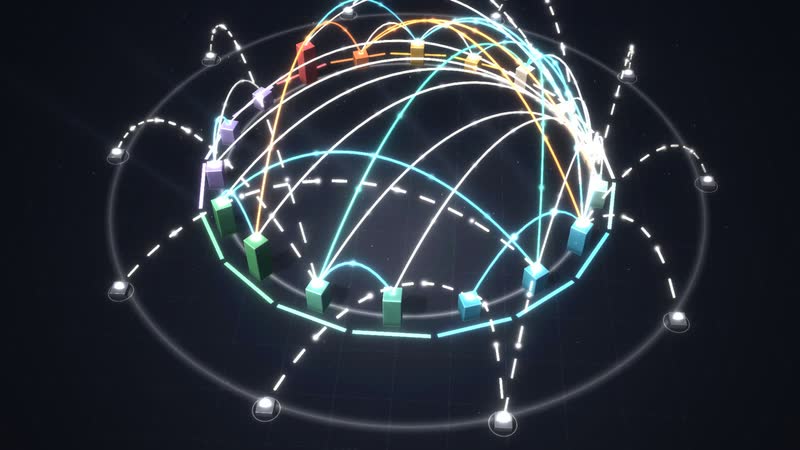
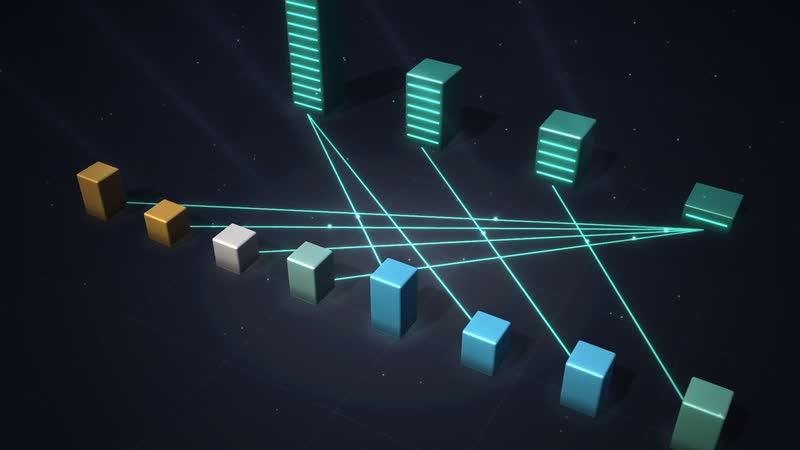
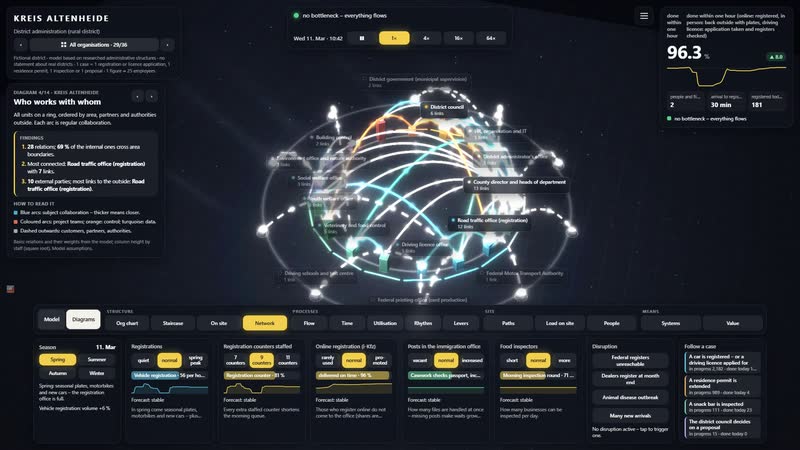
‘Who works with whom’ as a dome of arcs – one of 14 diagrams calculated live from the same data.
08
The whole software
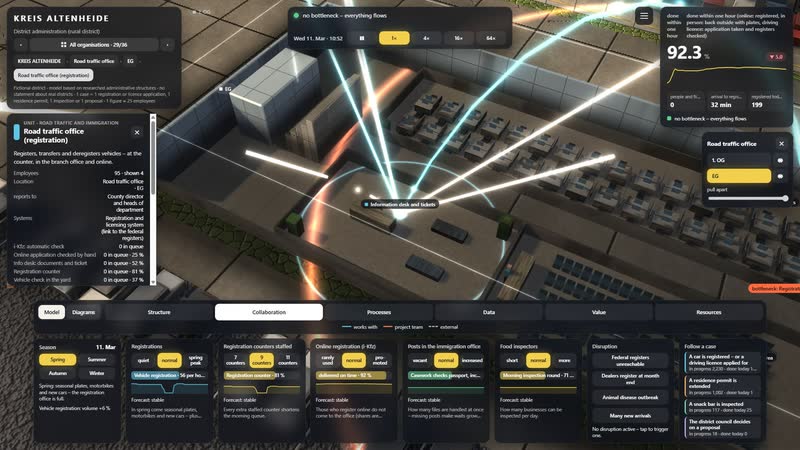
Situation, key figure, time-lapse, six views, controls and disruptions: one click on a department shows its task, location and all relations.
What you can change
Controls
- Registrations: In spring come seasonal plates, motorbikes and new cars – plus dealers with whole stacks.
- Registration counters staffed: Every extra staffed counter shortens the morning queue.
- Online registration (i-Kfz): Those who register online do not come to the office (shares are model assumptions).
- Posts in the immigration office: How many files are handled at once – missing posts make waits grow for months.
- Food inspectors: How many businesses can be inspected per day.
Disruptions
- Federal registers unreachable: For four hours neither registrations nor licences work – the queue grows.
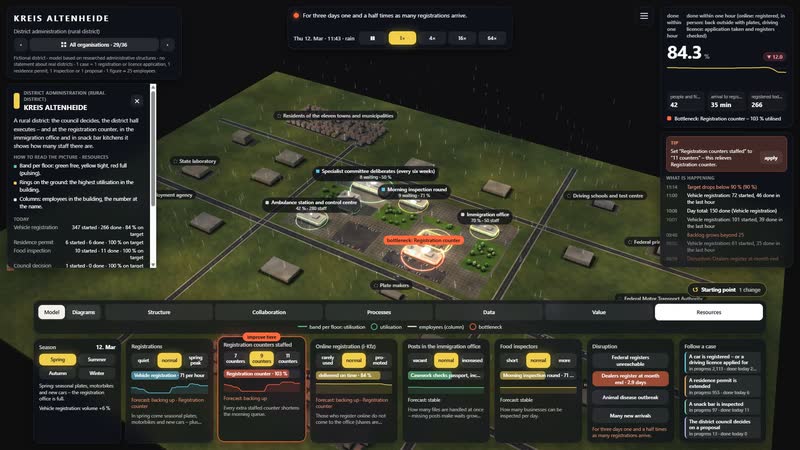
- Dealers register at month end: For three days one and a half times as many registrations arrive.
- Animal disease outbreak: For three weeks the veterinary office works in the crisis team: reports and orders pile up.
- Many new arrivals: For a month twice as many applications at the immigration office.
What a district administration gains
-
01
Eight buildings, one district
From the district hall to the ambulance station, every building opens up and every floor shows departments and people. The org chart becomes a place.
-
02
The queue as a measure
When counters are missing, people queue at the door. The event simulation shows registration, residence permits, inspections and the council at the same time.
-
03
Live through peaks in advance
Spring peak, dealers at month end, animal disease, many new arrivals: five controls and four disruptions show where it gets tight first. Each bottleneck comes with a tip naming the right control.
-
04
Diagrams calculated live
14 diagrams in four groups, from bottlenecks on the site to the org chart in space, keep calculating while the simulation runs.
-
05
For committee room and hall
In the browser at the desk or projected large in the district hall. On the first visit, a guided tour in eight steps explains where everything is.
-
06
Designed, not assembled
An artist and developer built the model. Next to the district, a city administration, a job centre, a tax office and 32 more organisations appear in one overview.
-
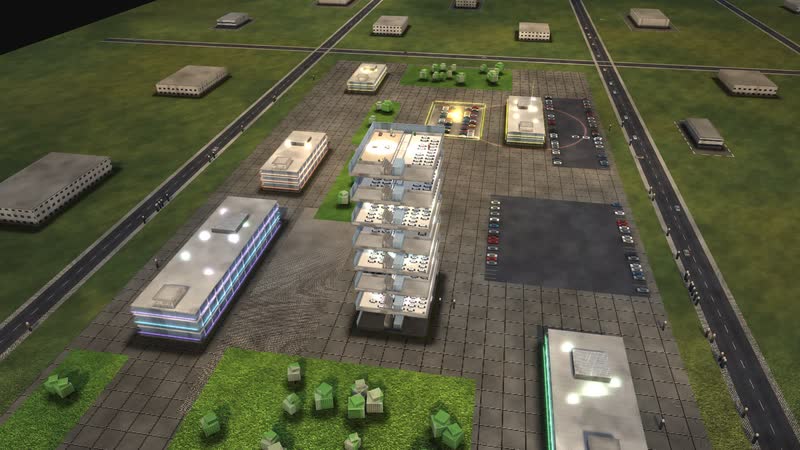
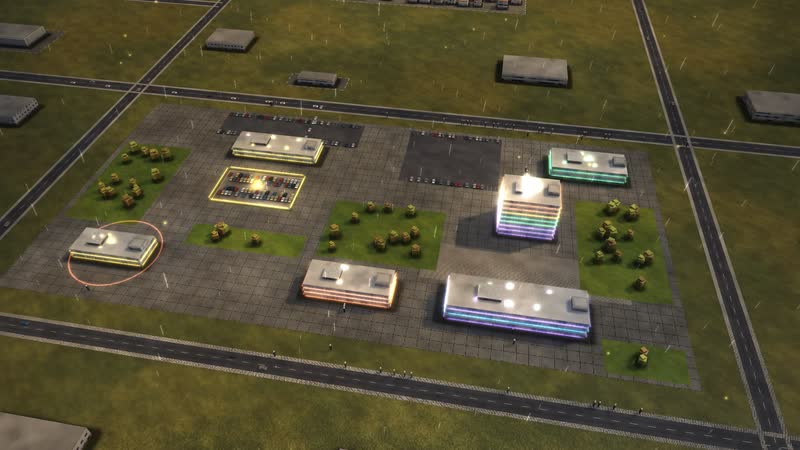
KREIS ALTENHEIDE in the morning – low sun, long shadows, the first commuters on their way in. -
District offices (tower) in evening light – golden arcs show who reports to whom. -
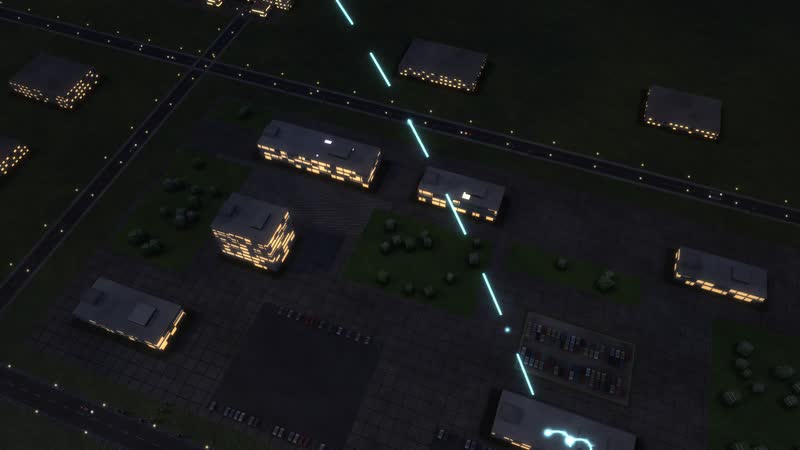
Just before eight – people stream from the car park and the street into the buildings. -
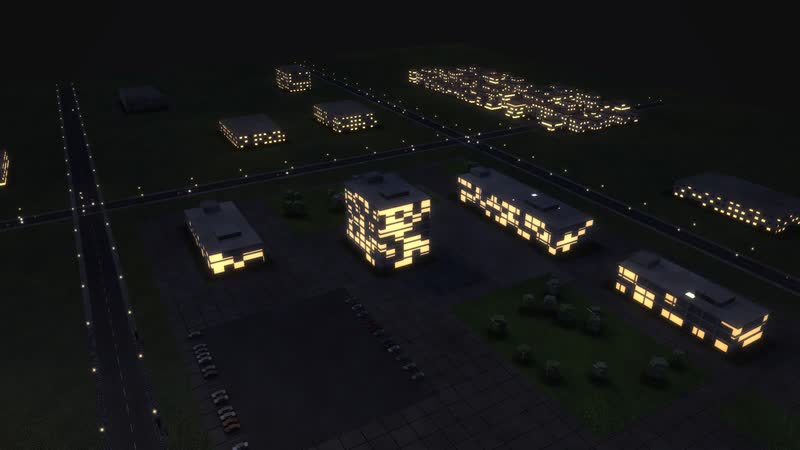
Blue hour – the windows of KREIS ALTENHEIDE light up. -
At night from above – District offices (tower) opened up, data lines glowing across the site. -
District offices (tower) opened up – every floor with workplaces and people. -
Dusk, performance view – rings of light show how busy each department is. -
Looking into the floor of Road traffic office (registration) – rows of desks, the floors above as outlines of light. -
A room of its own – District committee. -
District hall opened up – every floor with workplaces and people. -
Health and veterinary office – all floors at once, performance view. -
Structure at dusk – golden arcs from every floor to the buildings reporting to it. -
Collaboration – Road traffic office (registration) with all 7 relations – to departments, buildings and partners. -
Data flows at night – systems and users linked by glowing lines. -
Data flows at dusk – which department uses which system. -
Structure across the whole site – reporting lines between the buildings. -
The whole network at night – collaboration inside and far beyond. -
Every step labelled – name, how many are waiting, utilisation. -
Following one case – ‘A car is registered – or a driving licence applied for’ – step by step through the building. -
Dealers register at month end – resources view, the backlog grows floor by floor. -
Federal registers unreachable – the data arcs turn red, work stalls. -
The lever – Registration counters staffed set to ‘11 counters’ – a flash shows where it acts. -
Spring at KREIS ALTENHEIDE – District offices (tower) opened up, rings show the workload. -
Summer evening – warm light, long shadows, golden arcs above the square. -
Autumn – leaves on the paths, performance view. -
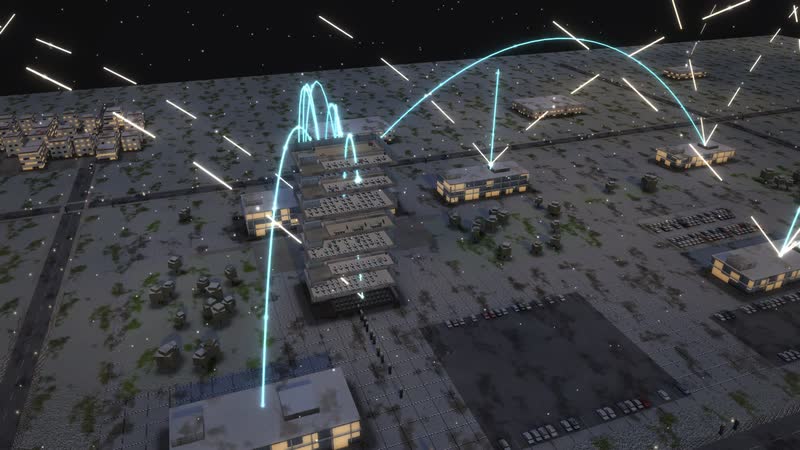
Winter evening – snow on the site, District offices (tower) open and lit, collaboration glowing. -
Diagram ‘Who works with whom’, calculated live from the model. -
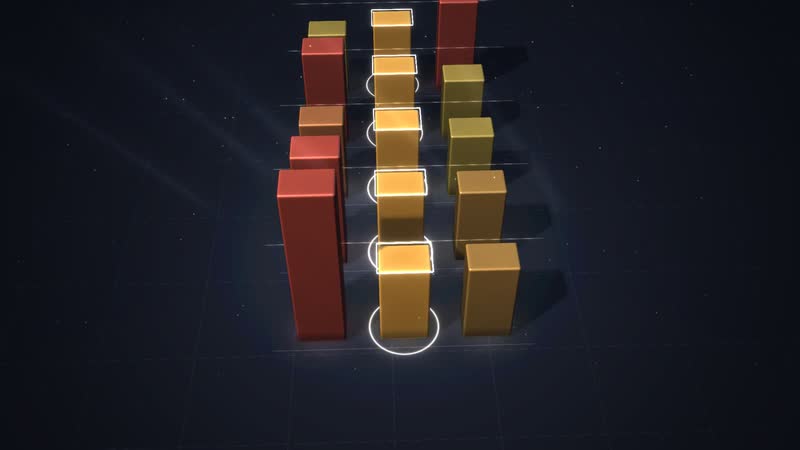
Diagram ‘Year, week, day’, calculated live from the model. -
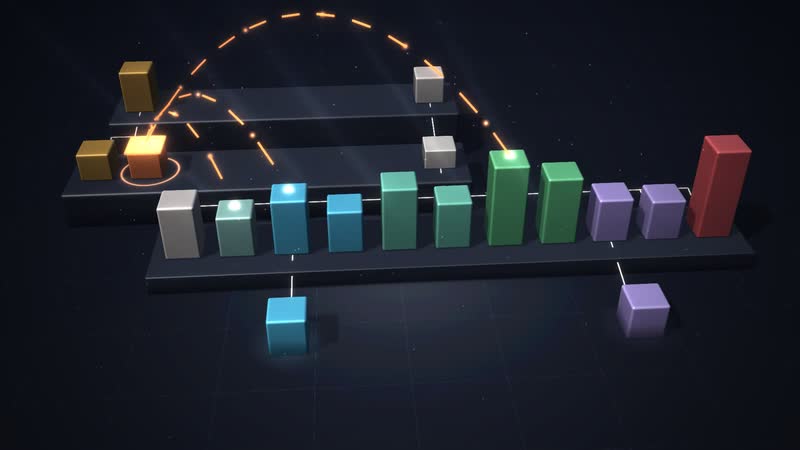
Diagram ‘Management levels as a staircase’, calculated live from the model. -
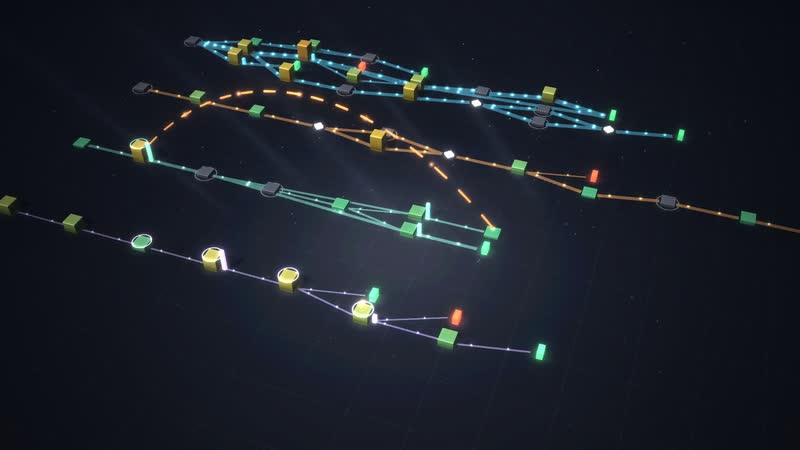
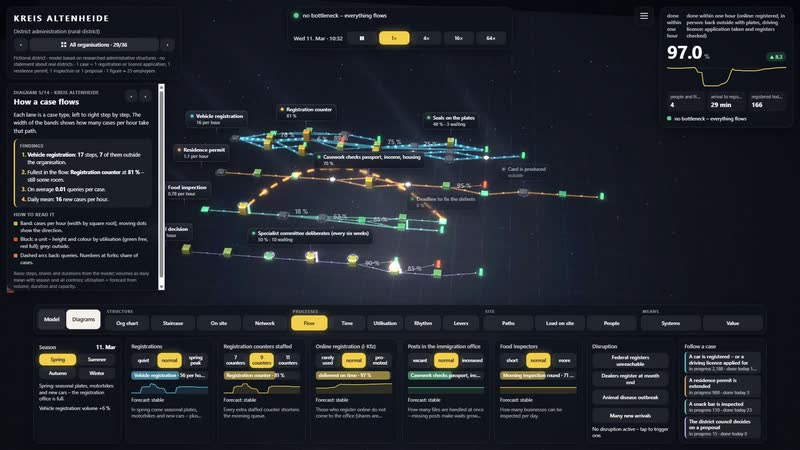
Diagram ‘How a case flows’, calculated live from the model. -
Diagram ‘What each control does’, calculated live from the model. -
Diagram ‘What the work depends on’, calculated live from the model. -
Diagram ‘Where it gets tight’, calculated live from the model. -
Diagram ‘Who leads whom’, calculated live from the model. -
The whole software – situation, key figure, time, views and the controls below. -
District offices (tower) selected – floor list on the right, the floors drift apart. -
Road traffic office (registration) – card with task, location and all relations. -
Dealers register at month end triggered – timeline, key figure and bottleneck react. -
Countering – Registration counters staffed increased – the tile shows the effect since the change. -
Diagram ‘How a case flows’ with its panel – findings in sentences. -
Diagram ‘Who works with whom’ with its panel. -
Follow a case – step, waiting time and target on the card. -
The tour leads through the software in eight steps. -
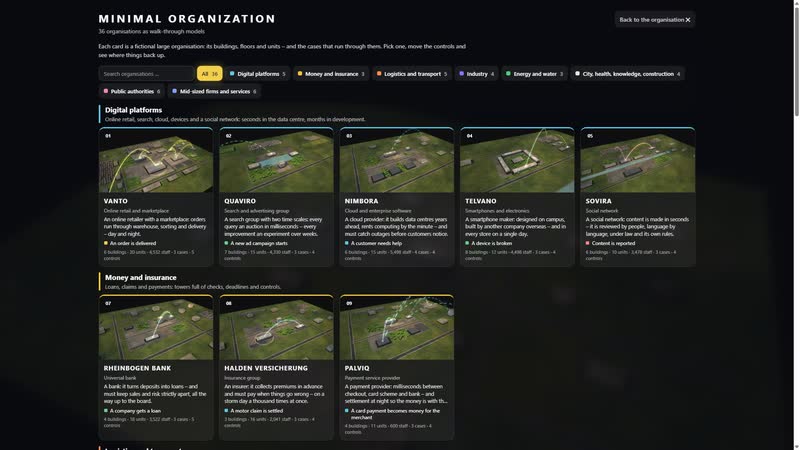
36 organisations to choose from, each with its own picture.


Your district as a model
Would you like to see your registration office, departments and waiting times this way? Write or call us. We will discuss which data your district can contribute. On request, we will send you the password for the simulation.
cube4tec.de/spiele/minimal-organization/
Chiedere informazioni
Minimal Organization: Kreisverwaltung
Basis and limits
Fictional district · model based on researched administrative structures · no statement about real districts
1 case = 1 registration or licence application, 1 residence permit, 1 inspection or 1 proposal · 1 figure ≈ 25 employees
All volumes, durations, rates and capacities are model assumptions, not values of a real district.
The one-hour target and the shares of online registration, branch office and licences are set, not a statutory deadline.
Documented: council, district committee and directly elected district administrator; registration with seals; provisional certificate during extension; cards from the federal printing office; risk-based food inspections.
Public sources the model is based on:
- Kreisordnung NRW (KrO NRW)
- Fahrzeug-Zulassungsverordnung (FZV)
- Fahrerlaubnis-Verordnung (FeV)
- Aufenthaltsgesetz (AufenthG) §§ 73, 78, 81
- Verordnung (EU) 2017/625 (amtliche Kontrollen)
- Lebensmittel- und Futtermittelgesetzbuch (LFGB)
- Bundesregierung: digitale Fahrzeugzulassung (i-Kfz)
- Kraftfahrt-Bundesamt: Statistik
Similar business models
-
City administration
A large city's administration as a walkable model: see how a building application moves through the departments, how council and committees meet and where people queue at the counter.
-
Job centre
A job centre as a walkable model: how a benefit claim moves from reception to payment, where missing documents hold it up and how job placement runs alongside.
-
Car dealership
A franchised car dealership with workshop as a walkable model: how a car gets from reception to handover in one day and where lifts, parts or inspections slow it down.
-
Tax office
A tax office as a walkable model: how an income tax return travels from receipt to notice, where it waits and what speeds up processing.
-
Police authority
A city police authority as a walkable model: what happens after an emergency call, how many patrols it takes and what shortens the time to arrival.
-
Local court
A local court as a walkable model: what happens between claim and judgment, where the months go and which levers shorten proceedings without touching judicial independence.
-
Health insurer
A statutory health insurer as a walkable model: how a wheelchair application moves from quote to decision, when the medical service steps in and where deadlines get tight.
-
Online retail
An order from click to doorstep as a walkable model: payment check, warehouse, packing, trucks, sortation and delivery in a running simulation.
All data are fictional. The model can be adapted to your district's real data and then also shows what is not visible anywhere today – for example actual waiting times per counter, or caseload and processing time at the immigration office.