

Simulazione · Minimal Organization · Public authorities
Job centre
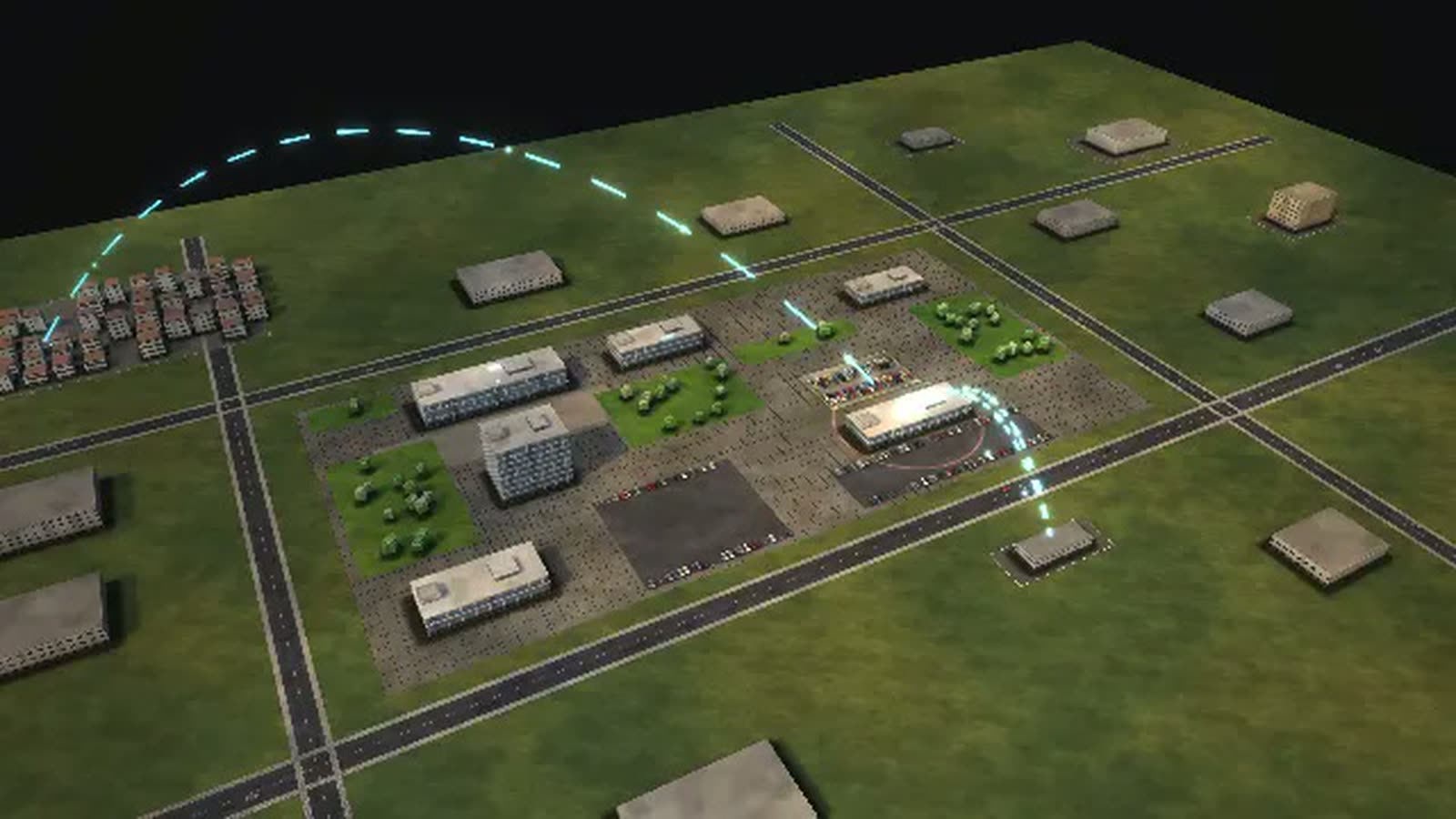
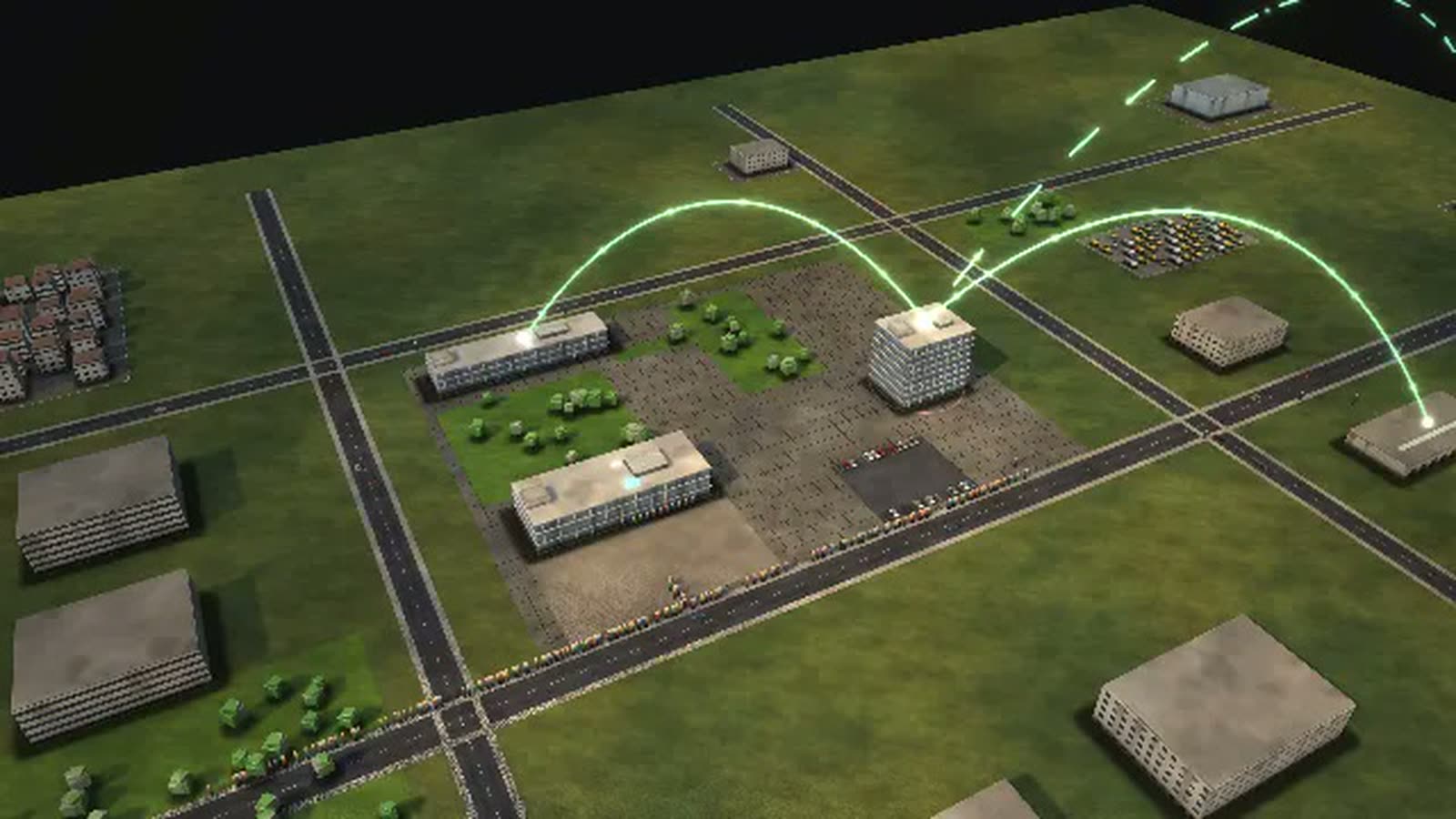
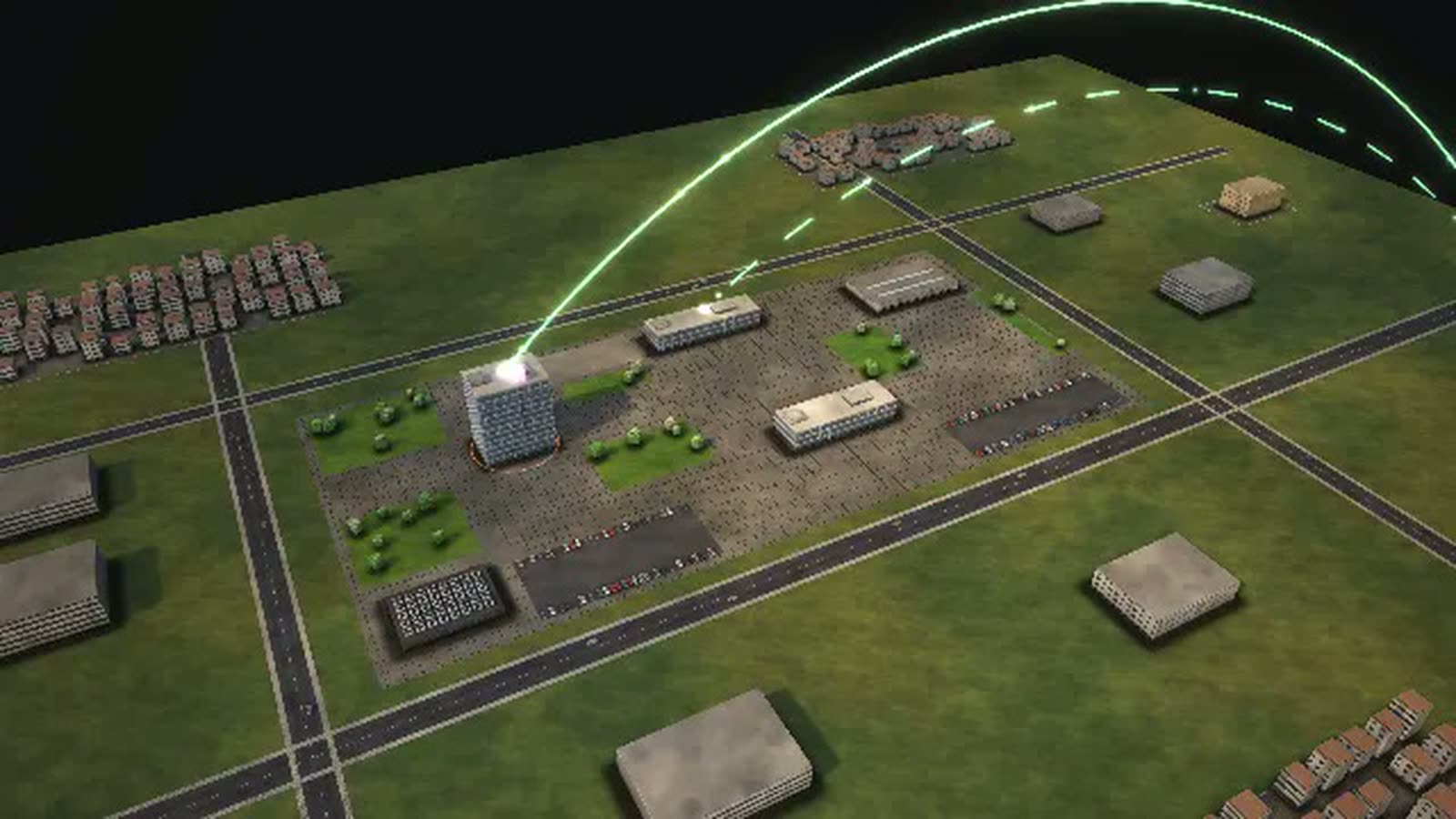
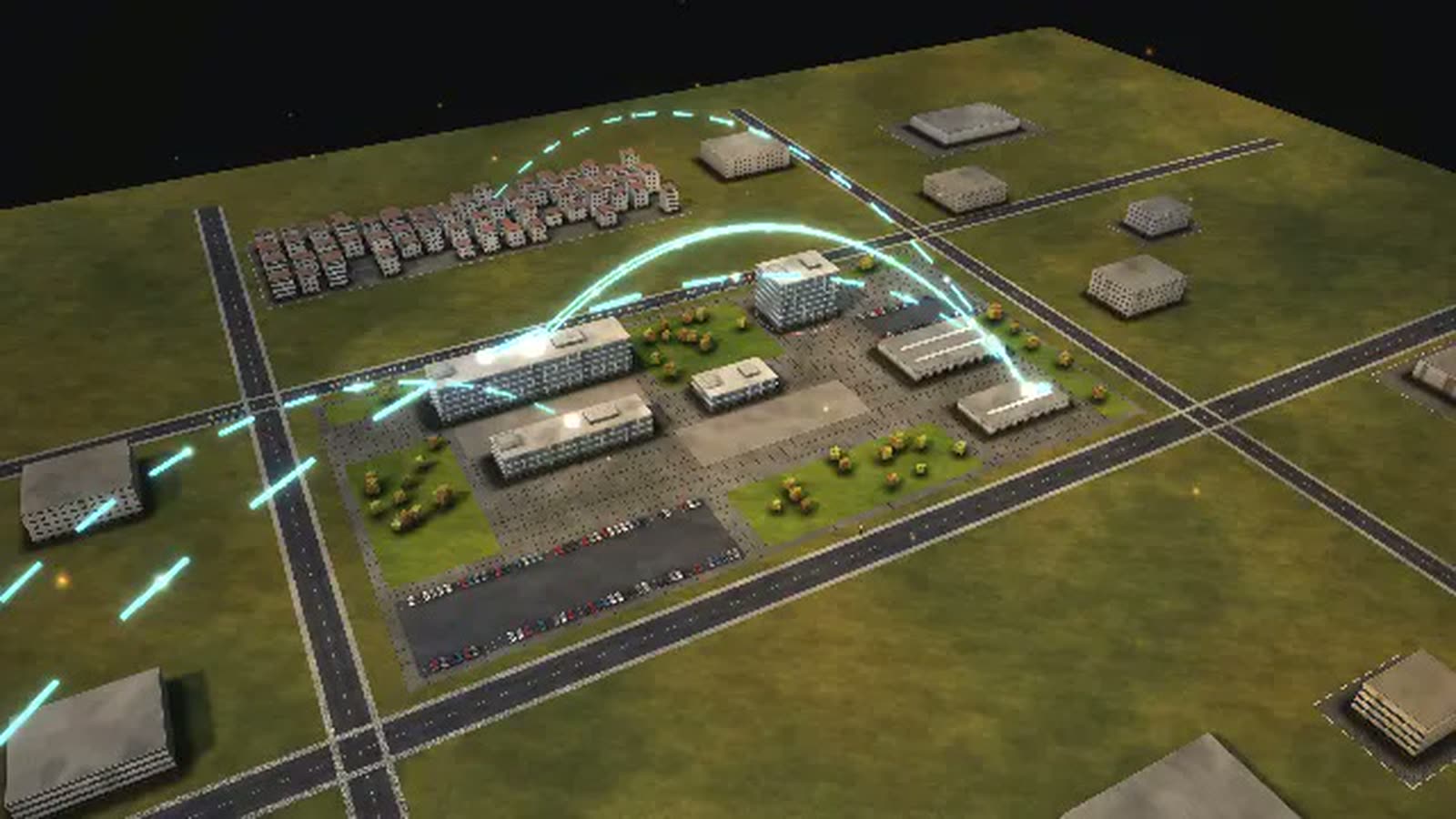
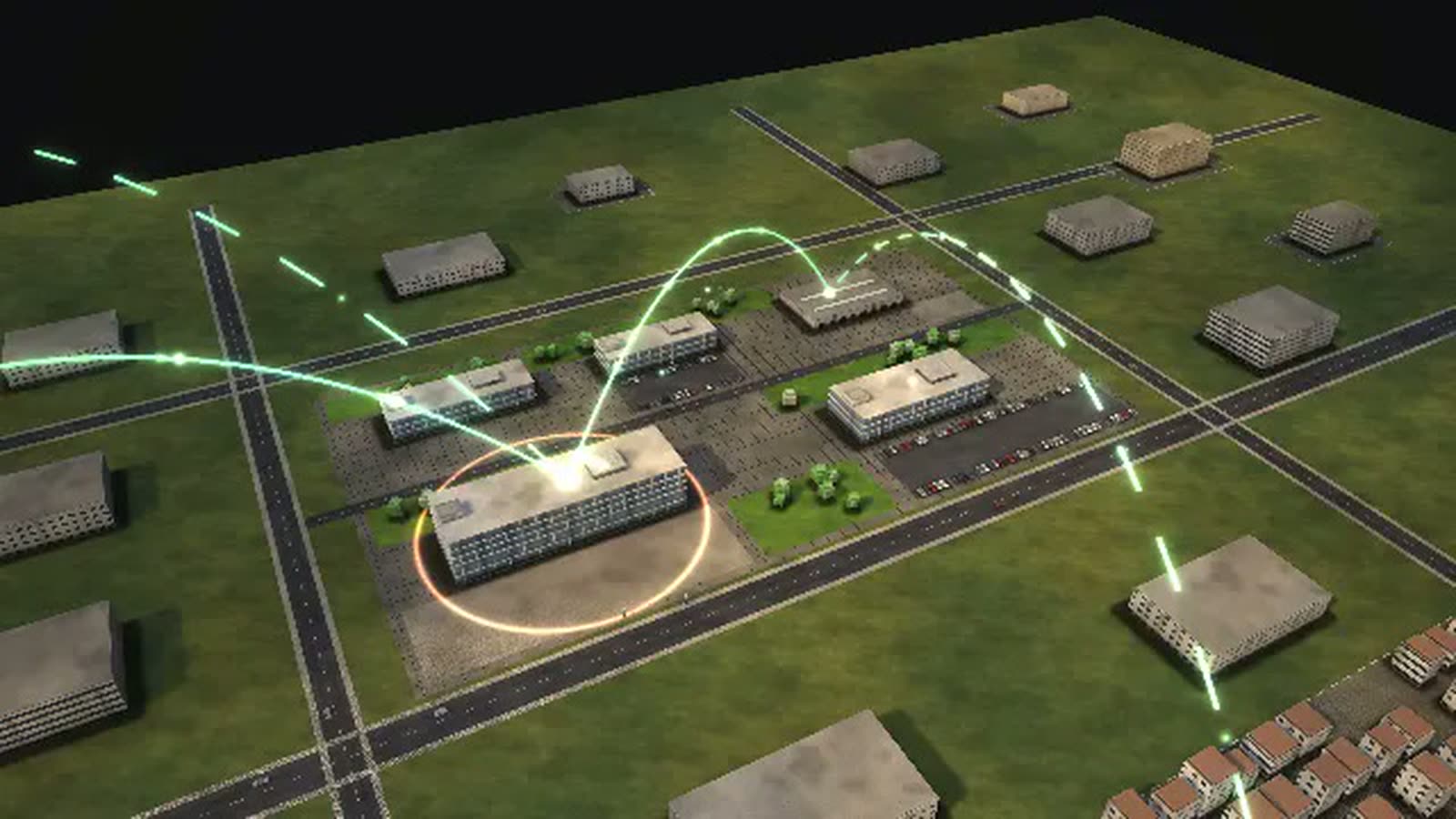
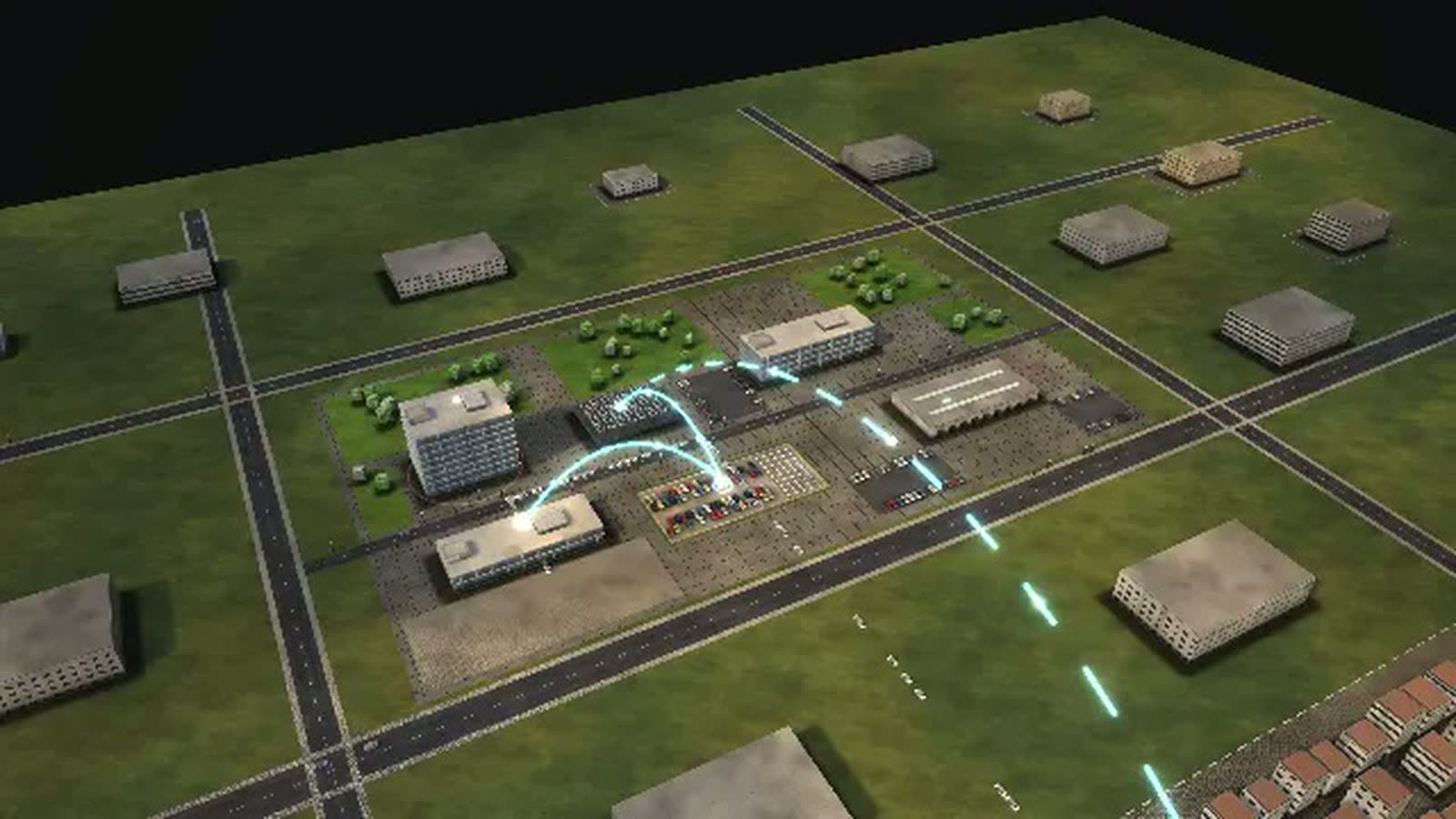
A job centre as a walkable model: how a benefit claim moves from reception to payment, where missing documents hold it up and how job placement runs alongside.
All data are fictional. They can be replaced with your job centre's real figures, and the model can show what no report shows today – for example the completeness rate per application channel, or placements into work per caseload ratio.
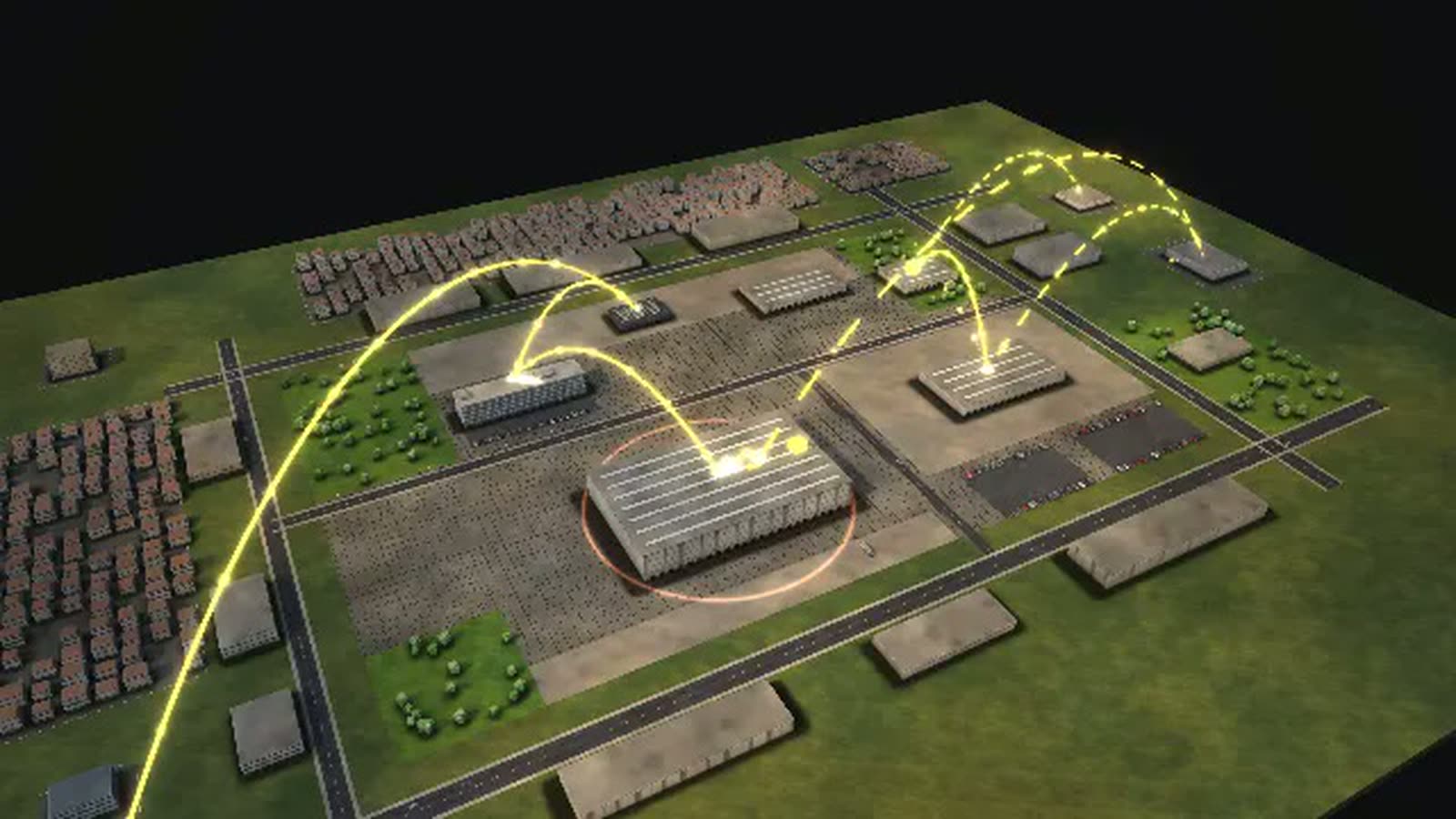
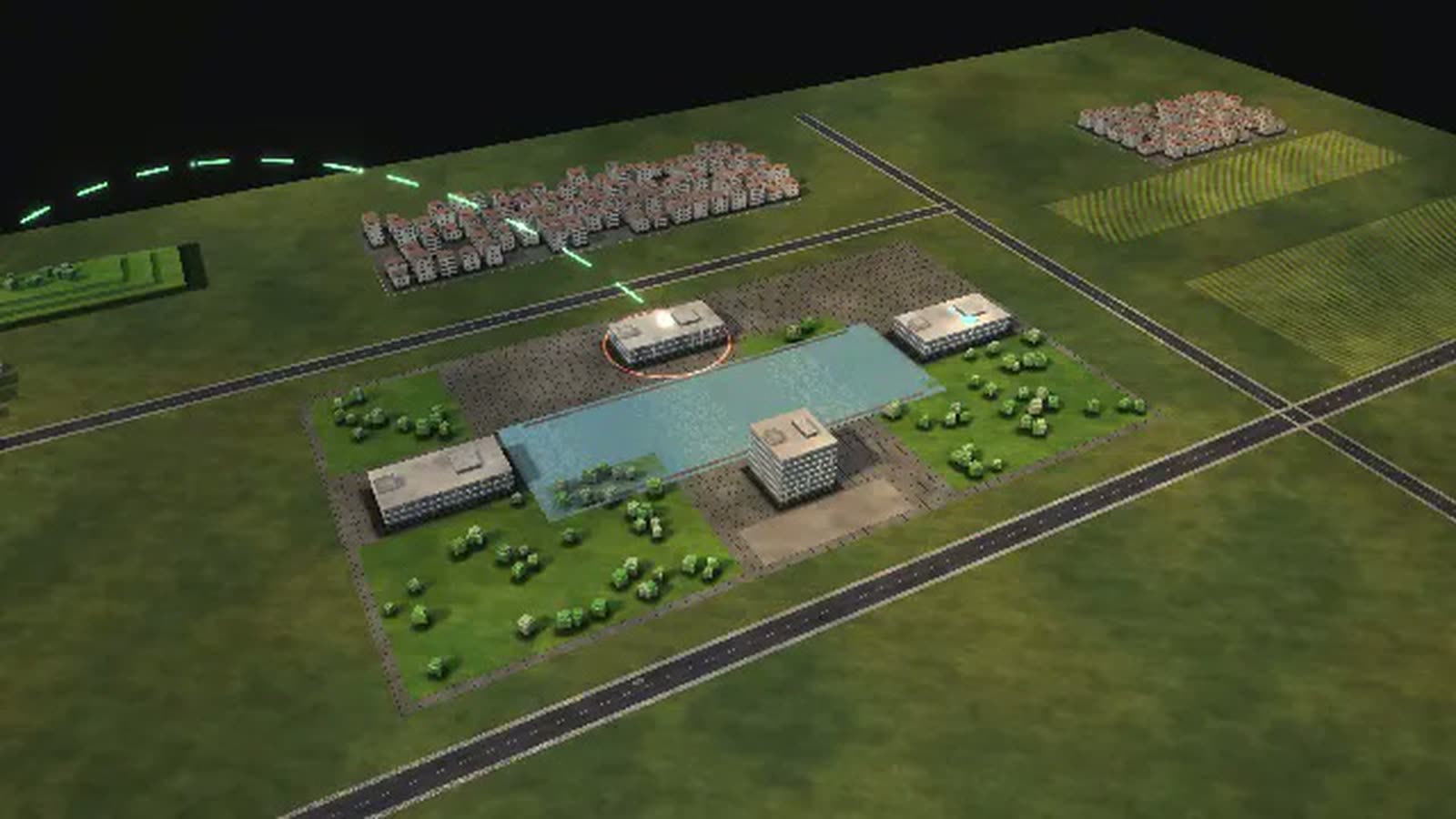
This job centre process simulation shows the fictional JOBCENTER WESTERBRÜCK: five buildings and 17 departments, run jointly by the employment agency and the city. It secures people's livelihood and brings them into work, application by application, interview by interview.
At its centre is a mother of two who has lost her job and applies for basic income support. Her claim passes reception, scanning into the e-file and a completeness check; then entitlement and housing costs are checked in parallel. If bank statements or the landlord's confirmation are missing, the claim waits. Time is measured up to decision and payment. The three-week target is a model setting; the world uses Germany's basic income support, which replaced citizen's income on 1 July 2026.
Job placement, objections and vacancies reported by employers run alongside. This page is written for job centre managers, division and team leaders, supervisory boards and everyone who trains new colleagues.
A family applies for basic income support
- 01
Apply: A mother of two has lost her job; unemployment benefit is not enough. She applies for basic income support.
- 02
Reception zone: At the reception zone: clarify the request, accept the application, copy documents.
- 03
Incoming mail and scanning: The online application and uploaded documents land in the e-file; paper is scanned.
- 04
Check completeness: The benefits team checks: ID, lease, bank statements, income, child benefit.
- 05
Provide documents: The applicant provides bank statements and rent certificate.
- 06
Again: Check completeness: Second check of the documents.
- 07
Standard needs and housing are checked at the same time.
- 08
Calculate entitlement: The caseworker calculates standard needs, additional needs, income and assets of the household.
- 09
Check housing costs: The housing team checks whether rent and heating costs are reasonable.
- 10
Landlord confirms the rent: The landlord confirms rent and service charges.
- 11
Both calculated.
- 12
Notice and payment: Notice and payment: the money arrives at the start of the month. Time is measured up to here.
- 13
Granted.
- 14
Refused.
- 15
Refused.
How a job centre can use the model
-
Internal communication
Benefits, labour market and integration, the under-25 team and the objections unit at a glance. The collaboration view shows where teams depend on each other, for example on housing and heating costs.
Per chiManagement, team leaders, staff council
-
Onboarding
New caseworkers follow one claim from reception to payment. They see why a missing lease costs time and which team takes over next.
Per chiNew staff in benefits and reception
-
Training
Trainees move the caseload from 1 : 200 to 1 : 110 or trigger ‘New rules: convert all cases’ and watch what happens to calculations and objections.
Per chiTraining staff, trainees, students
-
Explaining to claimants
The model shows applicants and counselling services what happens after a claim is filed and why complete documents shorten the way to a decision.
Per chiReception, counselling services, claimants
-
Strategic overview
Online claims, staffing, caseload and training budget compared: the ‘What each control does’ diagram puts them side by side. The disruption ‘Arrivals after a crisis’ shows where the benefit teams fill up.
Per chiSupervisory board, management, city
What is shown – why – for whom
| Cosa viene mostrato | Perché | Per chi |
|---|---|---|
| Backlog of the benefit teams (resources view) | PerchéShows where claims wait longer than three weeks. | Per chiManagement, benefits team leaders |
| ‘How a case flows’ diagram: resubmissions and returns | PerchéShows the share of incomplete claims. | Per chiDivision heads, reception |
| ‘What each control does’ diagram: online claims, staffing, caseload, training | PerchéRanks the levers for benefits and placement. | Per chiSupervisory board, management |
| ‘Where the time goes’ diagram: claim and placement | PerchéShows the wait for documents and appointments. | Per chiTeam leaders, advisory council |
| ‘Where it gets tight’ diagram during arrivals after a crisis | PerchéShows where the teams reach their limits. | Per chiManagement, city |
| ‘Who leads whom’ diagram: employment agency and city as joint sponsors | PerchéExplains the joint institution. | Per chiCity council, training |
| Process ‘A company reports a vacancy’ | PerchéShows employer service and placement. | Per chiEmployers, chambers of commerce |
Departments in the model
-
Board of sponsors
Representatives of city and agency: decide on organisation, staff, budget and appoint the management.
-
Management
Runs the job centre and implements the board's decisions.
-
Controlling and IT
Target management with key figures, budget, specialist systems.
-
HR and internal services
Staff, mail, scanning, archive, building.
-
Equal opportunities officer
Looks after single parents, women and families in all services.
-
Inspection and fines unit
Checks independently of the teams: data matching, benefit fraud, administrative offences.
-
Staff council
Elected staff representation; no reporting line to the management.
-
Reception zone
First contact: clarify the request, accept applications, give appointments.
-
Telephone service centre
Answers calls, schedules appointments.
-
Benefit processing
Checks applications and calculates basic income support (until June 2026 citizen's income).
-
Housing and heating
Checks whether rent and heating costs are reasonable – the city's money.
-
Objections unit
Decides objections independently of the team that issued the notice; represents the centre in court.
-
Labour market and integration
Integration specialists: potential analysis, cooperation plan, placement.
-
Team under 25
Young people up to 25: training before work, together with agency and city.
-
Employer service
Takes vacancies, proposes candidates, advises on subsidies.
-
Funding and measures
Training vouchers, measures with providers, purchasing.
-
Medical and psychological service
Part of the employment agency: assesses capacity and aptitude on behalf of the job centre.
All processes in the model
A family applies for basic income support
- 01Apply: A mother of two has lost her job; unemployment benefit is not enough. She applies for basic income support.
- 02Reception zone: At the reception zone: clarify the request, accept the application, copy documents.
- 03Incoming mail and scanning: The online application and uploaded documents land in the e-file; paper is scanned.
- 04Check completeness: The benefits team checks: ID, lease, bank statements, income, child benefit.
- 05Provide documents: The applicant provides bank statements and rent certificate.
- 06Again: Check completeness: Second check of the documents.
- 07Standard needs and housing are checked at the same time.
- 08Calculate entitlement: The caseworker calculates standard needs, additional needs, income and assets of the household.
- 09Check housing costs: The housing team checks whether rent and heating costs are reasonable.
- 10Landlord confirms the rent: The landlord confirms rent and service charges.
- 11Both calculated.
- 12Notice and payment: Notice and payment: the money arrives at the start of the month. Time is measured up to here.
- 13Granted.
- 14Refused.
- 15Refused.
A jobseeker finds work
- 01Invitation to an interview: A warehouse worker is invited to a first interview in person.
- 02First interview and potential analysis: First interview: what can he do, what does he want, what stands in the way?
- 03Cooperation plan: The cooperation plan records goals and steps.
- 04Specialist service assessment: The medical service checks how many hours he can work.
- 05Check funding, training voucher: Funding checks and issues a training voucher.
- 06Measure or further training: Further training as a professional driver at a provider.
- 07Placement: Placement proposals, applications, interviews.
- 08Employment contract with the employer: The employer hires him. Time is measured up to here.
- 09Counselling in team under 25: A young woman without training comes to the U25 meeting point.
- 10Career choice plan: In the career choice workshop a plan is made: apprenticeship, preparation or school.
- 11Again: Measure or further training: Pre-vocational training at a provider.
- 12Again: Employment contract with the employer: A company signs an apprenticeship contract.
- 13In work.
- 14In training.
- 15Left without integration.
- 16Contact lost.
An objection to a notice
- 01Lodge an objection: A father objects: the heating costs were set too low.
- 02Incoming mail and scanning: The objection is scanned and passed to the objections unit.
- 03Objections unit checks: The objections unit re-examines the notice – independent of the team that issued it.
- 04Statement of the benefits team: The benefits team comments and recalculates.
- 05Notice and payment: Granted: an amended notice, the back payment is ordered.
- 06Serve the objection decision: The objection decision is served.
- 07Lawsuit at the social court: Lawsuit at the social court.
- 08Amended.
- 09Final.
- 10Judgment.
A company reports a vacancy
- 01Employer reports a vacancy: A logistics company needs three warehouse workers and reports the vacancies.
- 02Record the job profile: The employer service records requirements, working hours and pay.
- 03Match with candidate profiles: The system matches the vacancy with candidate profiles.
- 04Short training with a provider: Forklift licence at a provider.
- 05Placement proposals: Placement proposals to suitable candidates.
- 06Job interviews: The company invites to interviews.
- 07Employment contract with the employer: Contract signed. Time is measured up to here.
- 08Filled.
- 09Withdrawn.
What you can change
Controls
- New applications: Plant closures, short-time work or new arrivals bring many applications at once.
- Benefit staff: More filled posts: more cases at once and shorter waiting (model assumption).
- Online application with upload: Those who upload documents at once and see a checklist rarely need to provide more (model assumption).
- Caseload in placement: How many people an integration specialist looks after: fewer means talking more often and placing faster (model assumption).
- Training budget: More training: more people first learn a trade – it takes months, but companies find suitable candidates more often (model assumption).
Disruptions
- Benefit procedure outage: For four hours no notice is created and nothing paid.
- Arrivals after a crisis: For three weeks almost twice as many new applications arrive – for example after refugees change to this system.
- Sickness wave in the benefits team: For two weeks a quarter of the caseworkers are missing.
- New rules: convert all cases: For a month every calculation takes longer, and twice as many objections arrive.
The benefit for a job centre
-
01
Two sponsors, one picture
Employment agency, city, supervisory board and teams in one walkable model with five buildings. Who leads whom and who reports where becomes visible instead of having to be explained.
-
02
Resubmissions made visible
The simulation runs claims, placements, objections and vacancies at the same time. Every incomplete claim visibly goes back and joins the queue again.
-
03
Play through the levers
Five controls and four disruptions, from online claims with a checklist to an outage of the benefit system. A tip at the bottleneck suggests the right control, and one click applies it.
-
04
Diagrams for steering meetings
14 diagrams in four groups are calculated live from the model, so benefits and placement can be shown side by side in one meeting.
-
05
For the meeting room and the screen
Runs in the browser and on large projections, for example at a board meeting. A guided tour in eight steps makes the start easy.
-
06
Not from a template
Designed by an artist and developer. Beside the job centre, 35 more organisations are part of the model, arranged in an overview of eight groups.
Basis and limits
Fictional job centre · model based on researched administrative structures · no statement about real authorities
1 case = 1 application, 1 person in placement, 1 objection or 1 vacancy · 1 figure ≈ 10 employees
All volumes, durations, rates and capacities are model assumptions, not values of a real job centre.
The three-week target is a model setting; by law an inaction lawsuit is possible after six months. Waiting in the team is part of the calculation time.
Documented: joint institution of agency and city with a board of sponsors, basic income support since 1 July 2026 (formerly citizen's income), cooperation plan, housing costs borne by the city, objection before lawsuit.
The medical and psychological services belong to the employment agency and are shown without a reporting line to the management.
Public sources the model is based on:
- SGB II (Grundsicherung für Arbeitsuchende)
- SGB I §§ 60, 66 (Mitwirkung, Versagung)
- Sozialgerichtsgesetz (SGG)
- Verordnung zur Festlegung der Kennzahlen nach § 48a SGB II
- Bundesregierung: Neue Grundsicherung löst Bürgergeld ab
- Deutscher Bundestag, Drucksache 21/3728
- Statistik der Bundesagentur für Arbeit
Your job centre as a model
Would you like to see your teams, caseloads and processing times like this? Get in touch by email or phone. Together we will work out which figures belong in the model. You can request the password for the simulation at any time.
cube4tec.de/spiele/minimal-organization/
Chiedere informazioni
Minimal Organization: Jobcenter
Similar business models
-
District administration
A rural district administration as a walkable model: why the morning queue at vehicle registration grows, what shortens it and where the district office runs short of staff.
-
City administration
A large city's administration as a walkable model: see how a building application moves through the departments, how council and committees meet and where people queue at the counter.
-
Health insurer
A statutory health insurer as a walkable model: how a wheelchair application moves from quote to decision, when the medical service steps in and where deadlines get tight.
-
Tax office
A tax office as a walkable model: how an income tax return travels from receipt to notice, where it waits and what speeds up processing.
-
Local court
A local court as a walkable model: what happens between claim and judgment, where the months go and which levers shorten proceedings without touching judicial independence.
-
Police authority
A city police authority as a walkable model: what happens after an emergency call, how many patrols it takes and what shortens the time to arrival.
-
Online retail
An order from click to doorstep as a walkable model: payment check, warehouse, packing, trucks, sortation and delivery in a running simulation.
-
Search engine
A search and advertising group as a walkable model: auctions in milliseconds, experiments over weeks, and a new ad campaign that waits for people.
All data are fictional. They can be replaced with your job centre's real figures, and the model can show what no report shows today – for example the completeness rate per application channel, or placements into work per caseload ratio.