
Simulazione · Minimal Organization · Public authorities
Local court
A local court as a walkable model: what happens between claim and judgment, where the months go and which levers shorten proceedings without touching judicial independence.
Trailer
All data are fictional, including the case durations. The model can be adapted to your court's real figures and then shows what no overview shows today – for example caseloads per docket and type of proceeding, or land registry processing times.
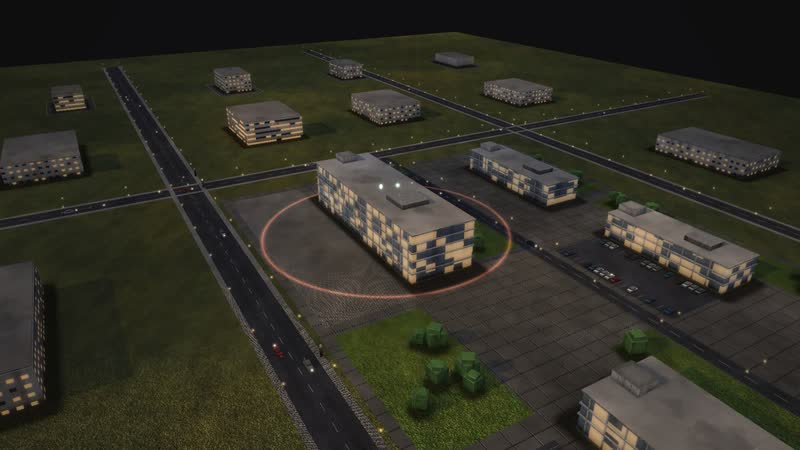
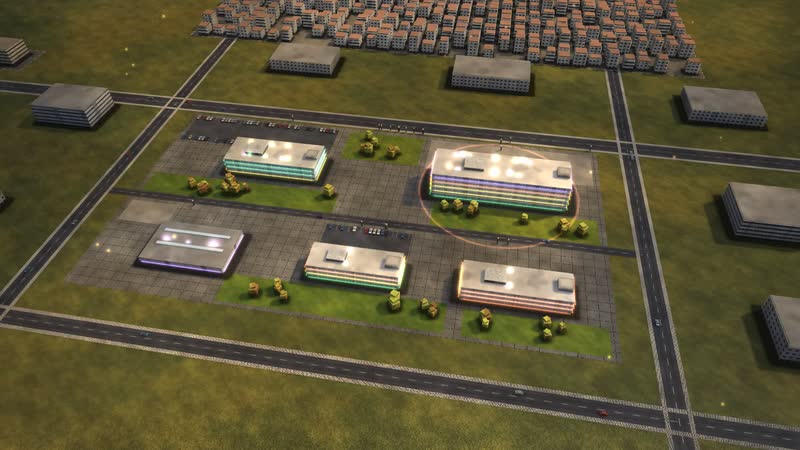
This court process simulation shows the fictional AMTSGERICHT WESTERBRÜCK, a German local court with five buildings and 19 departments. Independent judges decide, deadlines set the pace – and between claim and judgment lie service, defence, hearing and expert opinion.
The main process follows a tenant who wants her 1,800-euro deposit back. Her claim reaches the e-file through her lawyer, after a payment order or via the court's legal application office. The service unit requests the advance on court fees, the judge sets deadlines and the claim is served. Then come conciliation or the wait for a hearing date, the hearing in court, an expert opinion if needed, and the judgment. The six-month target is a model setting; German law sets no maximum duration for civil cases.
A shoplifting case, a land registry entry for a terraced house and a dispute between separated parents about contact run alongside. This page speaks to court presidents and administrators, registry managers and trainers – and to anyone who explains to the public how a court works.
A tenant sues her landlord for the deposit
- 01
Claim is filed: A tenant wants her deposit of 1,800 euros back. She sues – through her lawyer, after a payment order, or in person.
- 02
Dunning court transfers after objection: The landlord objected to the payment order; the central dunning court transfers the case.
- 03
Legal application office records: The legal application office records the claim.
- 04
Mail room: receipt into the e-file: The claim lands in the e-file; paper is scanned.
- 05
Civil service unit: The service unit opens the file and requests the advance on court fees.
- 06
Claimant pays the advance on costs: The claimant pays the advance.
- 07
Judge: order: The judge chooses written preliminary proceedings and sets deadlines.
- 08
Service on the defendant: The claim is served on the landlord.
- 09
Deadlines: defence and statement of defence: Two weeks to give notice of defence, then at least two more for the statement of defence (§ 276 ZPO).
- 10
Again: Judge: order: The landlord did not respond: default judgment without a hearing.
- 11
Settled without judgment.
- 12
Again: Judge: order: The judge sets the hearing – or refers the parties to a conciliation judge.
- 13
Conciliation before the conciliation judge: A conciliation judge, who may not decide, looks for a solution with both sides (§ 278(5) ZPO).
- 14
Agreement before the conciliation judge.
- 15
Docket wait for a hearing date: The file waits in the docket for a free court day; then the service unit summons parties and witnesses.
- 16
Oral hearing in court: In court: conciliation, then the hearing with witnesses.
- 17
Settlement: both give a little.
- 18
Expert prepares an opinion: An expert inspects the flat.
- 19
Summons to the continued hearing: Continued hearing to discuss the expert opinion.
- 20
Again: Oral hearing in court: The parties question the expert.
01
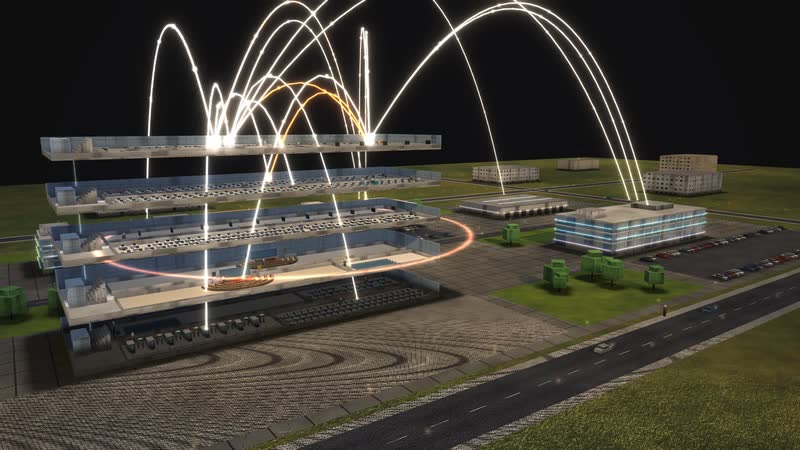
A site at work
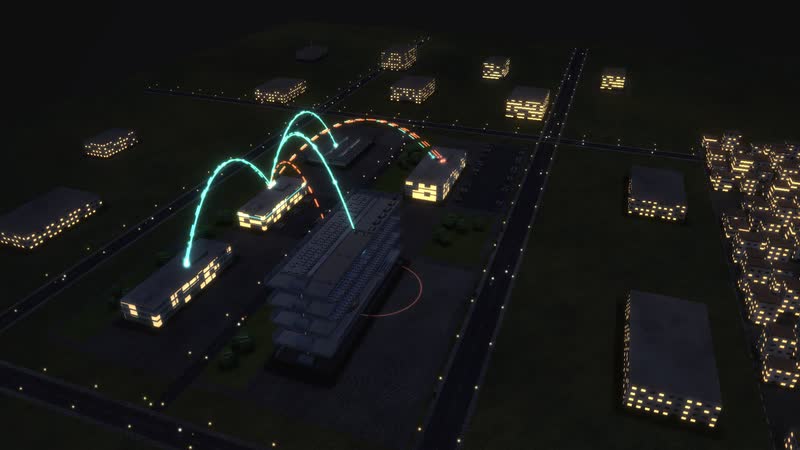
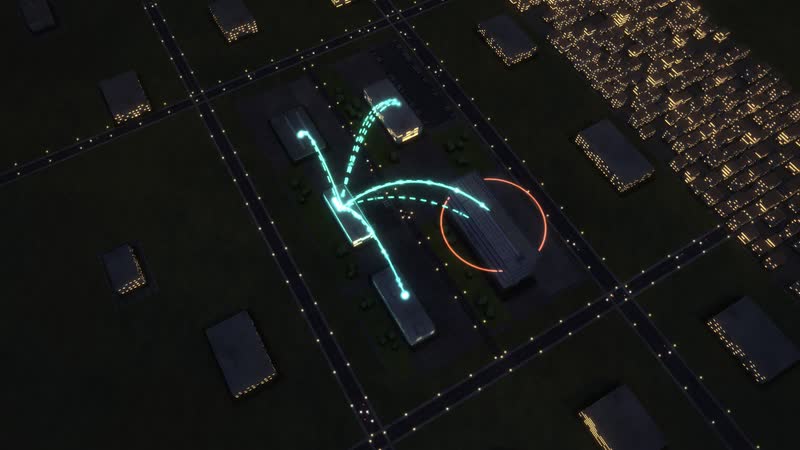
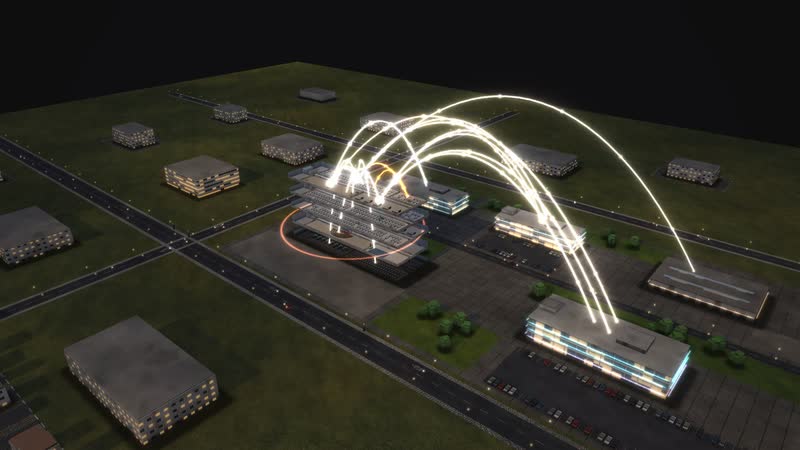
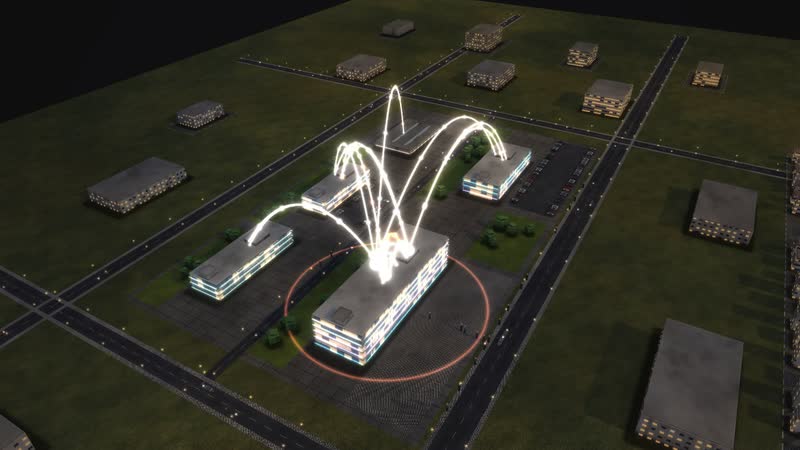
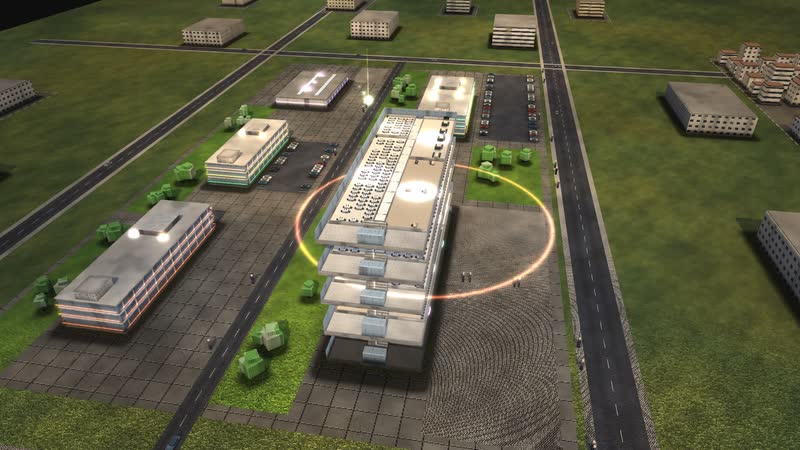
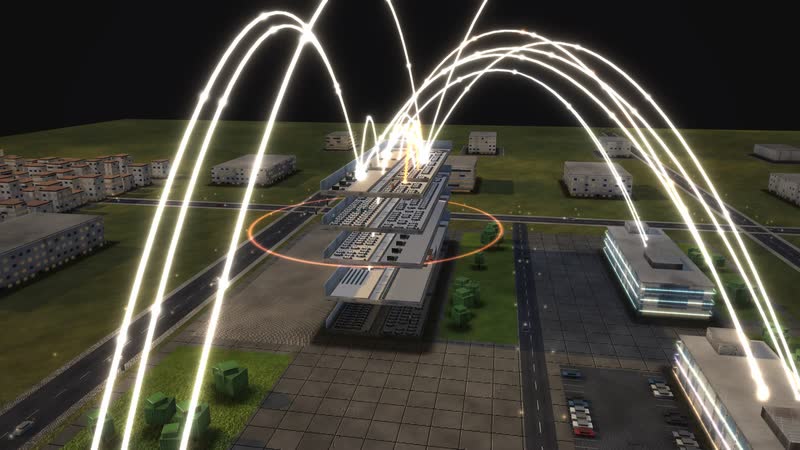
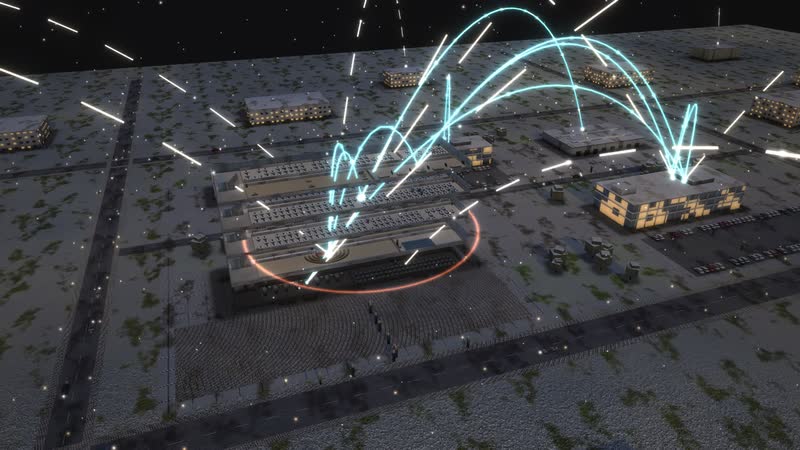
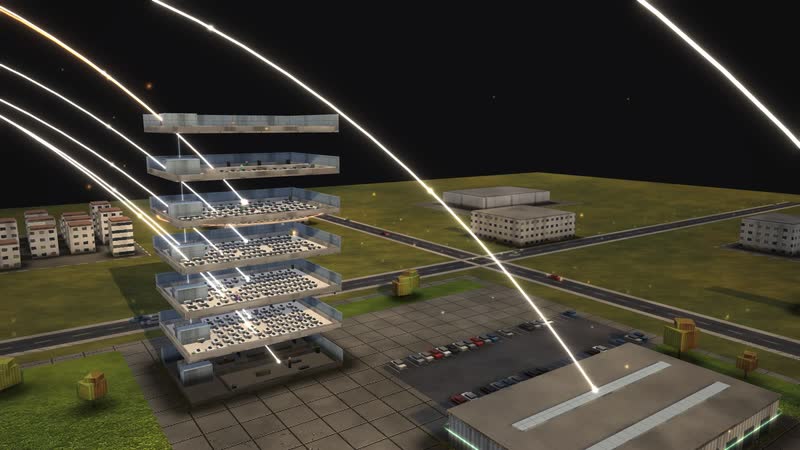
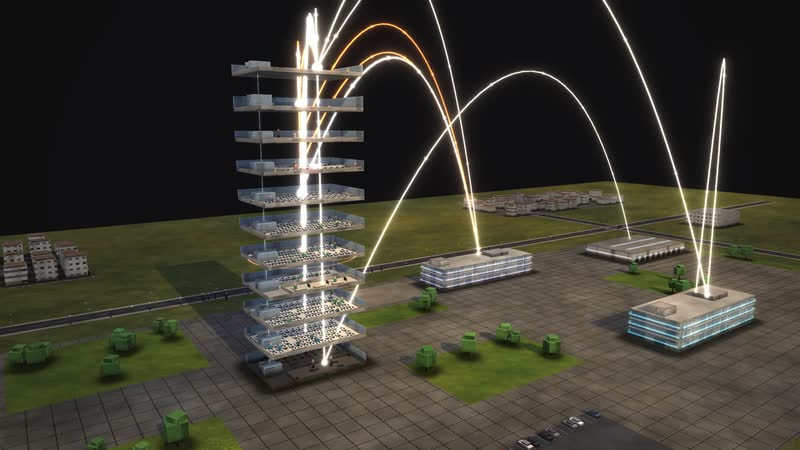
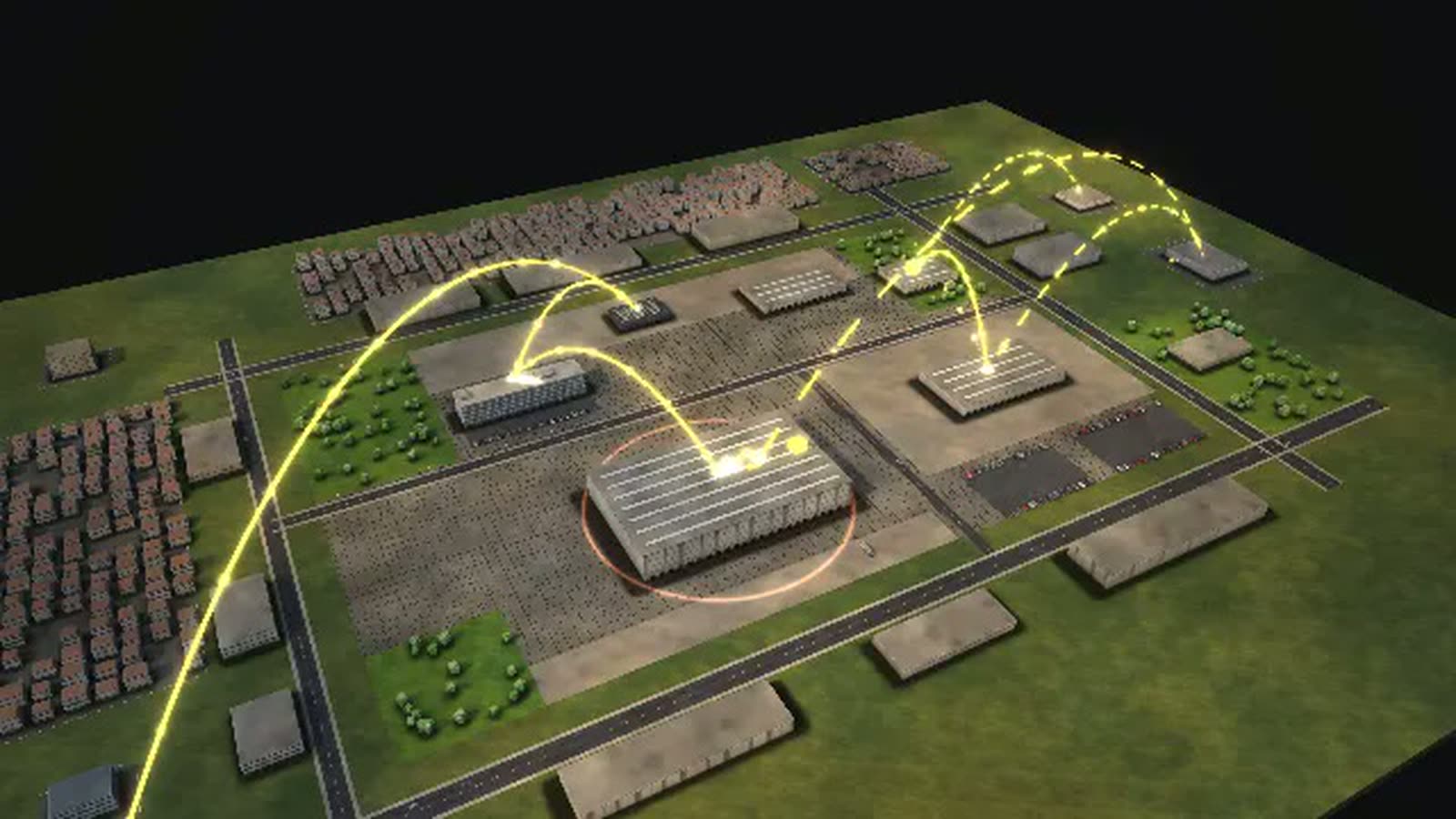
5 buildings, 19 departments, about 240 staff: in the evening light golden arcs show who reports to whom.
02
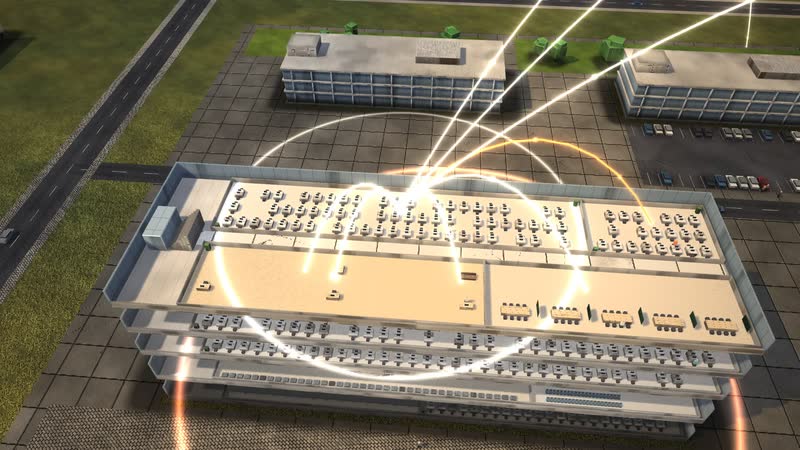
Every floor opened up
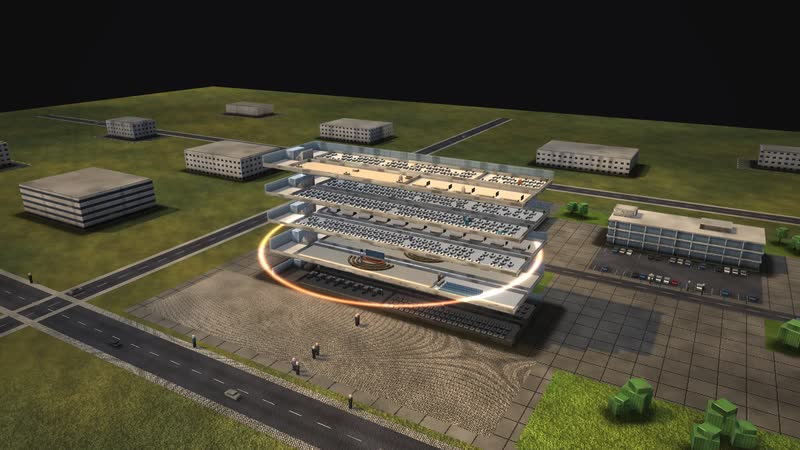
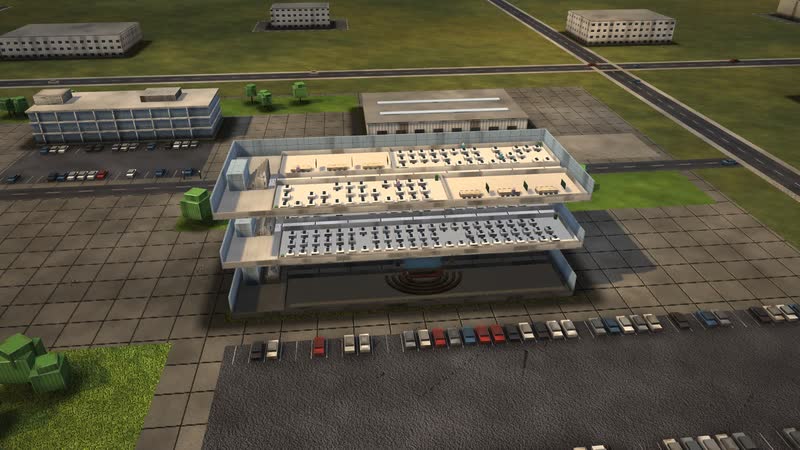
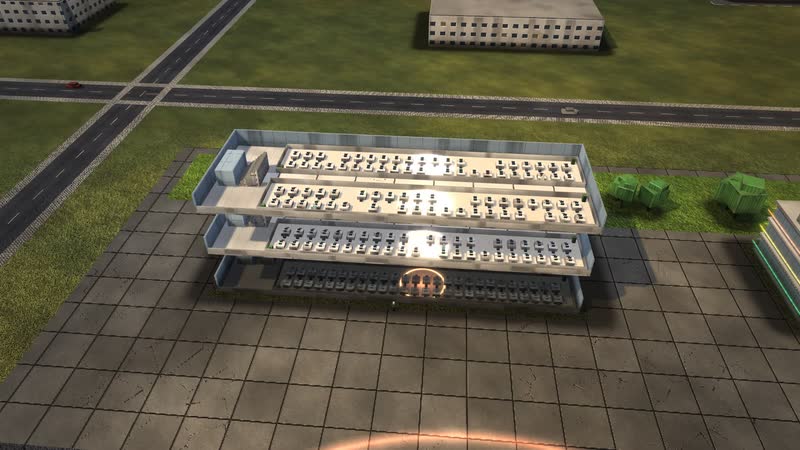
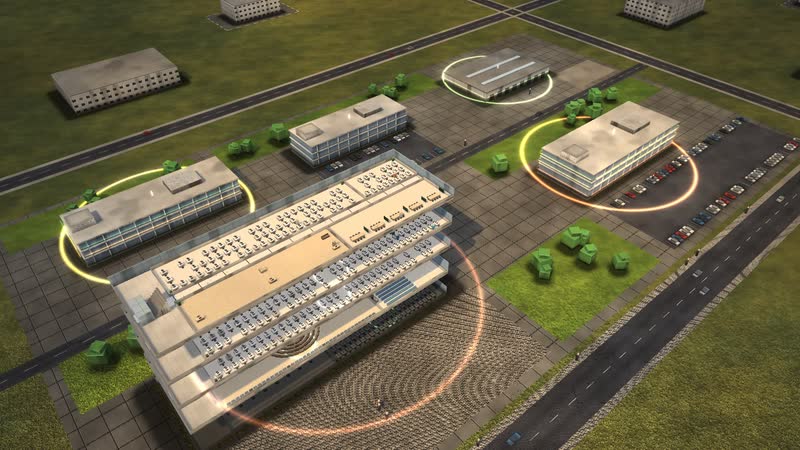
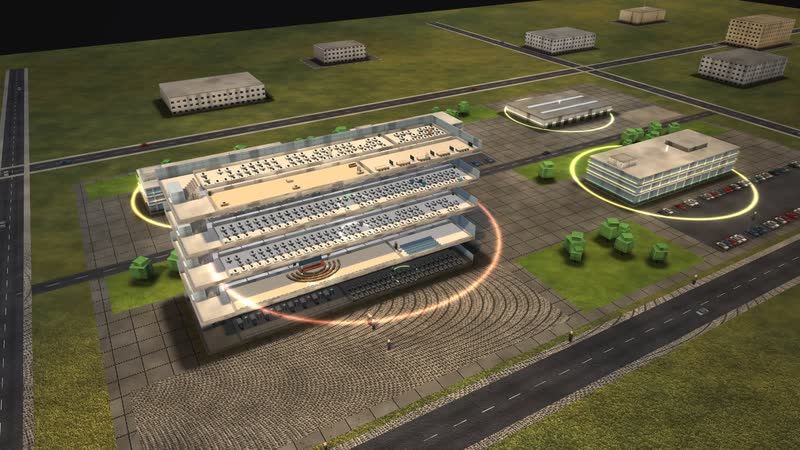
Every building can be opened, floor by floor – right into single rooms such as ‘Court management and administration’, with workplaces and people at work.
What is shown – why – for whom
| Cosa viene mostrato | Perché | Per chi |
|---|---|---|
| ‘Where the time goes’ diagram: deadlines, hearing backlog, expert opinions | PerchéShows where the months go. | Per chiPresidium, court administration |
| ‘How a case flows’ diagram: dunning court, conciliation, judgment, appeal | PerchéShows the paths a claim can take. | Per chiCitizens, lawyers, training |
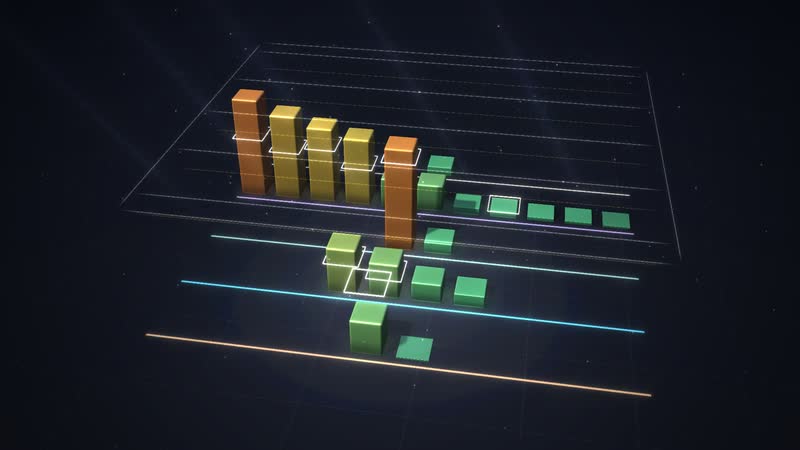
| ‘What each control does’ diagram: judge posts, conciliation judges, electronic service, judicial officers | PerchéRanks levers that leave judicial independence untouched. | Per chiPresidium, ministry of justice |
| ‘Year, week, day’ diagram: court days and deadlines | PerchéExplains the rhythm of the justice system. | Per chiService units |
| ‘Who leads whom’ diagram: court president, dockets, service units | PerchéShows court administration next to adjudication. | Per chiTraining, legal trainees |
| Backlog of the service units (resources view) | PerchéShows files piling up during a wave of illness. | Per chiCourt management |
| Process ‘A family buys a terraced house’ at the land registry | PerchéShows the time until registration. | Per chiNotaries, buyers |
03
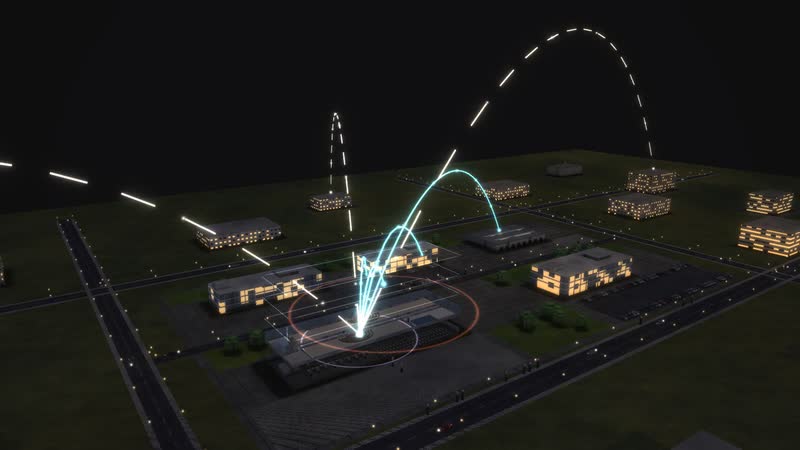
Who works with whom
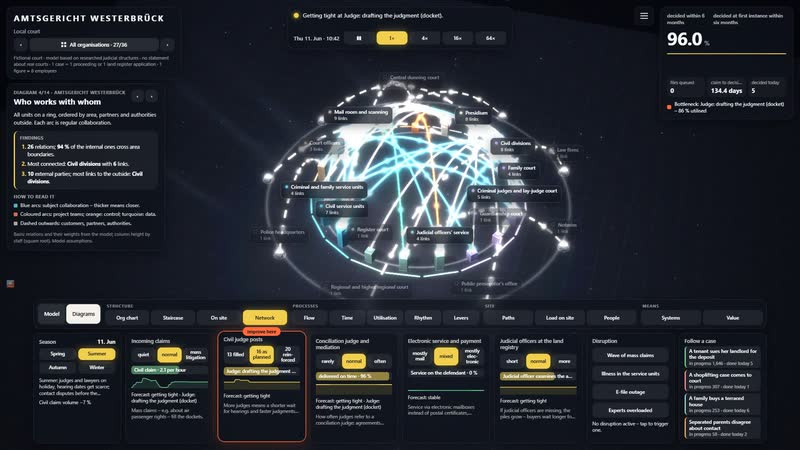
‘Civil divisions’ with all 6 relations: Presidium, Civil service units and Judicial officers' service – and outside Law firms, Expert witnesses and Regional and higher regional court.
04
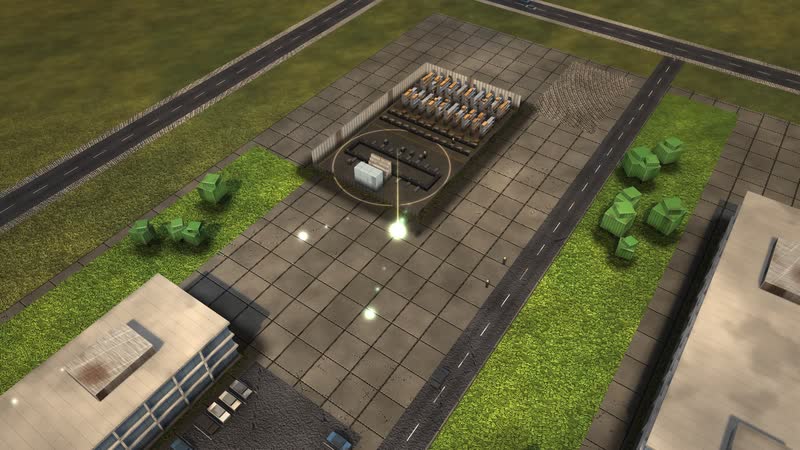
A tenant sues her landlord for the deposit
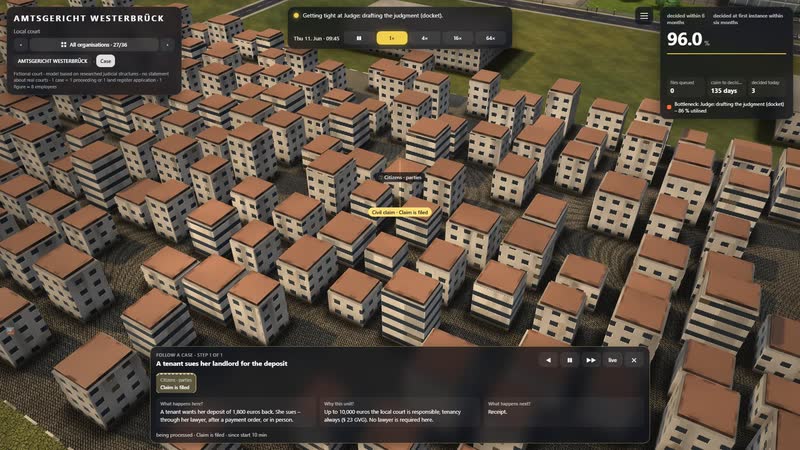
A single case can be followed – step by step, with the waiting time at every station. Target: decided at first instance within six months.
Films from the model
-
The building opens up
Just before sunset the floors drift apart – ‘Court building’ opens up as the camera rises and circles the building until night falls.
-
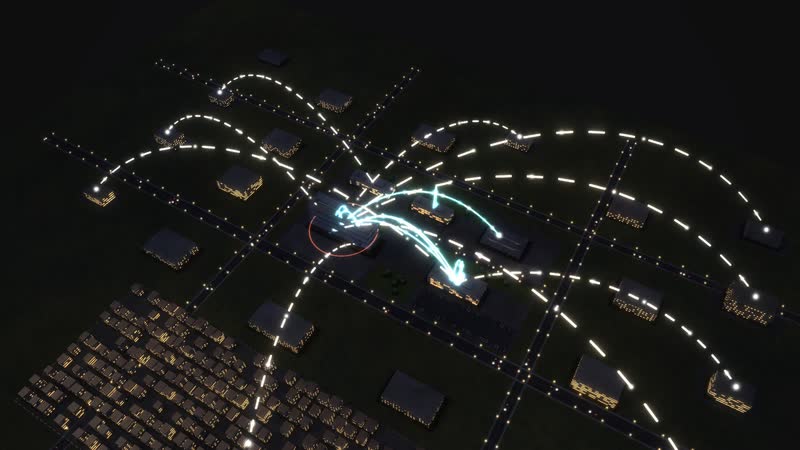
Who reports to whom, who works with whom
Blue hour above the site: first the golden arcs of the structure, then the collaboration of the most connected department, finally the whole building.
-
A day in time-lapse
From ten in the morning to midnight in 26 seconds: the sun moves, the windows light up, at night the data lines glow.
-
Surge and system outage
In time-lapse: ‘Wave of mass claims’ brings more work, then ‘E-file outage’ – the data arcs turn red. The control ‘Civil judge posts’ set to ‘20 reinforced’ brings recovery.
-
Seven diagrams
Calculated live from the model: ‘Who works with whom’, ‘Year, week, day’, ‘Management levels as a staircase’, ‘How a case flows’, ‘What each control does’, ‘What the work depends on’, ‘Where it gets tight’.
-
Using the software
With the full interface: open a building, a department’s relations, ‘Wave of mass claims’, a control, diagrams with their panel, one case.
Departments in the model
-
Director of the local court
Heads the administration and supervises staff – she may not interfere with judicial decisions.
-
Presidium
Elected judges with the president: allocates cases in advance every year (§ 21e GVG). Nobody can choose their judge.
-
Civil divisions
Decide disputes about money, rent and contracts up to 10,000 euros, tenancy always (§ 23 GVG). Judges are independent (Art. 97 GG).
-
Family court
Divorce, maintenance, custody and contact – child cases take priority (§ 155 FamFG).
-
Criminal judges and lay-judge court
Try charges brought by the prosecutor and issue penal orders.
-
Guardianship court
Appoints legal guardians for people who can no longer manage their affairs.
-
Insolvency and enforcement court
Opens insolvency proceedings and decides on enforcement.
-
Land registry
Judicial officers register ownership and land charges – in order of receipt (§ 17 GBO).
-
Register court
Keeps the commercial, cooperative and association registers.
-
Judicial officers' service
Cost assessment, probate, enforcement: independent in substance, bound only by law (§ 9 RPflG).
-
Court management and administration
Staff, budget, fees, buildings and archive.
-
Legal application office
Records claims and applications from citizens without a lawyer (§ 496 ZPO).
-
Civil service units
Open files, summon to hearings, serve documents and issue copies.
-
Criminal and family service units
Summon defendants, witnesses and lay judges, keep records and files.
-
Court officers
Entry screening, courtroom duty, escorting detainees, moving files.
-
Mail room and scanning
Scans paper into the e-file, accepts electronic filings and dispatches.
-
IT unit
Supports e-file, case management and electronic legal communication; the state data centre in the background.
-
Bailiffs
Enforce judgments, seize assets, serve documents – independently in their district, supervised by the court.
-
District audit
Audits costs and court operations and represents the treasury – independent of court management, based at the regional court.
05
E-file outage
The data arcs turn red and work stalls – the simulation shows where cases pile up and how long recovery takes.
06
A day in 26 seconds
From ten in the morning to midnight in time-lapse: commuters, moving light, windows switching on – and at night the data lines.
All processes in the model
A tenant sues her landlord for the deposit
- 01Claim is filed: A tenant wants her deposit of 1,800 euros back. She sues – through her lawyer, after a payment order, or in person.
- 02Dunning court transfers after objection: The landlord objected to the payment order; the central dunning court transfers the case.
- 03Legal application office records: The legal application office records the claim.
- 04Mail room: receipt into the e-file: The claim lands in the e-file; paper is scanned.
- 05Civil service unit: The service unit opens the file and requests the advance on court fees.
- 06Claimant pays the advance on costs: The claimant pays the advance.
- 07Judge: order: The judge chooses written preliminary proceedings and sets deadlines.
- 08Service on the defendant: The claim is served on the landlord.
- 09Deadlines: defence and statement of defence: Two weeks to give notice of defence, then at least two more for the statement of defence (§ 276 ZPO).
- 10Again: Judge: order: The landlord did not respond: default judgment without a hearing.
- 11Settled without judgment.
- 12Again: Judge: order: The judge sets the hearing – or refers the parties to a conciliation judge.
- 13Conciliation before the conciliation judge: A conciliation judge, who may not decide, looks for a solution with both sides (§ 278(5) ZPO).
- 14Agreement before the conciliation judge.
- 15Docket wait for a hearing date: The file waits in the docket for a free court day; then the service unit summons parties and witnesses.
- 16Oral hearing in court: In court: conciliation, then the hearing with witnesses.
- 17Settlement: both give a little.
- 18Expert prepares an opinion: An expert inspects the flat.
- 19Summons to the continued hearing: Continued hearing to discuss the expert opinion.
- 20Again: Oral hearing in court: The parties question the expert.
A shoplifting case comes to court
- 01Prosecutor submits the file: The prosecutor submits the file: as an application for a penal order or as an indictment.
- 02Criminal judge: review and order: The criminal judge reviews the application.
- 03Criminal service unit: The penal order is issued and served.
- 04Two-week objection period: Two weeks to object (§ 410 StPO).
- 05Penal order final.
- 06Again: Criminal service unit: The indictment is served on the accused, with a deadline to respond (§ 201 StPO).
- 07Interim proceedings and opening: The court examines the indictment and opens the main proceedings.
- 08Summoning witnesses and lay judges: Summoning the defendant, witnesses and lay judges.
- 09Escort from custody: Court officers bring the defendant from custody.
- 10Main trial: Public trial: charges, evidence, closing speeches, last word.
- 11Dismissed against a payment (§ 153a StPO).
- 12Writing the judgment: The judgment has been pronounced and is put in writing.
- 13Appeal at the regional court: The appeal goes to the regional court.
- 14Final.
A family buys a terraced house
- 01Notary files the application: After notarisation the notary files the application electronically.
- 02Mail room: receipt into the e-file: Receipt is recorded to the minute.
- 03Judicial officer examines the application: The judicial officer checks deeds, prior entries and approvals.
- 04Notary removes the obstacle: The notary submits the approval.
- 05Entry in the land register: The family is entered as owner.
- 06Fee assessment: The fees office assesses the fees; notary and owner are notified.
- 07Registered.
Separated parents disagree about contact
- 01Parent files an application: A father wants to see his daughter regularly; the mother refuses.
- 02Legal application office records: The legal application office records the application.
- 03Family service unit: The service unit opens the file and informs the youth office.
- 04Family judge: order: The family judge sets an early hearing at once.
- 05Youth office, summons and hearing the child run at the same time.
- 06Youth office talks to the parents: The youth office talks to both parents.
- 07Summons to the early hearing: Summoning the parents to the hearing.
- 08Hearing the child: The judge talks to the child in the hearing room.
- 09Everything prepared.
- 10Discussion hearing: In the closed hearing the judge works towards an agreement (§ 156 FamFG).
- 11The parents agree; the court approves the settlement.
- 12Family psychology report: An expert prepares a family psychology report.
- 13Writing the decision: The judge regulates contact by decision.
- 14Appeal at the higher regional court: The higher regional court reviews the decision.
- 15Contact regulated.
How a local court can use the model
-
Internal communication
Judges, judicial officers, service units, court officers and bailiffs visible together: the model places court administration next to adjudication and shows who works with whom.
Per chiCourt management, administration, service units
-
Onboarding
New staff in the service units see where a file comes from and where it goes: from the mail room through fee advance and service to the summons of parties and witnesses.
Per chiNew staff in service units and mail room
-
Training
Legal trainees, trainee judicial officers and apprentices follow a claim through every branch: default judgment, conciliation judge, settlement, expert opinion, appeal.
Per chiTraining managers, legal trainees, court clerk apprentices
-
Explaining to citizens
How long does a case take, and why? The ‘Where the time goes’ diagram reveals how much of it is deadlines, waiting for a hearing date and expert opinions – and how little is the hearing itself.
Per chiLegal application office, public relations, citizens
-
Strategic overview
More judges, conciliation judges, electronic service, judicial officers: the model sets out levers that leave judicial independence untouched. A wave of mass claims shows when dockets overflow.
Per chiPresidium, court administration, ministry of justice

07
Diagrams from the model
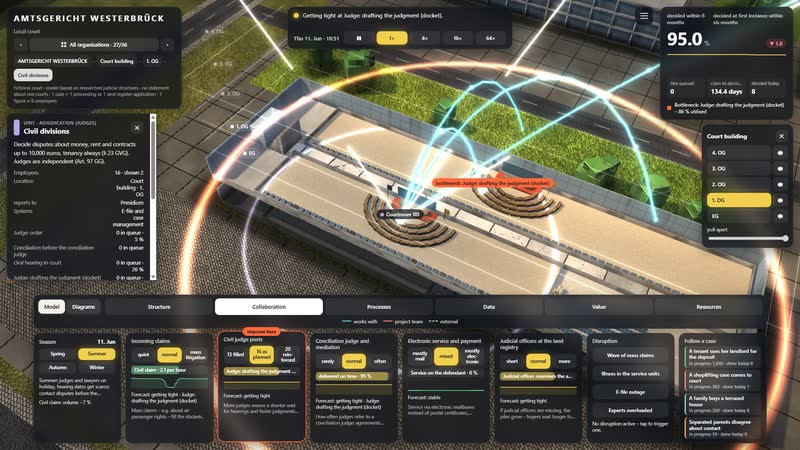
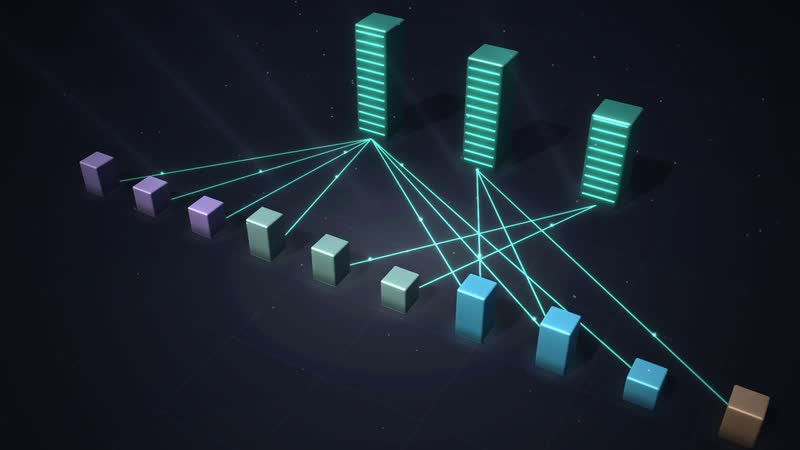
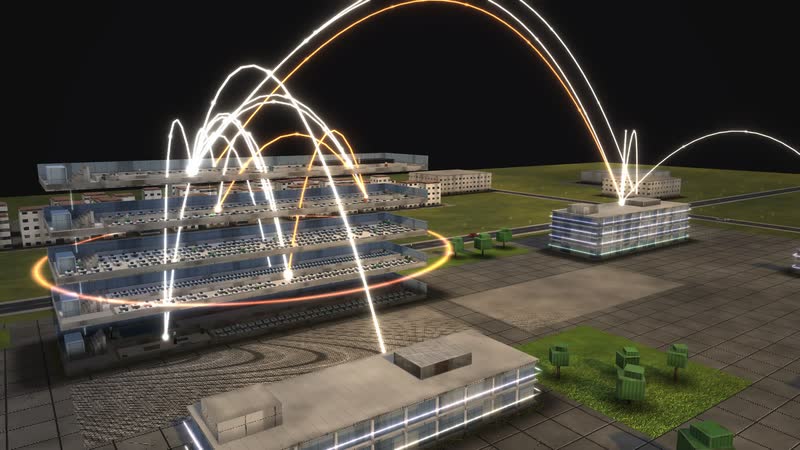
‘Who works with whom’ as a dome of arcs – one of 14 diagrams calculated live from the same data.
08
The whole software
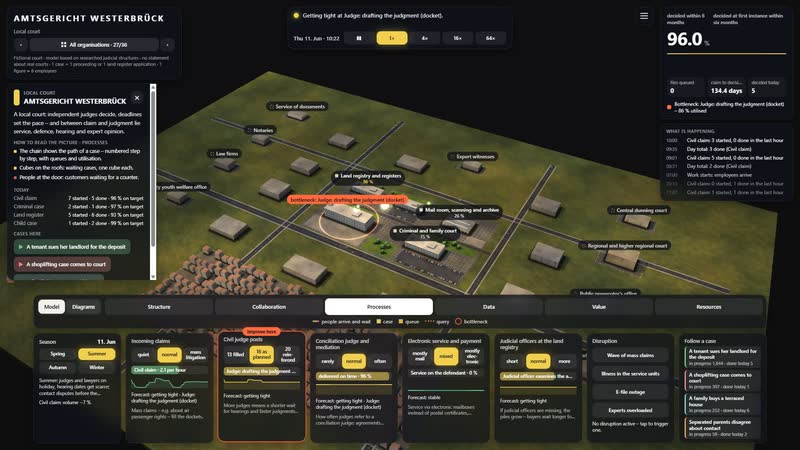
Situation, key figure, time-lapse, six views, controls and disruptions: one click on a department shows its task, location and all relations.
What you can change
Controls
- Incoming claims: Mass claims – e.g. about air passenger rights – fill the dockets.
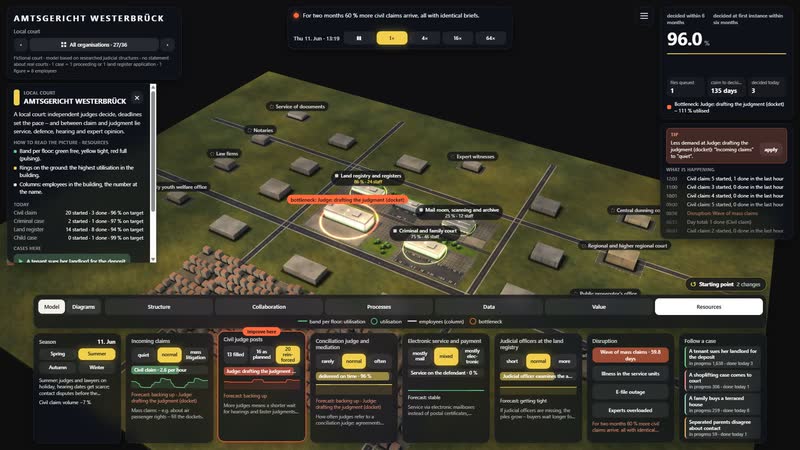
- Civil judge posts: More judges means a shorter wait for hearings and faster judgments (model assumption: wait in proportion to staffing).
- Conciliation judge and mediation: How often judges refer to a conciliation judge: agreements there save the docket wait, expert opinions and judgments (§ 278(5) ZPO).
- Electronic service and payment: Service via electronic mailboxes instead of postal certificates, advance paid online: days instead of weeks (model assumption).
- Judicial officers at the land registry: If judicial officers are missing, the piles grow – buyers wait longer for their entry.
Disruptions
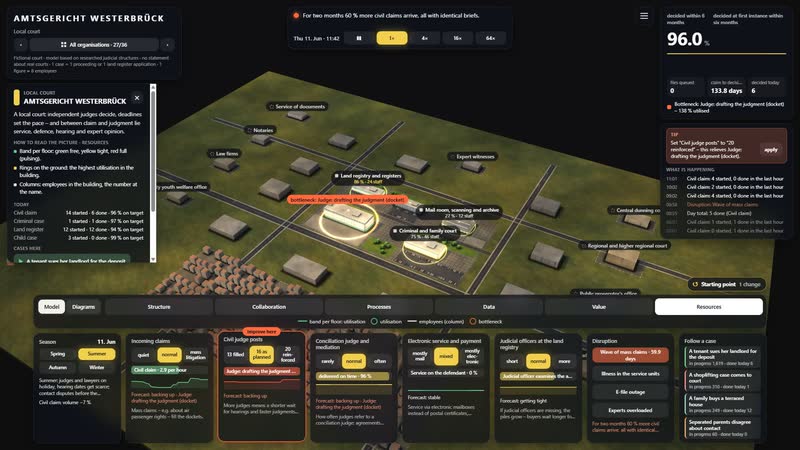
- Wave of mass claims: For two months 60 % more civil claims arrive, all with identical briefs.
- Illness in the service units: For three weeks a third of the service units are absent: files pile up.
- E-file outage: For four hours no files can be opened.
- Experts overloaded: For half a year expert opinions take one and a half times as long.
What the model offers a court
-
01
A court you can walk through
Court building, criminal and family court, land registry, mail room: five buildings that open floor by floor. Every file is a point of light moving from unit to unit.
-
02
Deadlines and waiting made visible
The event simulation runs civil, criminal, land registry and family cases at the same time. Stacks on the roofs show where files wait for a court day.
-
03
Levers that leave judging alone
Five controls and four disruptions, from electronic service to overloaded expert witnesses. Where files back up, a hint names the matching control.
-
04
Diagrams that keep calculating
14 diagrams in four groups are generated live from the running model, including the path of a claim with every branch.
-
05
For training and the presidium
On an office screen or projected large in a training room: the model runs in the browser. A guided tour in eight steps explains where everything is.
-
06
Part of a larger model
Police, tax office, job centre, district and health insurer sit next door – 36 organisations in eight groups. Designed by an artist and developer, not built from a template.
-
AMTSGERICHT WESTERBRÜCK in the morning – low sun, long shadows, the first commuters on their way in. -
Court building in evening light – golden arcs show who reports to whom. -
Just before eight – people stream from the car park and the street into the buildings. -
Blue hour – the windows of AMTSGERICHT WESTERBRÜCK light up. -
At night from above – Court building opened up, data lines glowing across the site. -
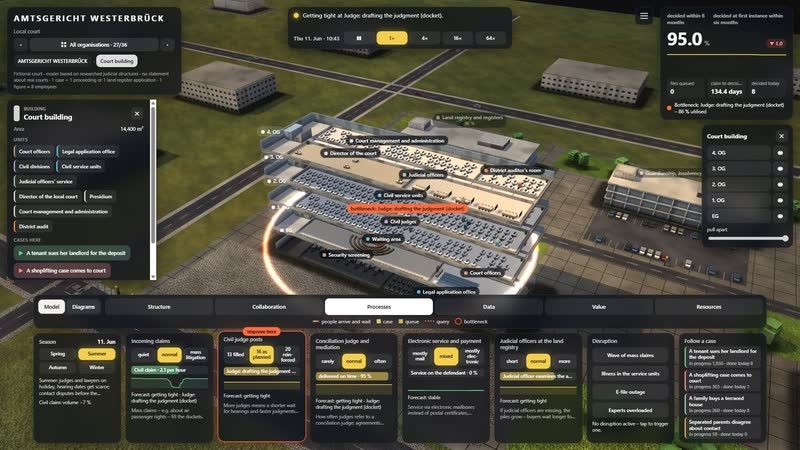
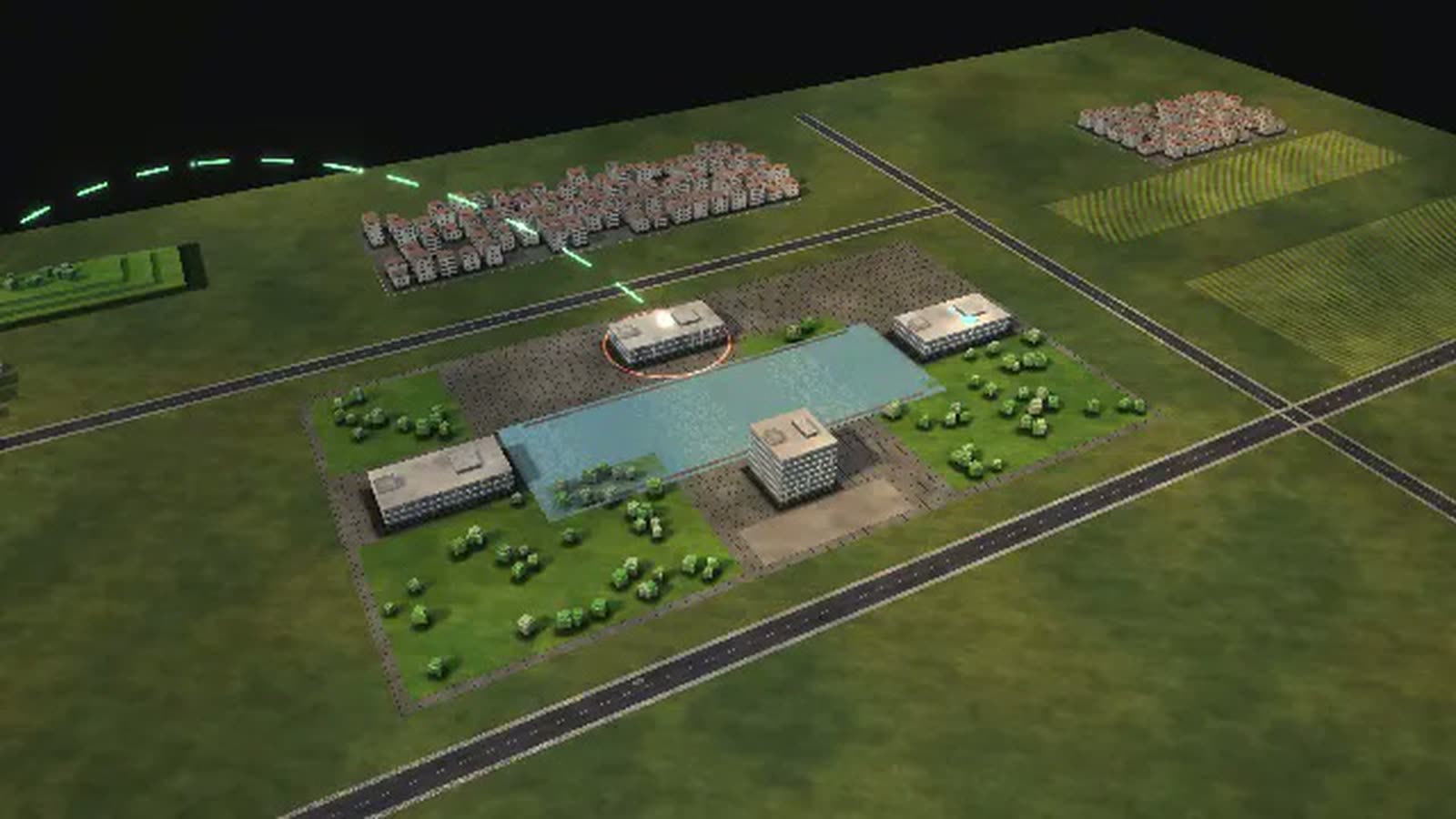
Court building opened up – every floor with workplaces and people. -
Dusk, performance view – rings of light show how busy each department is. -
Looking into the floor of Civil divisions – rows of desks, the floors above as outlines of light. -
A room of its own – Court management and administration. -
Criminal and family court opened up – every floor with workplaces and people. -
Land registry and registers – all floors at once, performance view. -
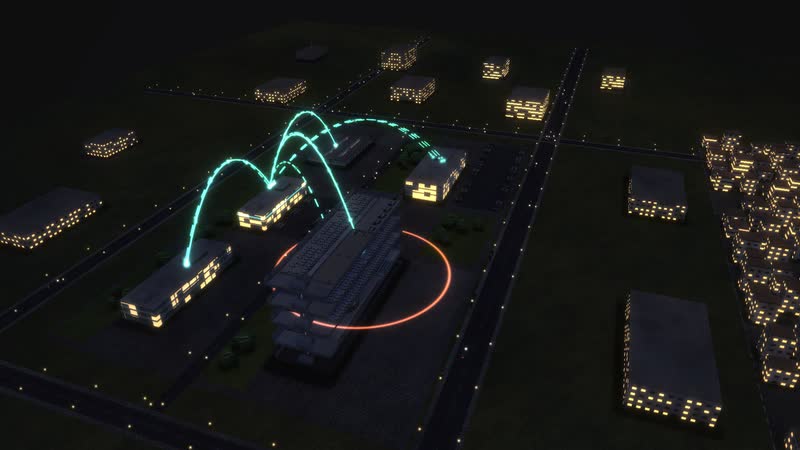
Structure at dusk – golden arcs from every floor to the buildings reporting to it. -
Collaboration – Civil divisions with all 6 relations – to departments, buildings and partners. -
Data flows at night – systems and users linked by glowing lines. -
Data flows at dusk – which department uses which system. -
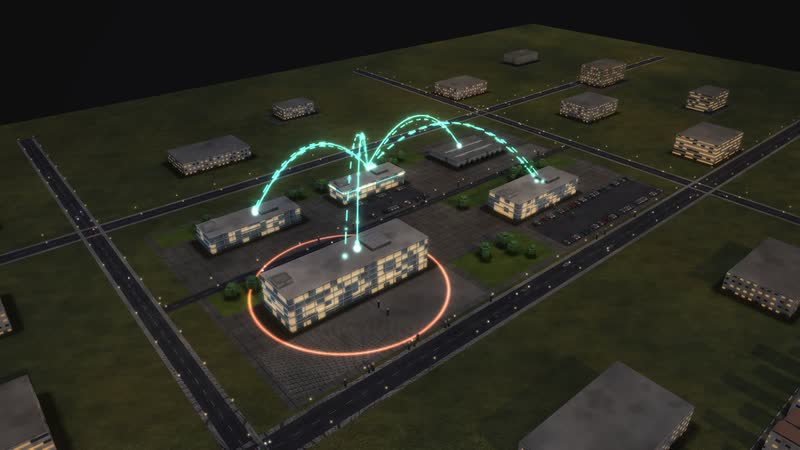
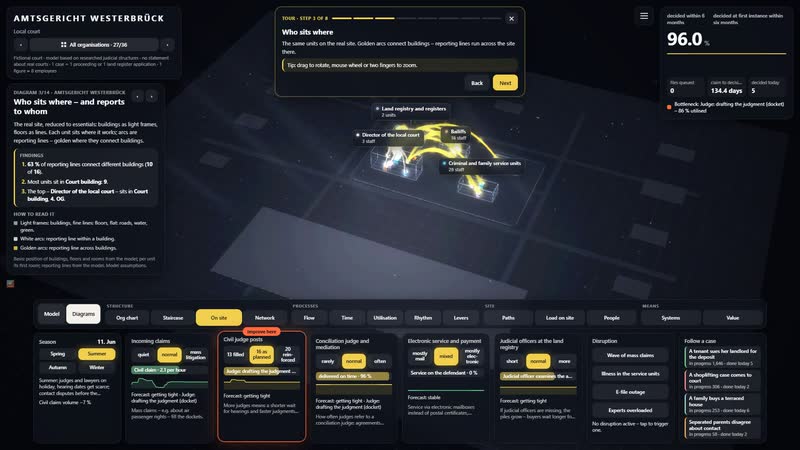
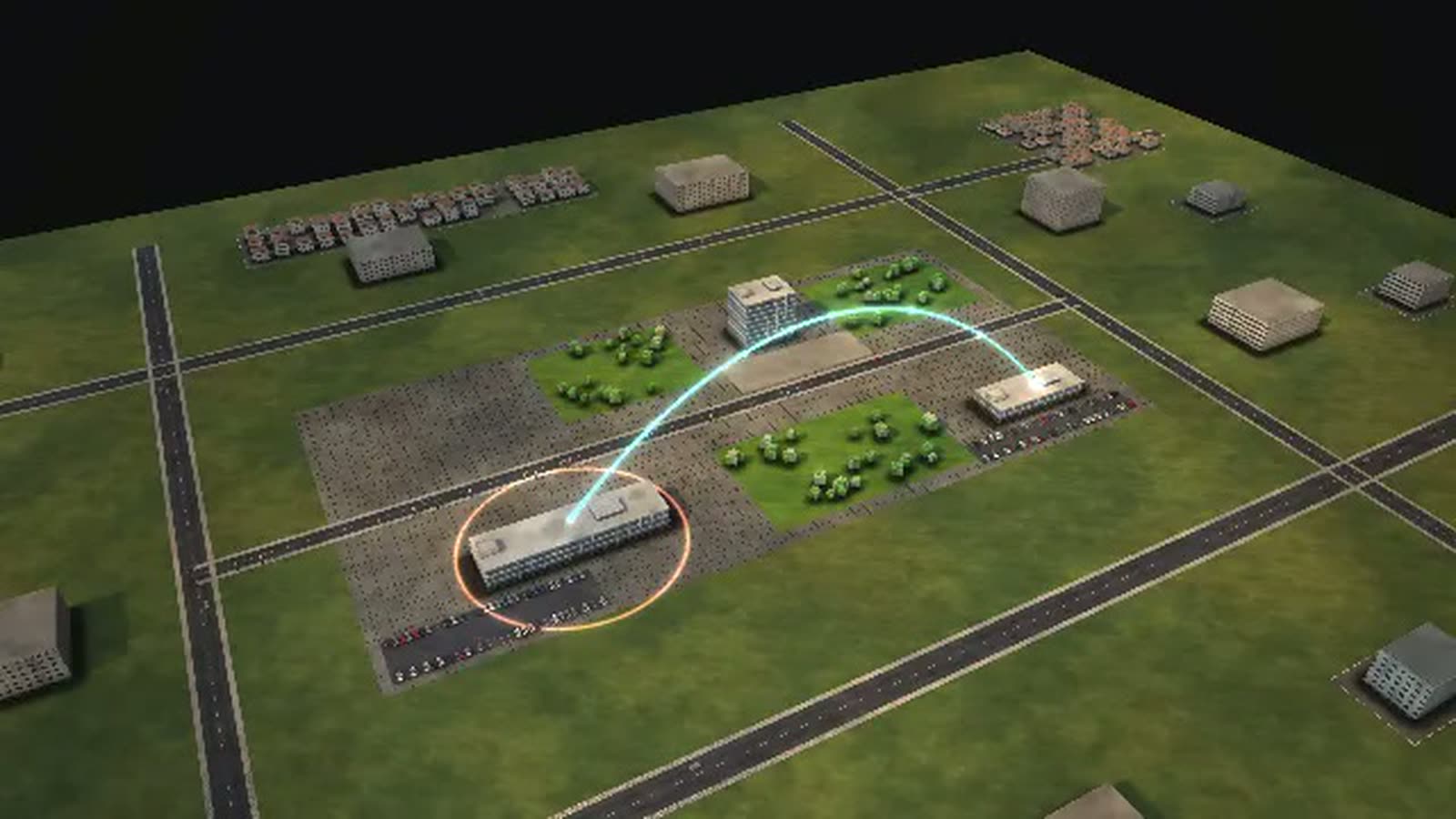
Structure across the whole site – reporting lines between the buildings. -
The whole network at night – collaboration inside and far beyond. -
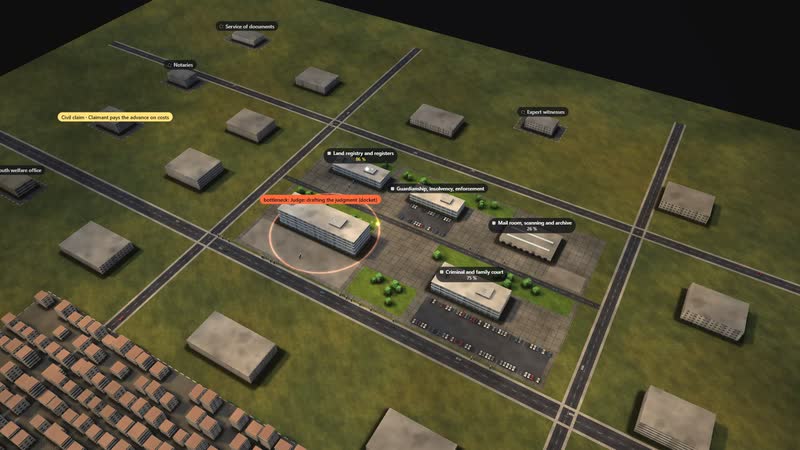
Every step labelled – name, how many are waiting, utilisation. -
Following one case – ‘A tenant sues her landlord for the deposit’ – step by step through the building. -
Wave of mass claims – resources view, the backlog grows floor by floor. -
E-file outage – the data arcs turn red, work stalls. -
The lever – Civil judge posts set to ‘20 reinforced’ – a flash shows where it acts. -
Spring at AMTSGERICHT WESTERBRÜCK – Court building opened up, rings show the workload. -
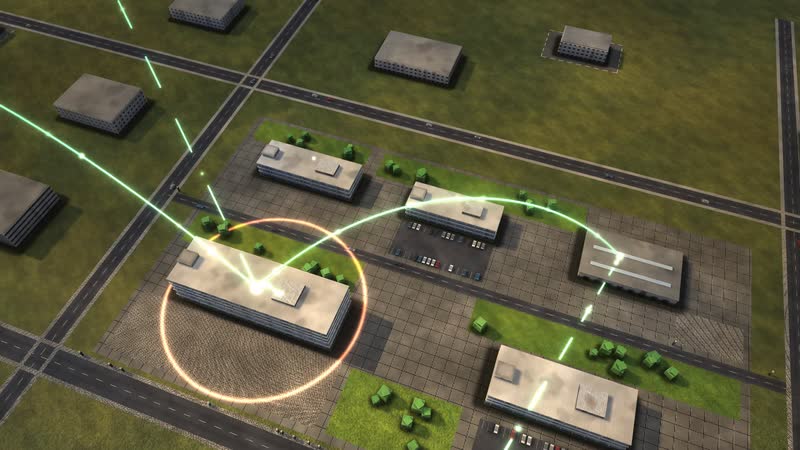
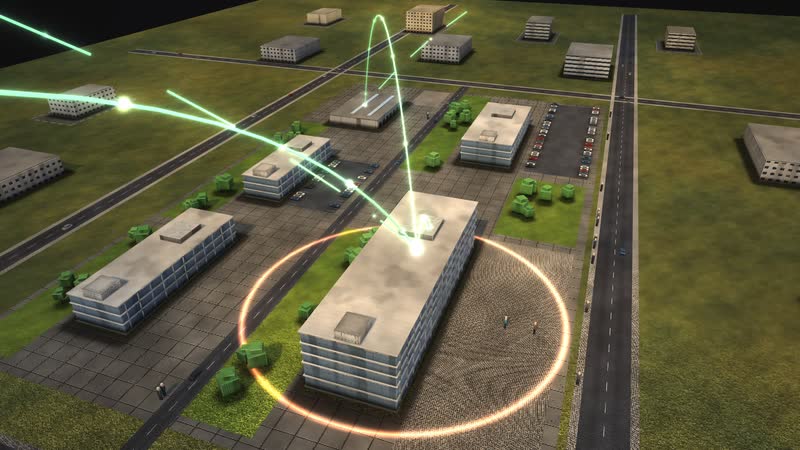
Summer evening – warm light, long shadows, golden arcs above the square. -
Autumn – leaves on the paths, performance view. -
Winter evening – snow on the site, Court building open and lit, collaboration glowing. -
Diagram ‘Who works with whom’, calculated live from the model. -
Diagram ‘Year, week, day’, calculated live from the model. -
Diagram ‘Management levels as a staircase’, calculated live from the model. -
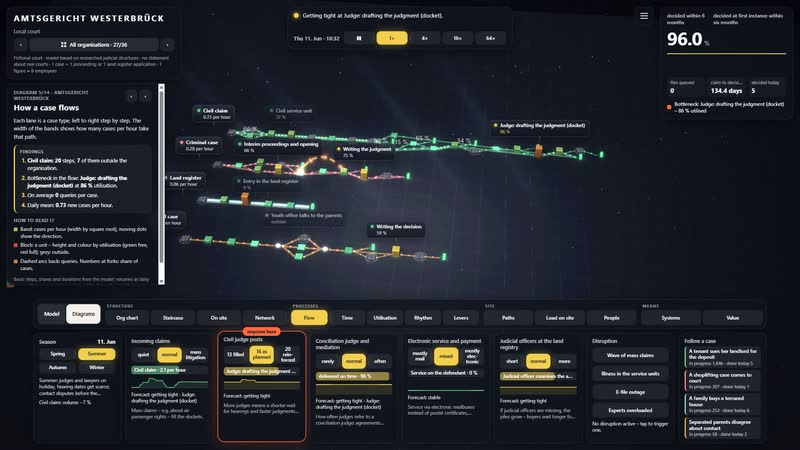
Diagram ‘How a case flows’, calculated live from the model. -
Diagram ‘What each control does’, calculated live from the model. -
Diagram ‘What the work depends on’, calculated live from the model. -
Diagram ‘Where it gets tight’, calculated live from the model. -
Diagram ‘Who leads whom’, calculated live from the model. -
The whole software – situation, key figure, time, views and the controls below. -
Court building selected – floor list on the right, the floors drift apart. -
Civil divisions – card with task, location and all relations. -
Wave of mass claims triggered – timeline, key figure and bottleneck react. -
Countering – Civil judge posts increased – the tile shows the effect since the change. -
Diagram ‘How a case flows’ with its panel – findings in sentences. -
Diagram ‘Who works with whom’ with its panel. -
Follow a case – step, waiting time and target on the card. -
The tour leads through the software in eight steps. -
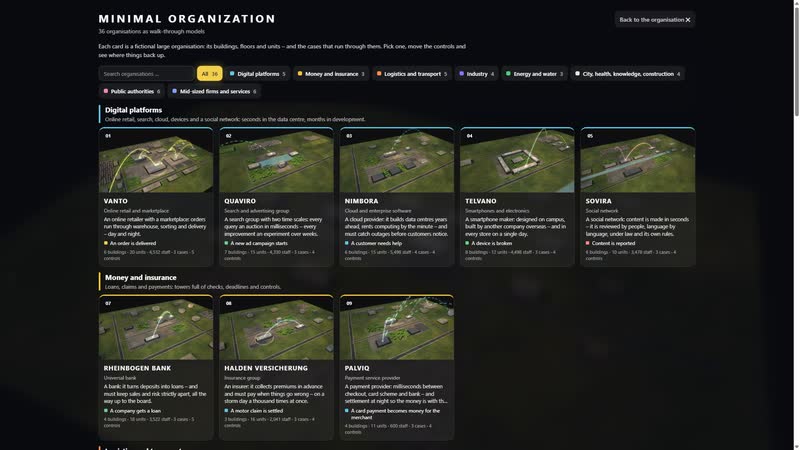
36 organisations to choose from, each with its own picture.







Your court as a model
Would you like to see your court with its own dockets, caseloads and processing times? Contact us in writing or by phone, and we will clarify which data the model needs. The simulation is password-protected; the password is available on request.
cube4tec.de/spiele/minimal-organization/
Chiedere informazioni
Minimal Organization: Amtsgericht
Basis and limits
Fictional court · model based on researched judicial structures · no statement about real courts
1 case = 1 proceeding or 1 land register application · 1 figure ≈ 8 employees
All volumes, durations, rates and capacities are model assumptions, not values of a real court.
The six-month target is a model target; there is no statutory maximum duration for civil cases. Contested judgments at local courts take considerably longer on average.
A judge's docket is modelled as the number of files handled at the same time; stations work around the clock in the model.
Documented: deadlines under ZPO, StPO, GBO and FamFG, allocation by the presidium, jurisdiction up to 10,000 euros, e-file from 2026.
Public sources the model is based on:
- Gerichtsverfassungsgesetz (§§ 21e, 23, 23a, 71)
- Zivilprozessordnung (§§ 217, 272, 276, 278, 310, 331, 411, 496, 517, 696)
- Strafprozessordnung (§§ 201, 203, 314, 407–410, 153a)
- Grundbuchordnung (§§ 13, 17, 18, 29, 45)
- FamFG (§§ 155, 156, 158, 159, 162)
- Rechtspflegergesetz (§§ 3, 9)
- Gerichtskostengesetz § 12
- Destatis: Justiz und Rechtspflege (Zivilgerichte, Fachserie 10 Reihe 2.1)
Similar business models
-
Police authority
A city police authority as a walkable model: what happens after an emergency call, how many patrols it takes and what shortens the time to arrival.
-
Tax office
A tax office as a walkable model: how an income tax return travels from receipt to notice, where it waits and what speeds up processing.
-
Health insurer
A statutory health insurer as a walkable model: how a wheelchair application moves from quote to decision, when the medical service steps in and where deadlines get tight.
-
Job centre
A job centre as a walkable model: how a benefit claim moves from reception to payment, where missing documents hold it up and how job placement runs alongside.
-
Insurance company
An insurer as a walkable model: a motor claim runs straight through or via claims handler, loss adjuster and workshop to payment and recovery.
-
District administration
A rural district administration as a walkable model: why the morning queue at vehicle registration grows, what shortens it and where the district office runs short of staff.
-
Online retail
An order from click to doorstep as a walkable model: payment check, warehouse, packing, trucks, sortation and delivery in a running simulation.
-
Search engine
A search and advertising group as a walkable model: auctions in milliseconds, experiments over weeks, and a new ad campaign that waits for people.


All data are fictional, including the case durations. The model can be adapted to your court's real figures and then shows what no overview shows today – for example caseloads per docket and type of proceeding, or land registry processing times.